20
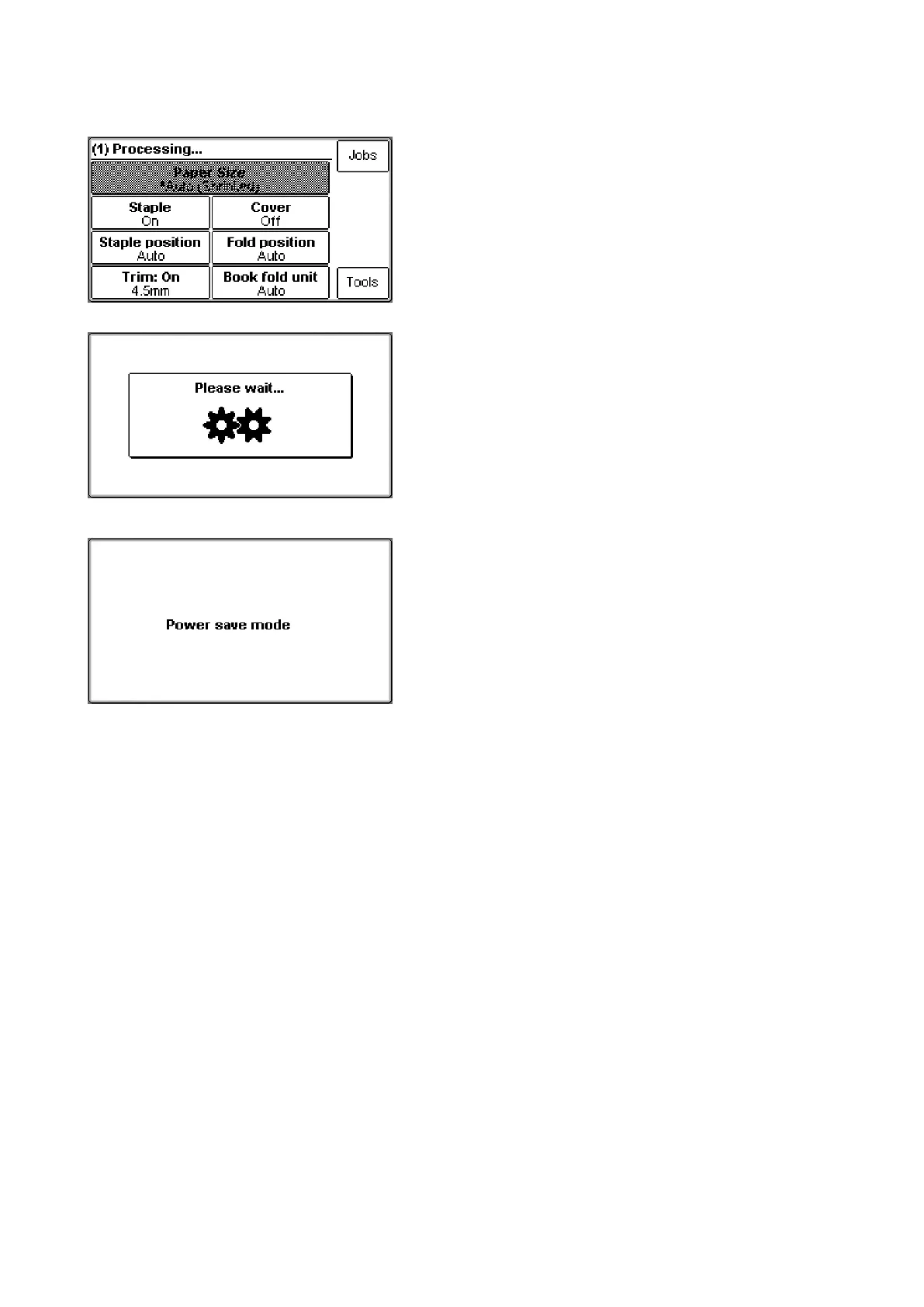
The Processing screen
This screen is shown when the machine is busy
working. If the machine is used in off-line mode you
do not have to wait for the Ready screen before
handfeeding the next set.
The Please wait screen
While the machine sometimes needs time to perform
changes in settings, the Please wait screen will be
shown. The machine will automatically return to the
Ready screen after changes have been implemented.
The Power save mode screen
The machine will go into a power saving mode if it
is left unused for more than app. 10 minutes. Touch
the control panel, send a job from the printer or open
a cover to reinstate the Ready mode.



 To Next Page