37
4. Jobs
Handling jobs
The Booklet Maker has a maximum storage capacity of 20 different jobs. To make temporary changes
in the actual job settings or temporary changes of a stored job, see section 2. Making Booklets.
From the Ready screen, press the [Jobs] button to be able to store, change or delete jobs.
Saving a Job
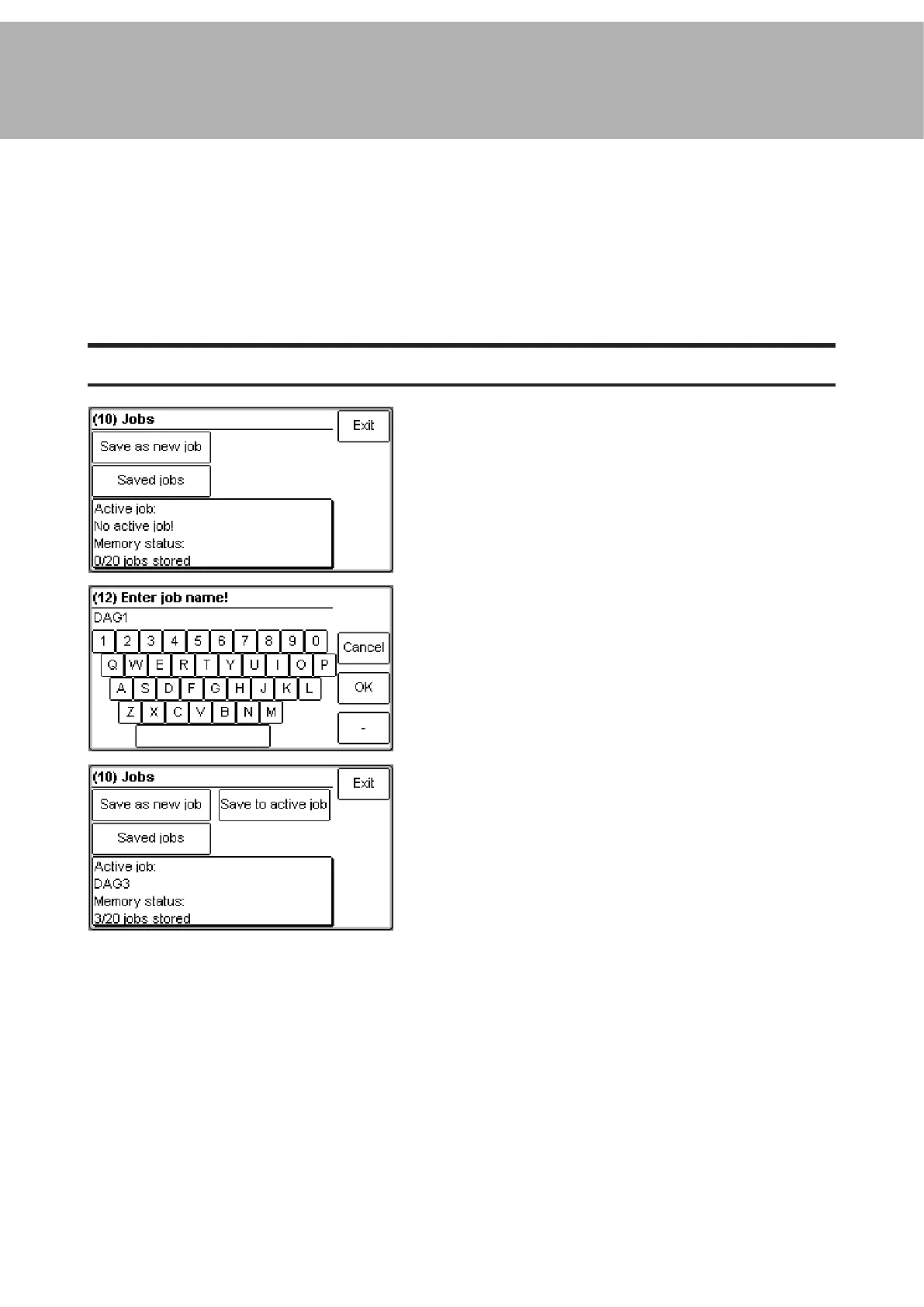
To store a new job, press the [Save as new job]
button.
Enter a job name and save by pressing the [OK]
button.
If you already have a job active, you can choose
either to save your new settings as a new job or
to save to the active job. Press the corresponding
button to continue.
Continued on next page.



 To Next Page