27
2. Making Booklets
Paper Size
Selecting standard paper sizes
Changing settings
Changing of settings can be performed in two ways. Temporary, which means that the changes
will remain until a new job is loaded or permanent, which means that the changes will be
stored as a job. This job can later be recalled.
Procedure for temporary changes:
From the Ready screen, select the option you wish to change and press the [Change] button.
Conrm changes by pressing the [OK] button.
Procedure for permanent changes:
From the Ready screen, press the [Jobs] button to reach the Jobs screen. Select the Job you
want to change by pressing the [Next] button and then press the [Change] button.
Note
Choose either of the above mentioned procedures when changing size, stapling, trimming,
covers or book folding as follows.
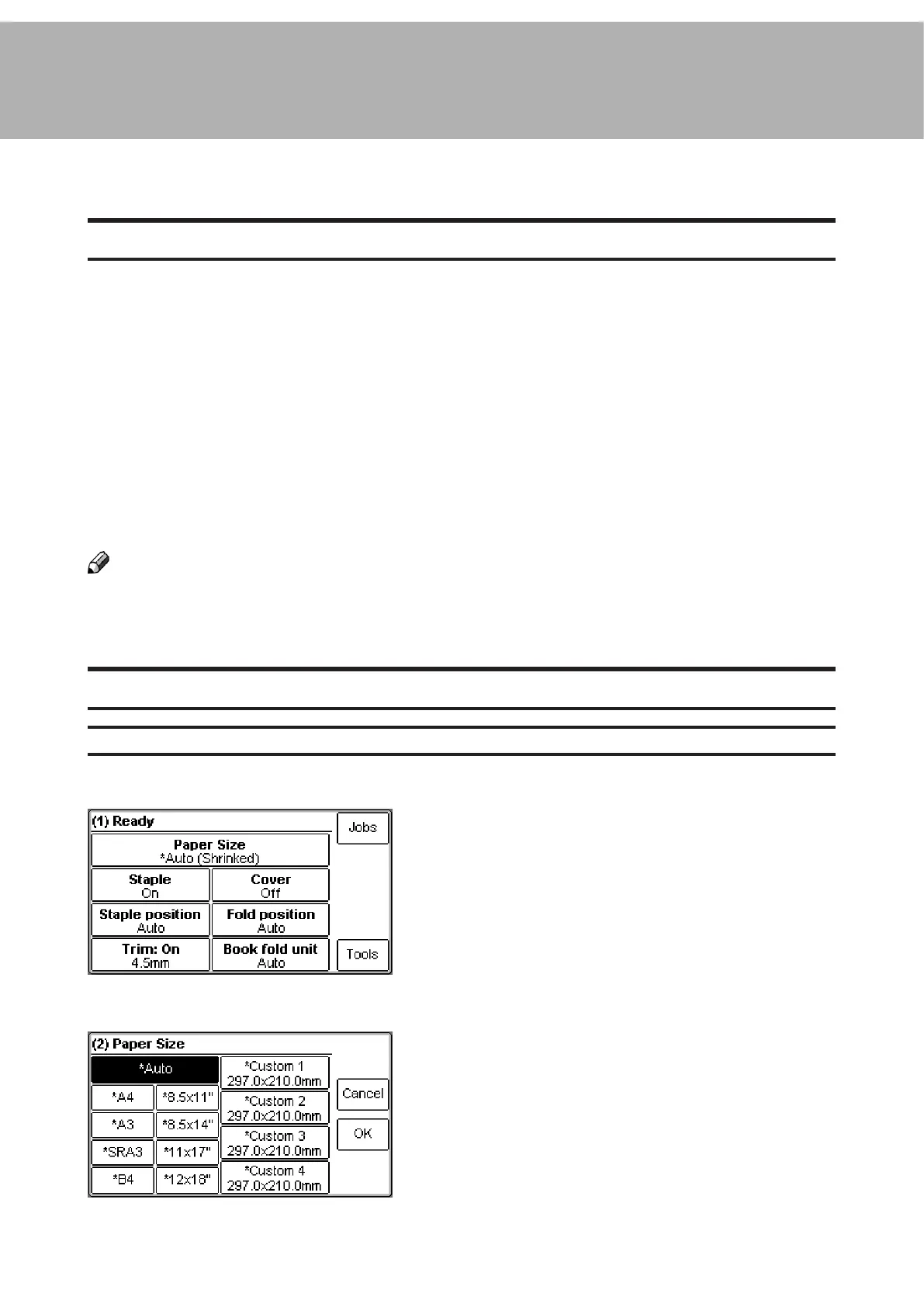
From the Ready screen, press the [Paper Size]
button.
General procedure
Select Auto or any standard paper size by pressing
the corresponding button. Selecting Auto means that
the booklet maker will automatically adjust to the
same paper size (A4, A3, 8.5”x11”, 8.5”x14”, 11”x17”
or B4) as the copier.
For other paper sizes, follow “Custom paper size” as
described on the next page.



 To Next Page