2
28
Custom paper size
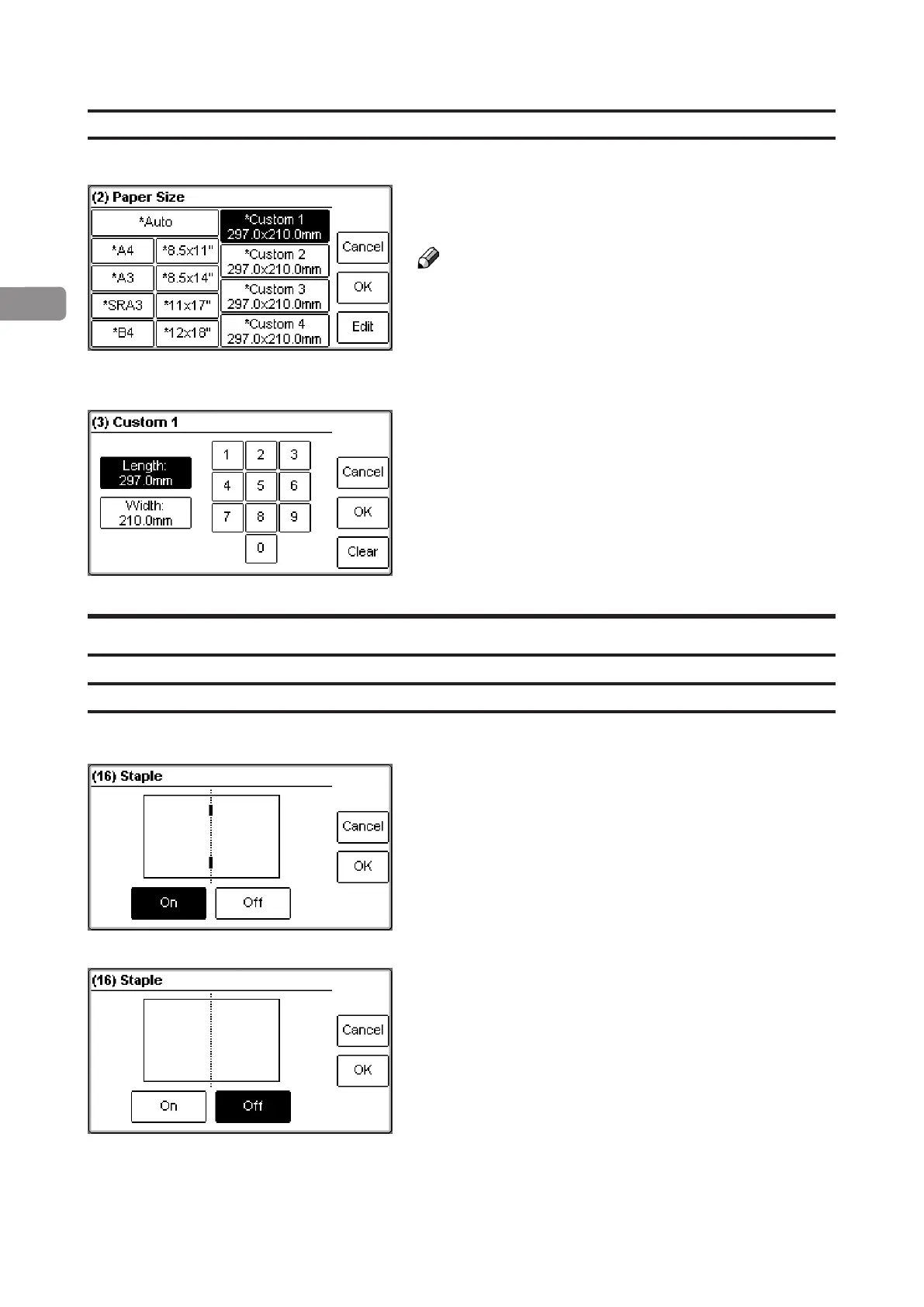
From the Paper size screen, select any of the present
custom size formats and press the [Edit] button.
Note
The asterisk (star) indicates that the Auto shrink
function is activated. See page 35.
Select Length or Width and key in the desired value.
Save the custom size format by pressing the [OK]
button.
Four different custom paper sizes can be stored.
Staple
Selecting stapling On or Off
From the Ready screen, press the [Staple] button.
Select On or Off by pressing the corresponding
button and save setting by pressing the [OK] button.



 To Next Page