2
29
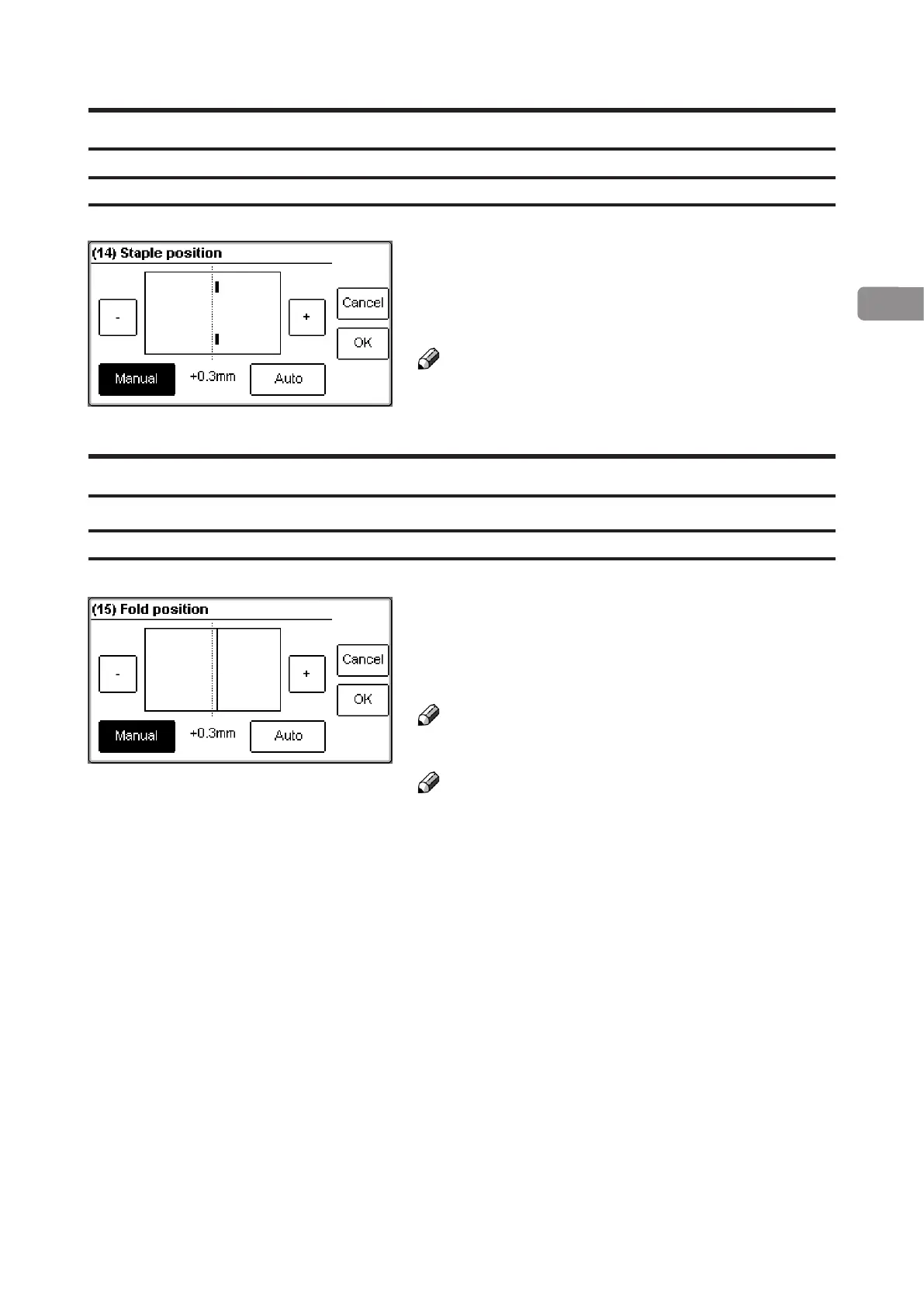
Staple position
The position of the staples can be changed up to
3 mm (0.12”) on either side of the fold. Press the
[-] or [+] button to change position of the staples
and save setting by pressing the [OK] button.
Note
This change can be performed during run.
Fold position
The position of the fold can be changed up to 3 mm
(0.12”) on either side of the centre of the set. Press
the [-] or [+] button to change position of the fold and
save setting by pressing the [OK] button.
Note
This change can be performed during run.
Note
You may want to turn off trimming to see the result
more clearly when you move the fold position.
Adjusting staple position
Adjusting fold position



 To Next Page