1
23
Plug the Booklet Maker power cord into the wall
outlet.
Cover Feeder (optional), Trimmer (optional) and
Book Folder (optional) are powered from the
Booklet Maker.
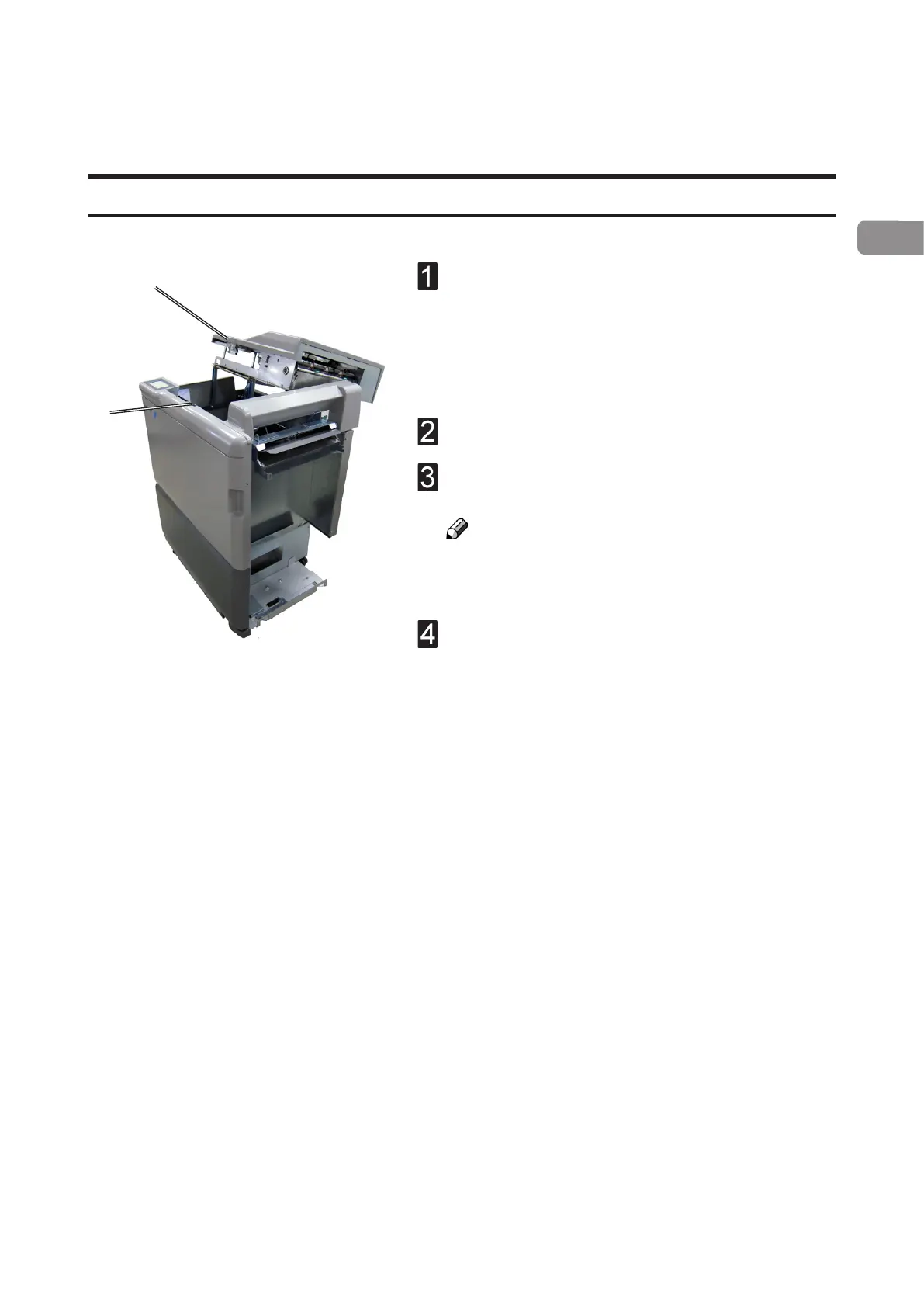
Open the Top cover (1).
Set main power switch (2) on Booklet Maker to
ON position.
Note
The main power switch also controls Cover
Feeder (optional), Trimmer (optional) and
Book Folder (optional).
Close the Top cover.
Turning On / Off the Main Power
Booklet Maker, Cover Feeder, Trimmer and Book Folder
2
1



 To Next Page