33
6. The driver might require additional software, and present a license agreement
for that software. Read the license agreement(s) presented, click the Accept
box and then click the blue arrow.
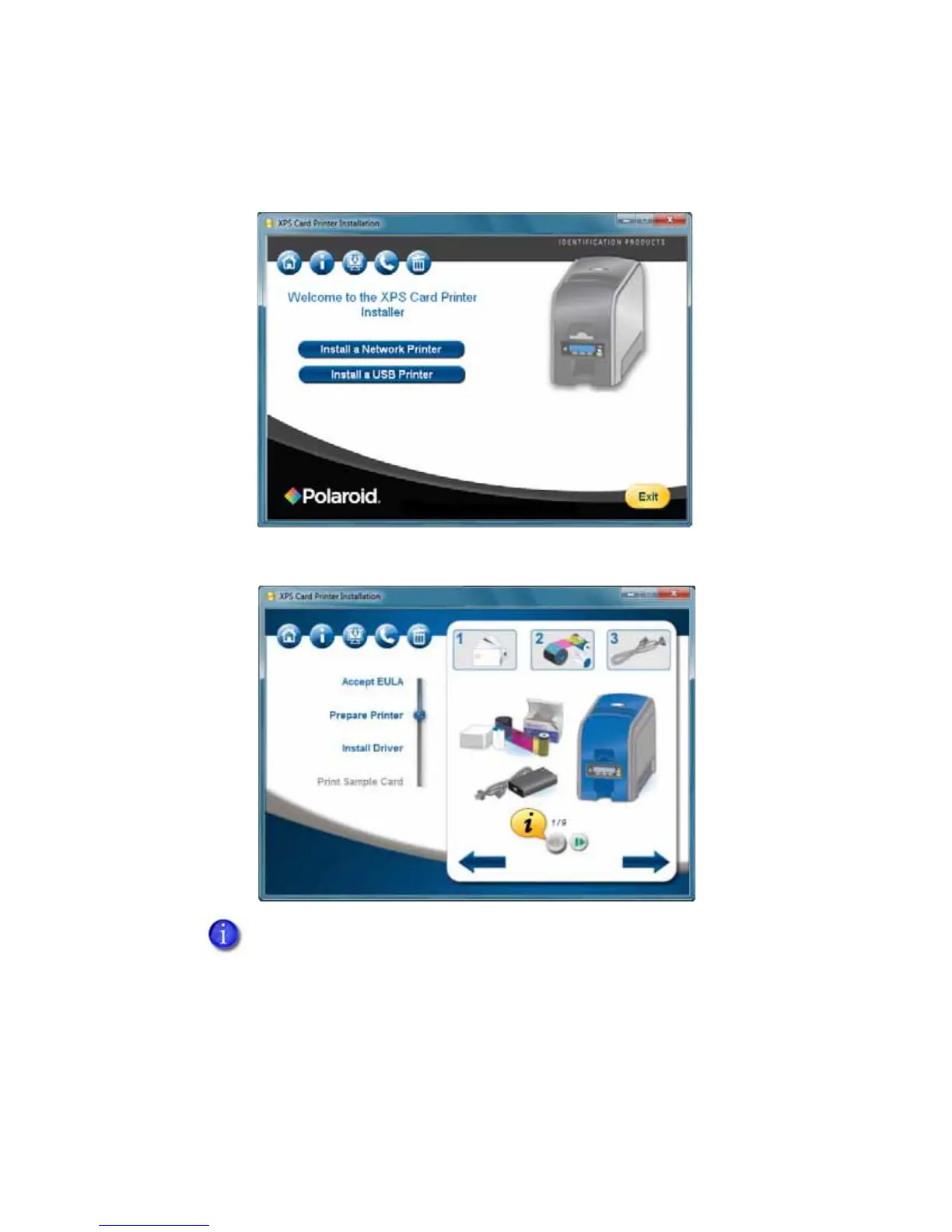
7. Follow the steps to “Prepare the Printer”.
8. Click the blue arrow pointing to the right.
9. The Device Driver Installation Wizard dialog appears. Click Next.
10. The Windows Security dialog appears. Click Install to install the printer.
11. The Windows Security dialog appears. Click Install to install the network
adapters for the printer.
Use the green media controls to view step-by-step instructions about how to
Prepare the Printer.



 To Next Page
 Loading...








