2 - 17
ProCam Adjustments
Ambient Exposure Calibration Slide Adjustment
1. Remove the Top Cover from the ProCam.
Note: Reference the Disassembly and Assembly procedures in Section 3 of
this Service Manual to remove the Top Cover.
Caution: High Voltage Exposure! Voltages up to 320 volts are present
on the top flash tube terminal (Green wire) and at various
other locations on the Strobe Board.
2. If the Ambient Exposure Test readings are to low, use a dental pick and slide
the Ambient Calibration Slide (Figure 2-5) to the right, in proportion to the
amount the reading is too low.
Note: The Ambient Calibration Slide is the one next to the shutter Base Block
(rear most slide), when the Base Block is viewed from the rear of the
ProCam.
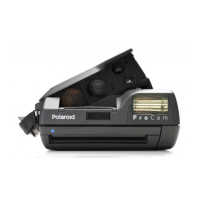
Figure 2-5. Adjusting Ambient (Visible Light) Exposure Calibration Slide
AMBIENT
CALIBRATION
SLIDE
PROCAM


 To Next Page
 Loading...