97
Polyend Synth Manual
96
Polyend Synth Manual
NOTESNOTES
6.3 MOD Effect
Access to the MOD effect is available in the Effects section under page 1.
This is the parameter settings for the master effect which will be applied to
the audio send from any of the 3 synths.
Mod Concepts
Mod is not a standard effect; however, it is based on the same core
concepts used in a delay effect model. Mod has two delay lines and a
bandpass lter added to the feedback loop. This conguration better serves
time-based applications such as chorus, phaser, and anger.
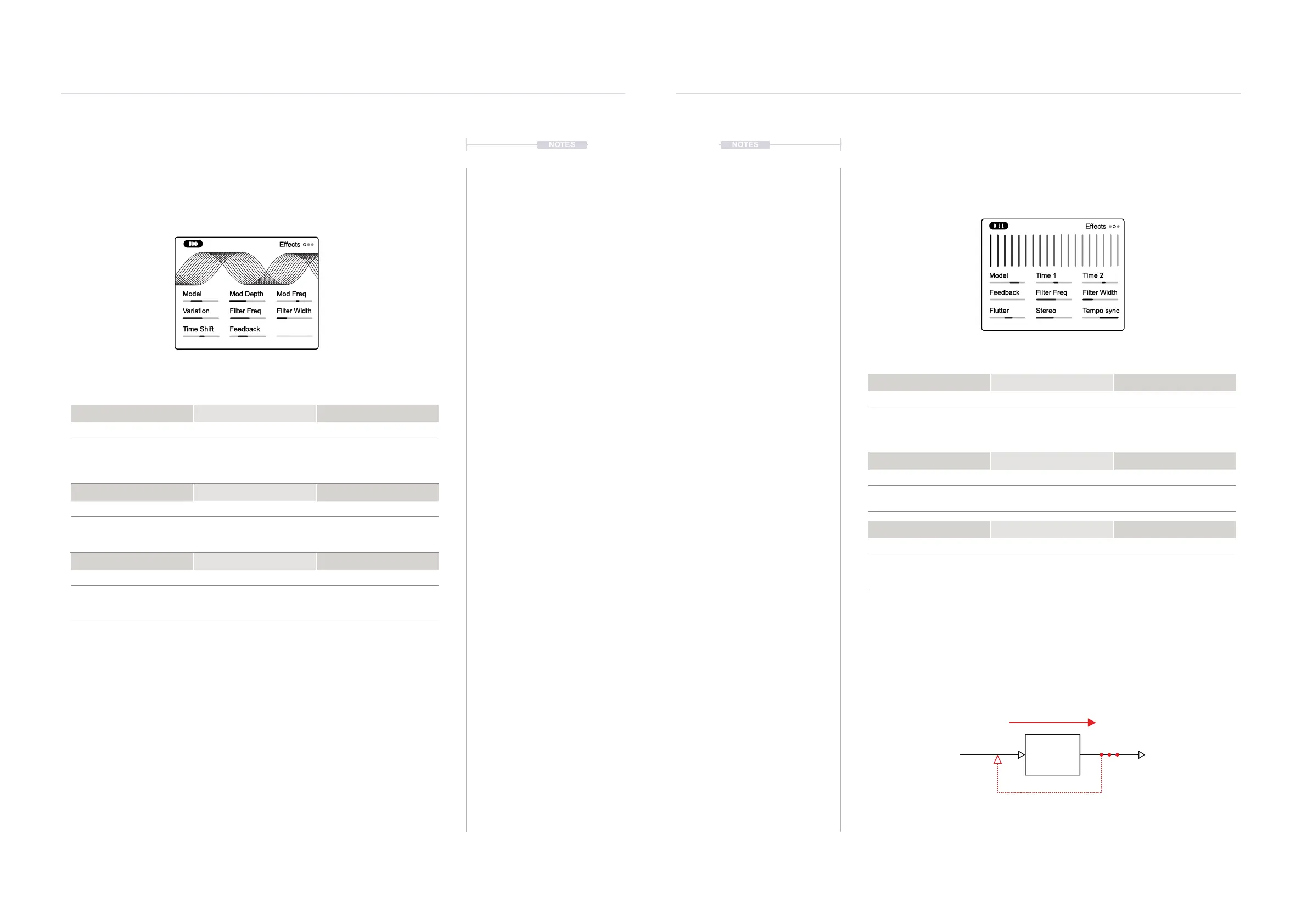
6.4 DEL Effect
Access to the master DEL effect is also available in the Effects section
under page 2 which contains the parameter settings for the this effect.
Delay Concepts
A delay is a commonly used audio effect that delays an incoming signal to
the output. When feedback is applied, this creates a repeated echo-like
effect. Multiple tap delays capture the buffered audio at different time
intervals.
Effects & Modulation
6
Effects & Modulation
6
Model Mod Depth Mod Freq
Variation Filter Freq Filter Width
Time Shift Feedback
Effects
MOD Master Effect - Page 1
Model Mod Depth Mod Freq
Options 0-100% -100Hz to +100Hz
Single delay mono, Dual -
dual tap single delay - mono,
Stereo dual tap, Stereo X
with cross channel feedback.
Amount of mod effect
applied.
Speed of mod effect applied.
DEL Master Effect - Page 2
Model Time 1 Time 2
Options ms or Intervals ms or Intervals
Single, Dual tap, Triple tap -
single delay line models.
Stereo & Ping Pong dual
delay line models.
Sets the delay time for delay
line 1. Resolution dependant
on the Tempo Sync mode.
Sets the delay time for delay
line 2. Resolution dependant
on the Tempo Sync mode.
Time Shift Feedback
-45ms to +45ms -90% to +90%
Amount of delay time applied
in the effect loop. Phase is
shifted for negative settings.
Amount of feedback applied
in the effect loop. Phase is
shifted for negative settings.
Flutter Stereo Tempo Sync
-100% to +100% 0-100 On/Off
Adds a tape style variation
effect to the delay.
Adjusts the width of the
delay effect.
Selects the synchronisation of
the delay on or off. Affects the
time division settings.
Variation Filter Freq Filter Width
0-100% 20Hz - 20kHz, Off 0-5 Octaves
Adds variation to the
parameters. Model
dependant.
Feedback loop bandpass
lter cutoff frequency.
Spread of the frequency band
for the bandpass lter.
Feedback Filter Freq Filter Width
0-150% 20Hz - 20kHz, Off 0-5 Octaves
Amount of feedback
introduced into the delay.
Feedback loop bandpass
lter cutoff frequency.
Spread of the frequency band
for the bandpass lter.
Model Time 1 Time 2
Feedback Filter Freq Filter Width
Flutter Stereo Tempo sync
Effects
Input Output
Delay Time
Time delay between input and output.
Connecting the output to the input creates feedback
and increases the delay ‘events’.
Delay Line



 To Next Page