Edition: A03 September 6, 2018
14
Text Alignment: Align multiple lines to the left, align multiple lines to the centre, align multiple
lines to the right, align multiple lines left and right justification.
【 Name】 It can be set to Chinese, English, numbers and symbols; cannot exceed 30
characters, empty and rename with added object are not allowed.
【Hide setting interface】Click the blue down arrow at each setting interface can fold the
setting interface; Click again can unfold the interface.
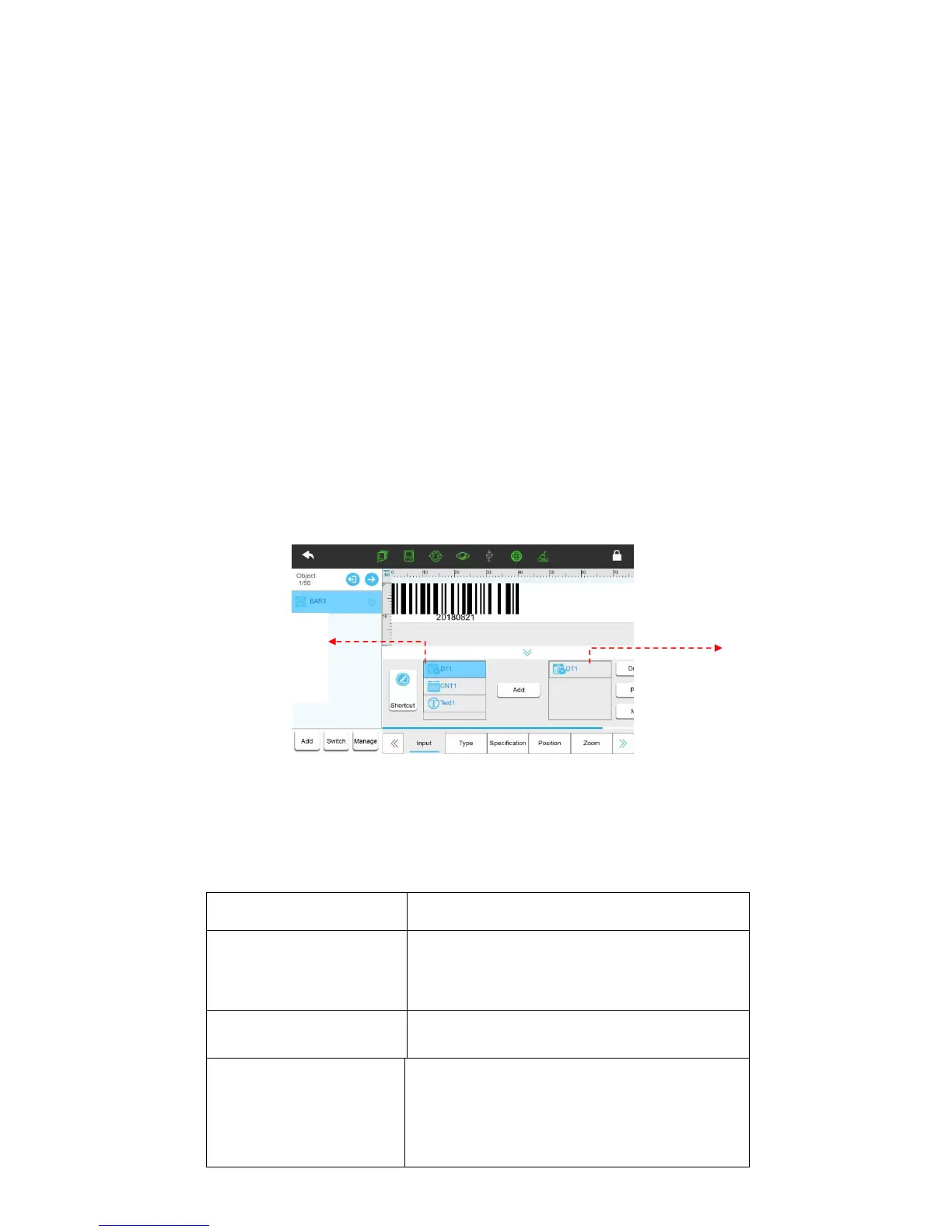
2) Barcode object: Default is code128. (Content: text 12345)
【Input】
Shortcut: Switch to barcode text input interface and input content directly. The content will
not show in barcode after adding the source. Click Routine to return to add source interface. (Add illegal
value in barcode, preview display changes to 0000) Routine part is same as text object.
【Type】
Ÿ Genre: User can select ordinary 1D barcode, ordinary 2D barcode, GS1 1D barcode and
GS1 2D barcode
Type: to select the required barcode type.



 To Next Page