13
Factory Default Settings
Default Built-in Presets
CH1
•
Red Preset 1 : Rhythm Guitar Style Tone 1
•
Red Preset 2 : Lead Guitar Style Tone 1
•
Red Preset 3 : Solo Guitar Style Tone 1
•
Red Preset 4 : Ambient Guitar Style Tone 1
•
Green Preset 1 : Rhythm Guitar Style Tone 2
•
Green Preset 2 : Lead Guitar Style Tone 2
•
Green Preset 3 : Solo Guitar Style Tone 2
•
Green Preset 4 : Ambient Guitar Style Tone 2
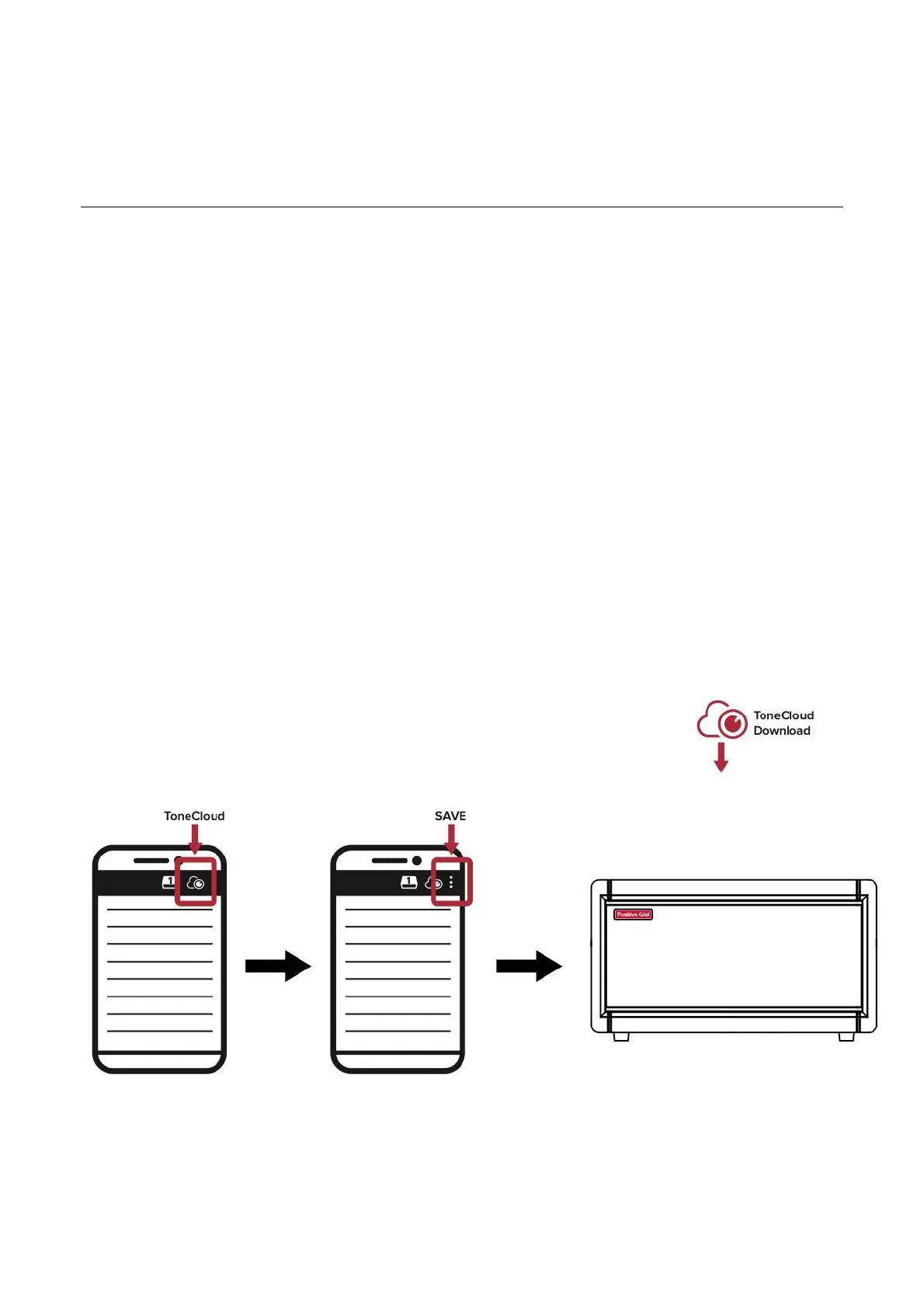
More presets can be downloaded and customized for free on ToneCloud. You can access ToneCloud via the
Spark app, search for a custom preset, download it for free, and then save the preset directly to Spark 2 by
tapping ‘Save to hardware preset’ in the menu.
!



 To Next Page