44
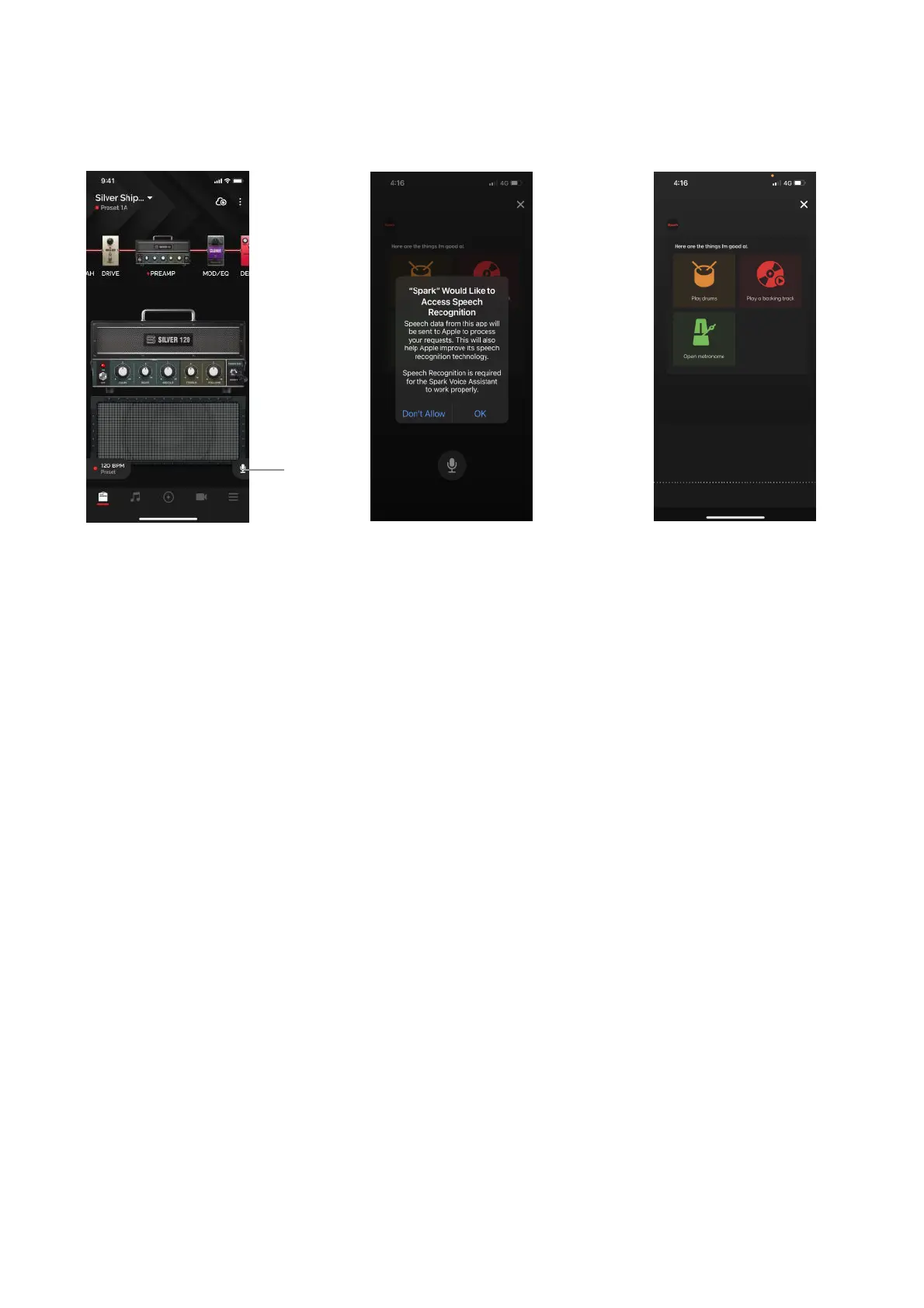
(A) Music Assistant
1. Tap the microphone icon. It is available in most pages.
2. Make sure to allow permissions for Speech Recognition and your devices Microphone to ensure the
feature works properly.
3. Speak into your smartphone with the following voice commands. Alternatively, you can tap the on-
screen quick commands."
1. Play drums - Same as Smart Jam
2. Play a backing track - Play a custom backing track.
3. Metronome - Open Spark’s built-in metronome
!
(B) Voice Command Language Support
1. English
2. Japanese!
Tip: The Voice Command feature has three quick commands. Try them!



 To Next Page