•
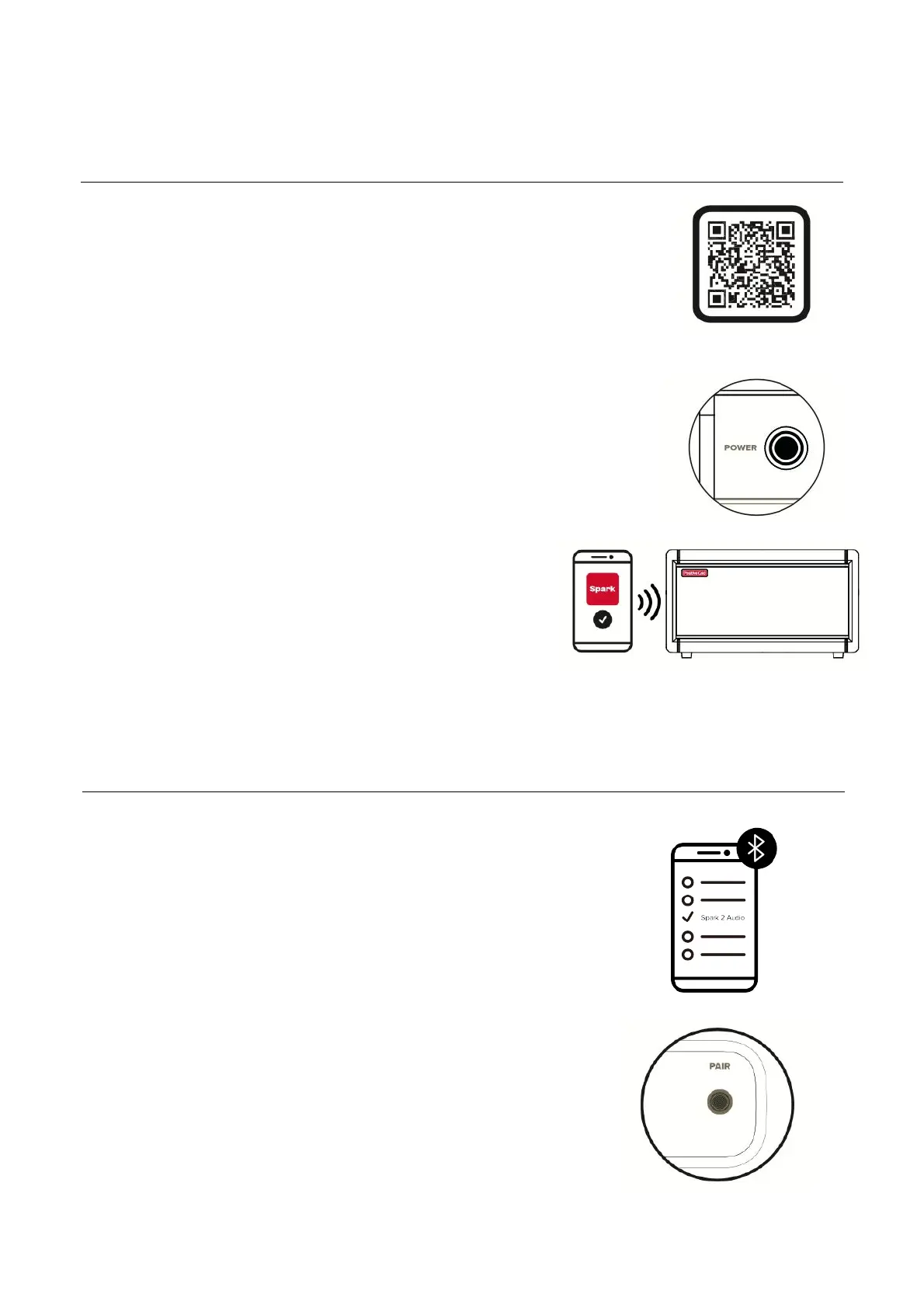
Download the Spark app
using the QR code provided
or search 'Spark amp' in the
App Store or Google Play
Store.!
!
!
•
Turn on Spark 2 by holding
the Power button.
!
!
!
!
•
Open the Spark app on your
mobile device and follow the
instructions to connect your
Spark to access all of the
gear, smart features, and
more.
!
08
Pairing Spark 2 And The Spark App
•
To pair a new device, press
the Pair button on the Rear
Panel of Spark 2, turn
Bluetooth® on in the settings
of your mobile device, and
select “Spark 2 Audio” from
the list of scanned devices.
•
Spark 2 will automatically
pair with the last device it
connected to. If the last
device is not available,
Spark 2 will automatically
connect to a device that has
been previously paired.!
To Play Music Via Bluetooth®



 To Next Page