Manage Your Profile
18
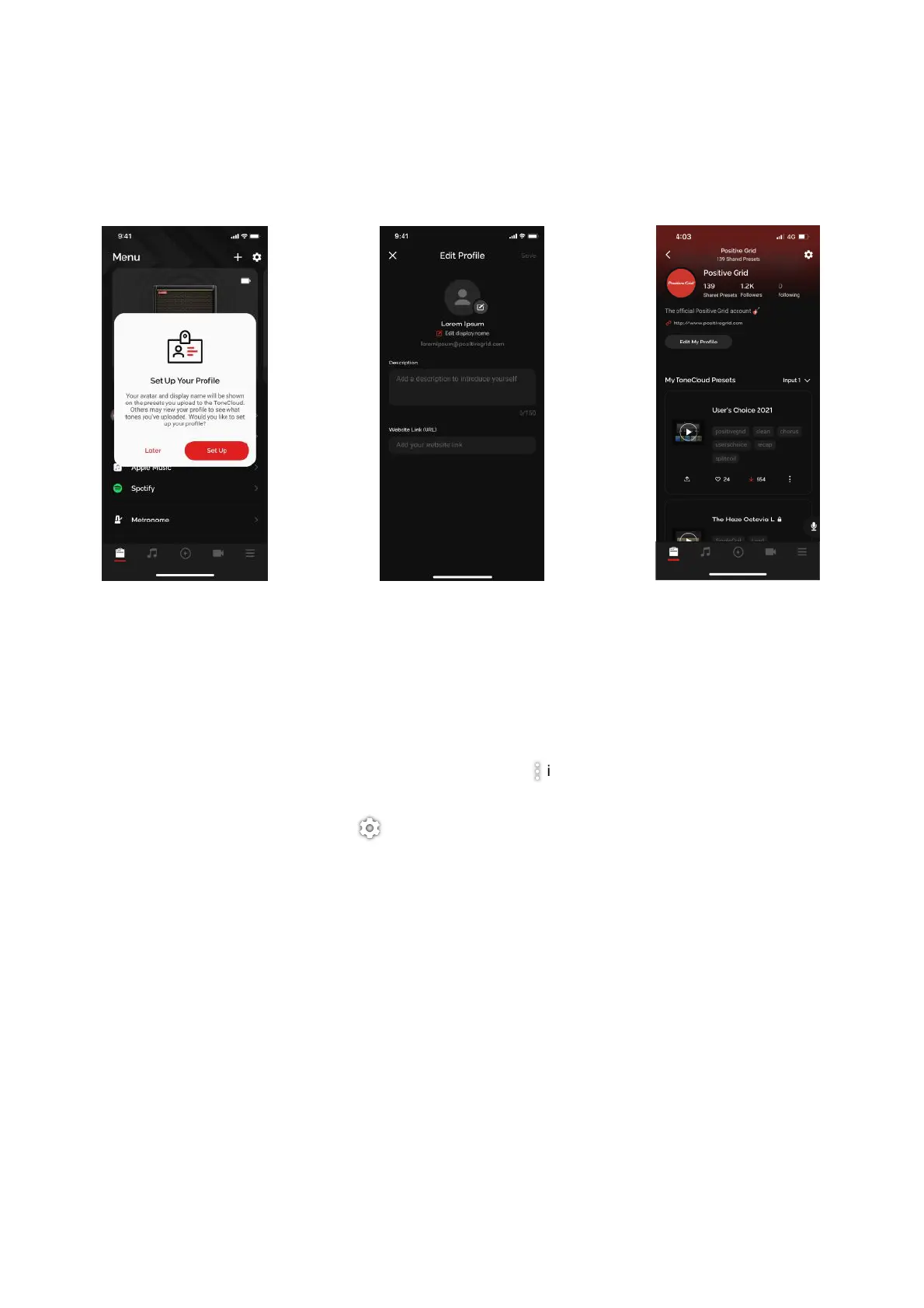
Set up your profile to manage your ToneCloud presets and connect with other Spark users.
(A) Once you log in, a Set Up Your Profile prompt should appear, which will take you to the Edit Profile
Page. You may edit your profile after the fact by going into your profile via the Menu page and tapping
on your profile, then tapping on Edit My Profile.!
(B) You may edit your Display Name, which is the name that will be shown to others in the ToneCloud, edit
your Bio and your URL.!
(C) You may edit your ToneCloud preset details by tapping on the icon to rename or delete the preset
from the ToneCloud.!
(D) You may also log out by tapping the icon
Note: Deleting your account is permanent and you will not be able to log in with your previously deleted
account credentials. Your email will never be publicly shown.



 To Next Page