31
Groove Looper: Start Recording
Start Recording
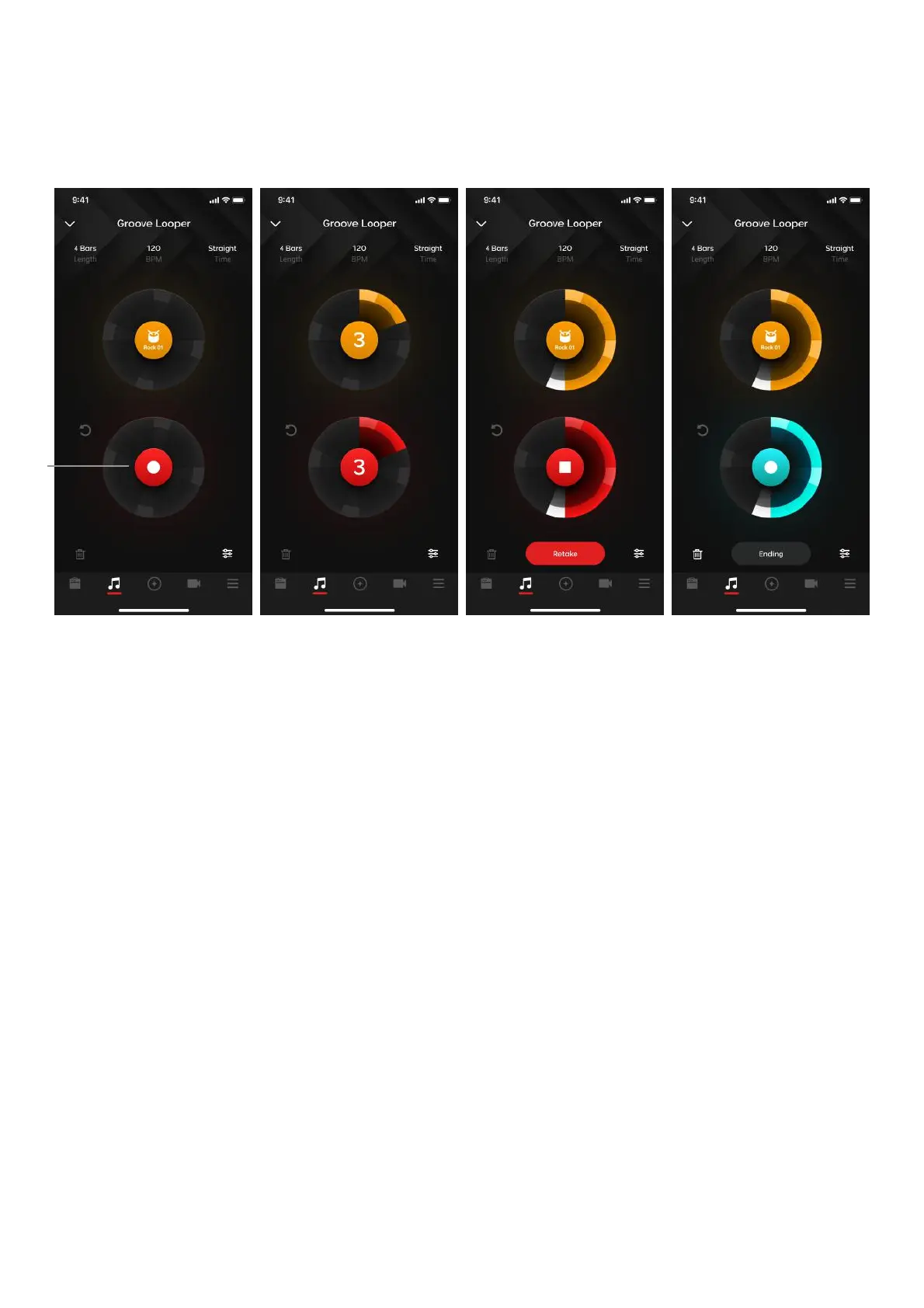
(A) After selecting drums, tap on the Record button in the middle of the bottom circle. A drum fill in will
begin and after 4 beats, the recording will start.
1. Recording will automatically stop once the loop length is reached.
2. If you tap the record button during this step, you will stop the recording, however the length of the
loop will be the same depending on the length you set in the time settings. Playback will begin from
the point you pressed stop, so the loop will only have drums until it replays the loop.
3. If you make a mistake, tap on the Retake button to immediately go back to the count in step to
immediately start recording again
4. After a recording is complete, you may not adjust time settings until you discard the loop.



 To Next Page