28
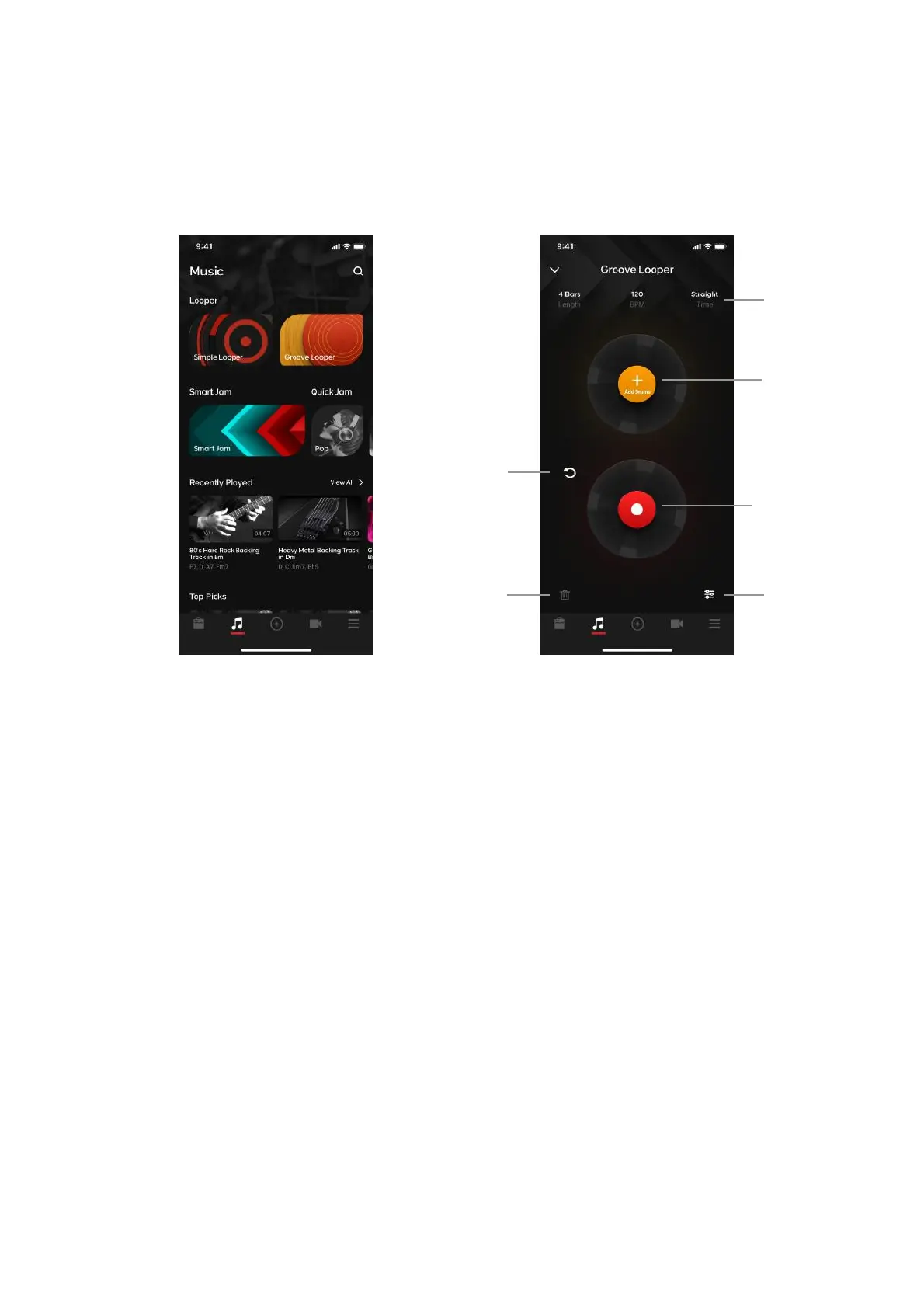
Looper: Groove Looper
Groove Looper expands on the looper function even further, with realistic drums to accompany your loops
to further immerse you in your own music.
Make sure you are connected to your Spark device’s Bluetooth Audio and Tone Control connections, and
ensure that your phone’s volume is also turned up, then tap on the Music page and tap on the Groove
Looper banner.
(A) Looper Settings - tap on this area to access looper settings to adjust parameters.
(B) Drum Selection Menu - add drum patterns to your loop
(C) Undo/Redo Button - removes or restores last recorded dub layer
(D) Record/Dub Button - start recording or dubbing
(E) Mixer Button - Adjust loop and click volume
(F) Discard Button - discards current loop if present



 To Next Page