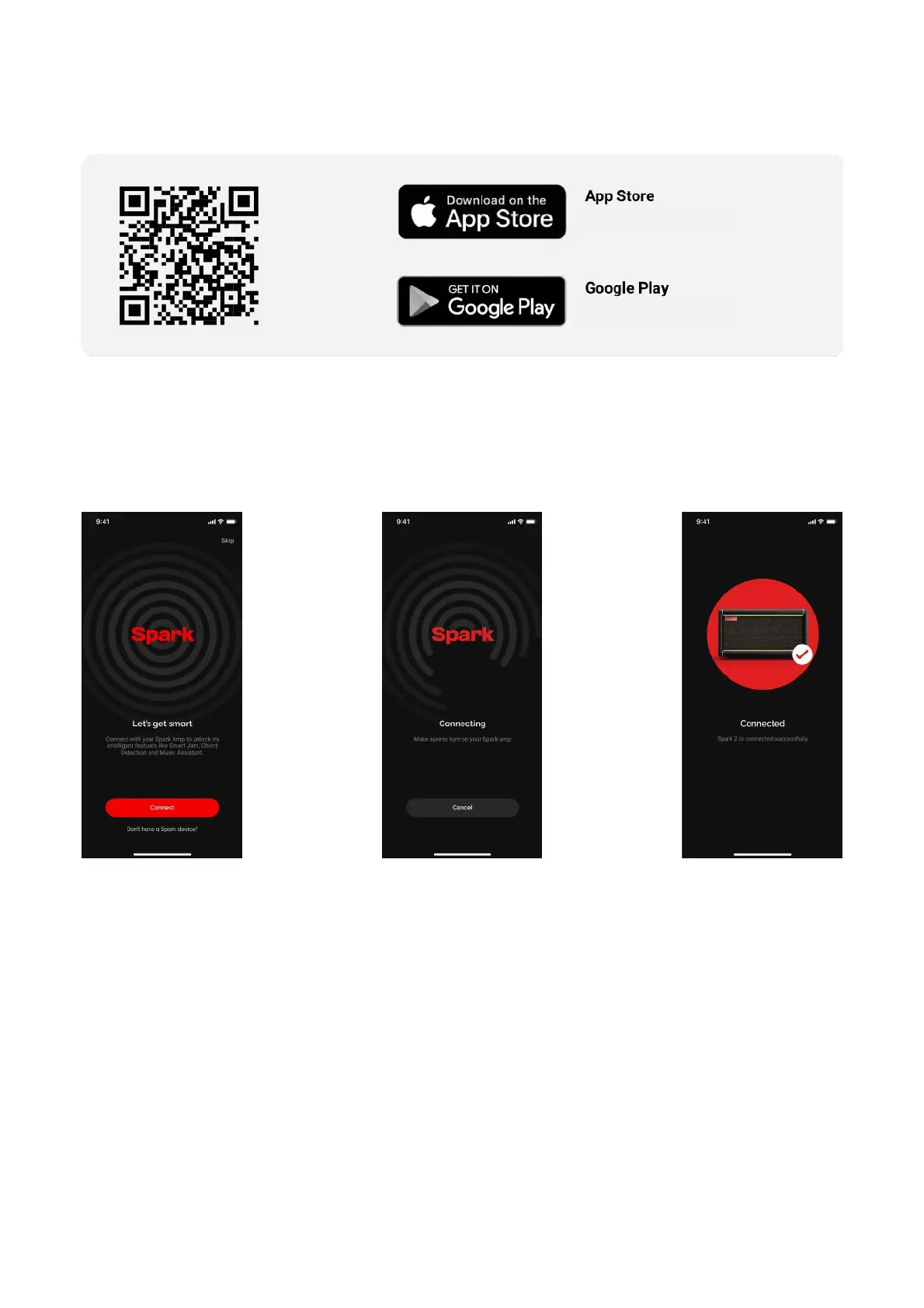
DOWNLOAD YOUR SPARK APP
Download and install the Spark App compatible with your smartphone’s operating system.
Connecting Spark Amp to Your Smartphone
(A) Make sure to allow the Spark app access to Bluetooth (iOS) or Location Services (Android) to allow
the Spark app to establish a Bluetooth connection with your Spark 2.!
(B) Turn on Bluetooth on your smartphone and Spark device.!
(C) Select the device you want to connect to.!
(D) Enter Pairing Mode by pressing the Pair button on the Spark 2, then tap the connect button in the app.
Tip: Connect Spark Amp to your smartphone as a Bluetooth speaker to play music. A stable connection
between the amp and the app is required for audio output. !
Tip: Selecting a device will only occur when you first install the Spark app. Subsequent connections will be
done by pressing the connect button when you enter the Spark app.!
Tip: If you are unable to connect to the amp, ensure that other nearby Bluetooth devices are turned off and
try again.
16
Supported iOS 12 or later
Supported Android 8 or later



 To Next Page