PDR-7000 Operation Manual
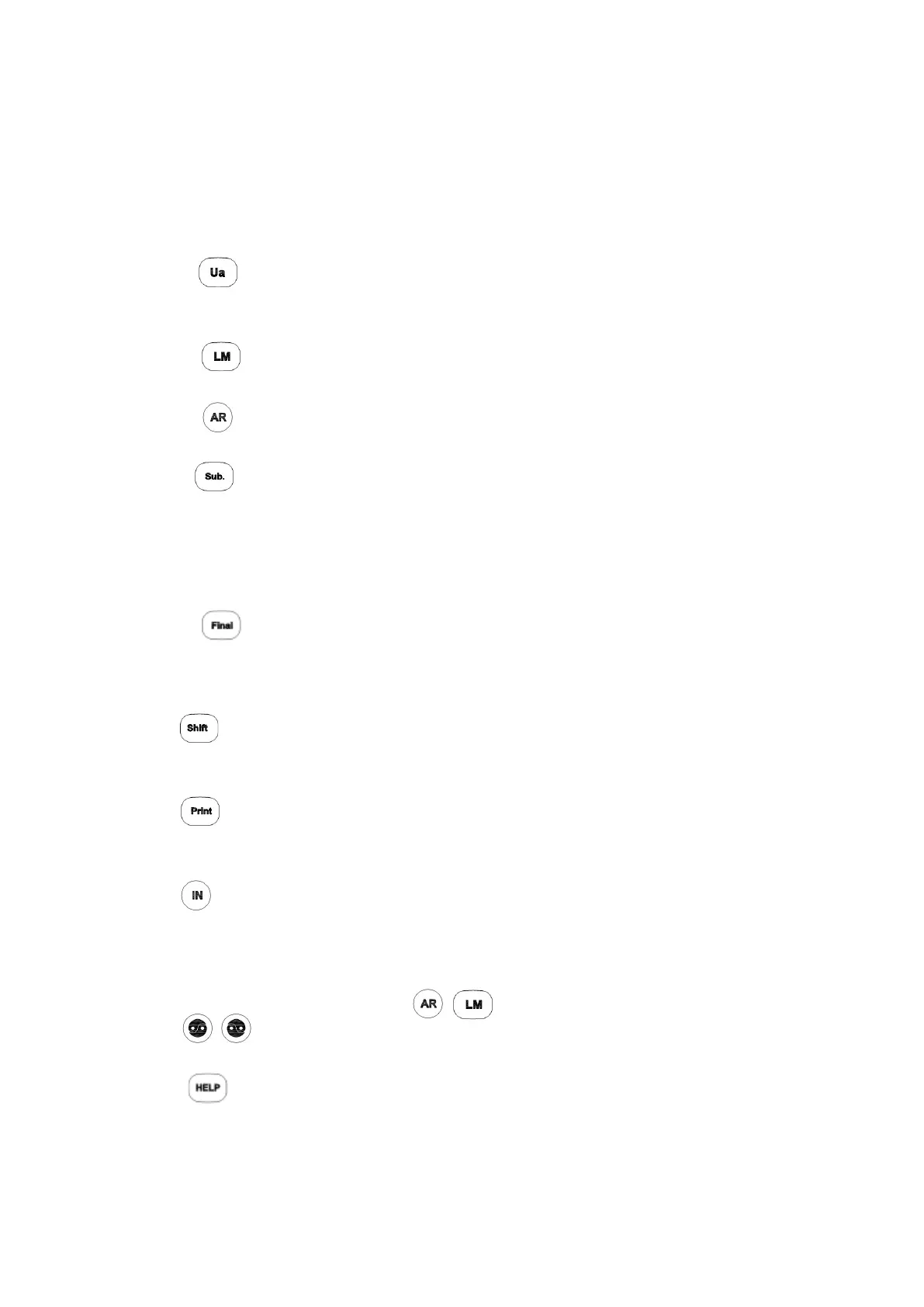
1. Data keys
Used to enter the data into the PDR-7000 and measure each data.
The selected data is displayed at the center of the screen. Which key is selected is
displayed in the upper-left corner of the screen. pressing the empty data key copies
the previously displayed data into that field.
See “2.2 Entering Data” for data entry method.
1-1.
Measures the unaided visual acuity.
The corrective lens power in the refractor head is 0 D.
1- 2.
Enter the lensmeter(LM) data.
1- 3.
Enters the data from an auto Ref/Keratometer
1- 4.
Used to obtain the full correction.
When the data is received from an auto Ref/Keratometer or a lensmeter, this field opens
automatically.
The elapsed time from data entry is displayed in the subjective data field when the
Operating timer parameter is set to Yes.
1- 5.
Used to obtain the final prescription and best-corrected visual acuity.
Pressing this key copies the full correction data from the subjective data field and adjusts it
to the final prescription.
2.
The increment or mode changes when a key is pressed or the dial is turned with this
key.
3.
Prints the data or exports it to an external computer.
See “2.7 Printing”
4.
Enters the data from an auto refractometer or lensmeter.
Press this key and confirm that the data No. on the screen are the same with the point
data No. of the auto Ref/Keratometer or lensmeter. Specify the field that the data is
entered with the data key like ,
5.
Switches the measuring windows to be opened or occluded.
6.
Indicates the explanation about the present chart.
Press this key again or [X] button to cancel the indication.
When this key is pressed during the standard program or program with sample
instruction, the sample instructions for the test appear.
- 6 -



 To Next Page