PDR-7000 Operation Manual
3.2 Data List
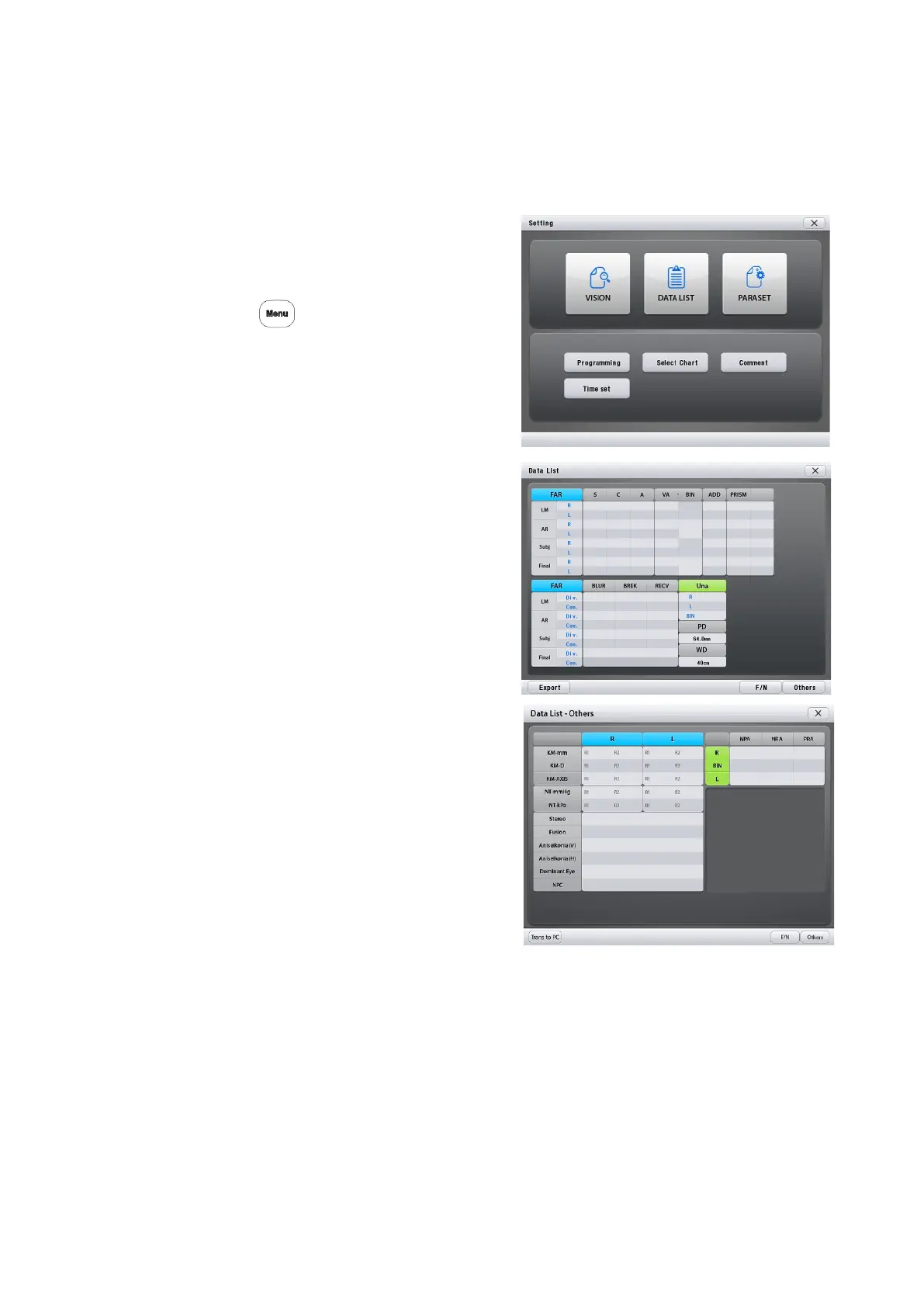
It is possible to show all measured data by a list.
1. Select [Data List]
1) Call up the Main Menu screen.
Press
2) Press [Data List]
2. Select a desired data.
Select the data with the function button.
[F/N] switches between the far and near
modes.
[Export] sends PDR-7000 measured data
to PC
[Others] displays other measurement
results.
[X] returns to the main screen.
- 40 -



 To Next Page