PDR-7000 Operation Manual
1.6 Getting Started and Exiting
1.6.1 Getting started
Turn on the PDR-7000 and connected chart presenting device like the chart
projector.
1. Turn on the connected chart presenting
device like the chart projector.
2. Remove the dust cover from the refractor
head and turn the Unit table on.
Turn the power switch of the unit table on.
The lowest VA chart is presented.
3. Check the following before use.
Perform the following checks before use.
The measurement windows are clean.
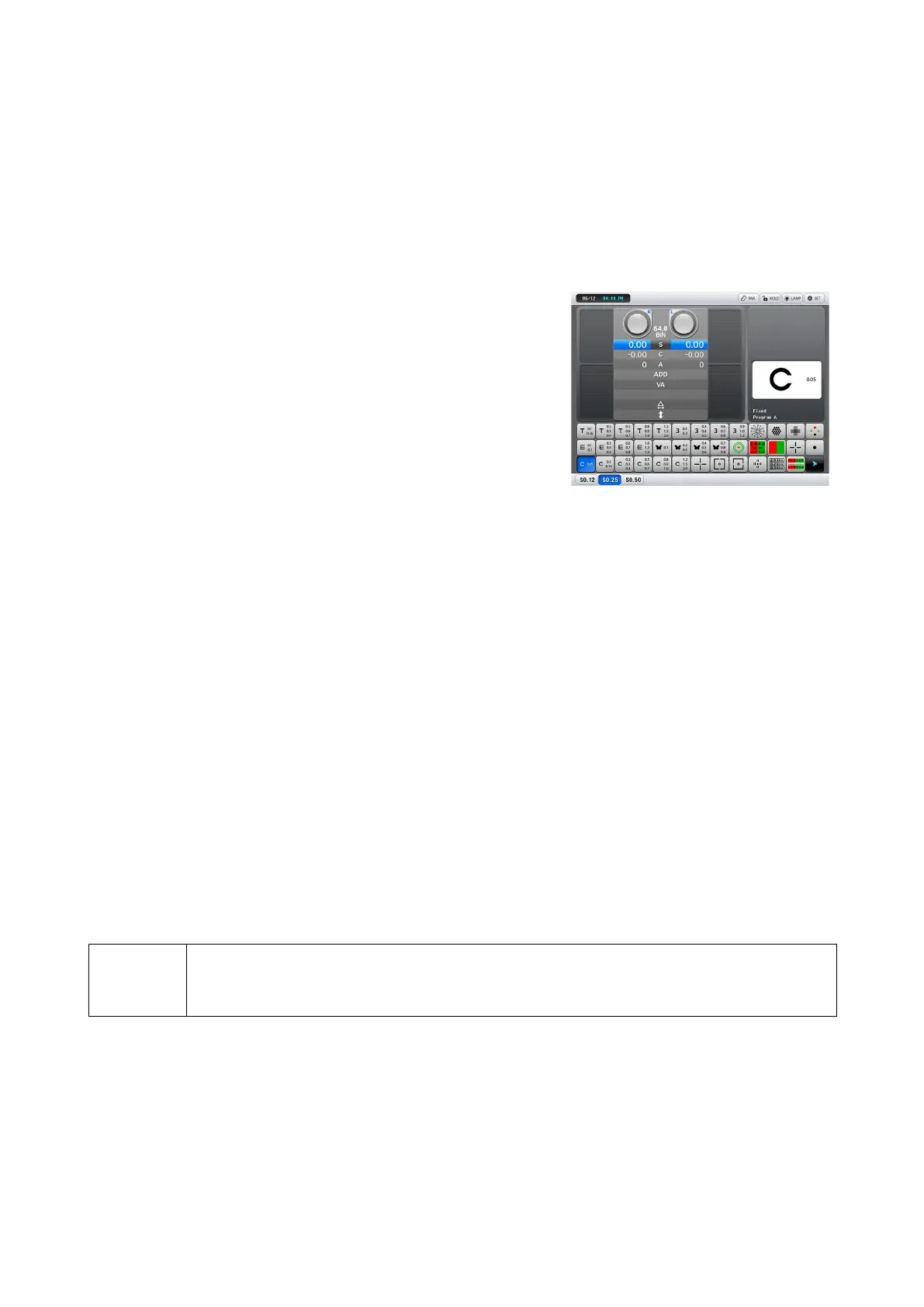
The screen to the right appears without any
error.
The lowest VA chart is presented in the chart
presenting device.
1.6.2 Restore from power saving mode
The PDR-7000 is not operated for about 5 minutes (variable) without any key
operation, it goes into power saving mode. In this mode, the screen backlight and
chart presenting device lamp go out.
The PDR-7000 restores from the mode by pressing any key.
1.6.3 Exiting
1. Turn the power of the unit table off.
2. Clean the forehead rest and face shields.
NOTE
Be sure to put the dust cover on the refractor while it is not used.
If optical parts become dirt, the chart visibility becomes worse. It decreases the
measurement accuracy.
- 15 -



 To Next Page