PDR-7000 Operation Manual
5 MAINTENANCE
5.1 Troubleshooting
In the event that the PDR-7000 does not work correctly, check the problem
according to the following table before contacting your authorized distributor.
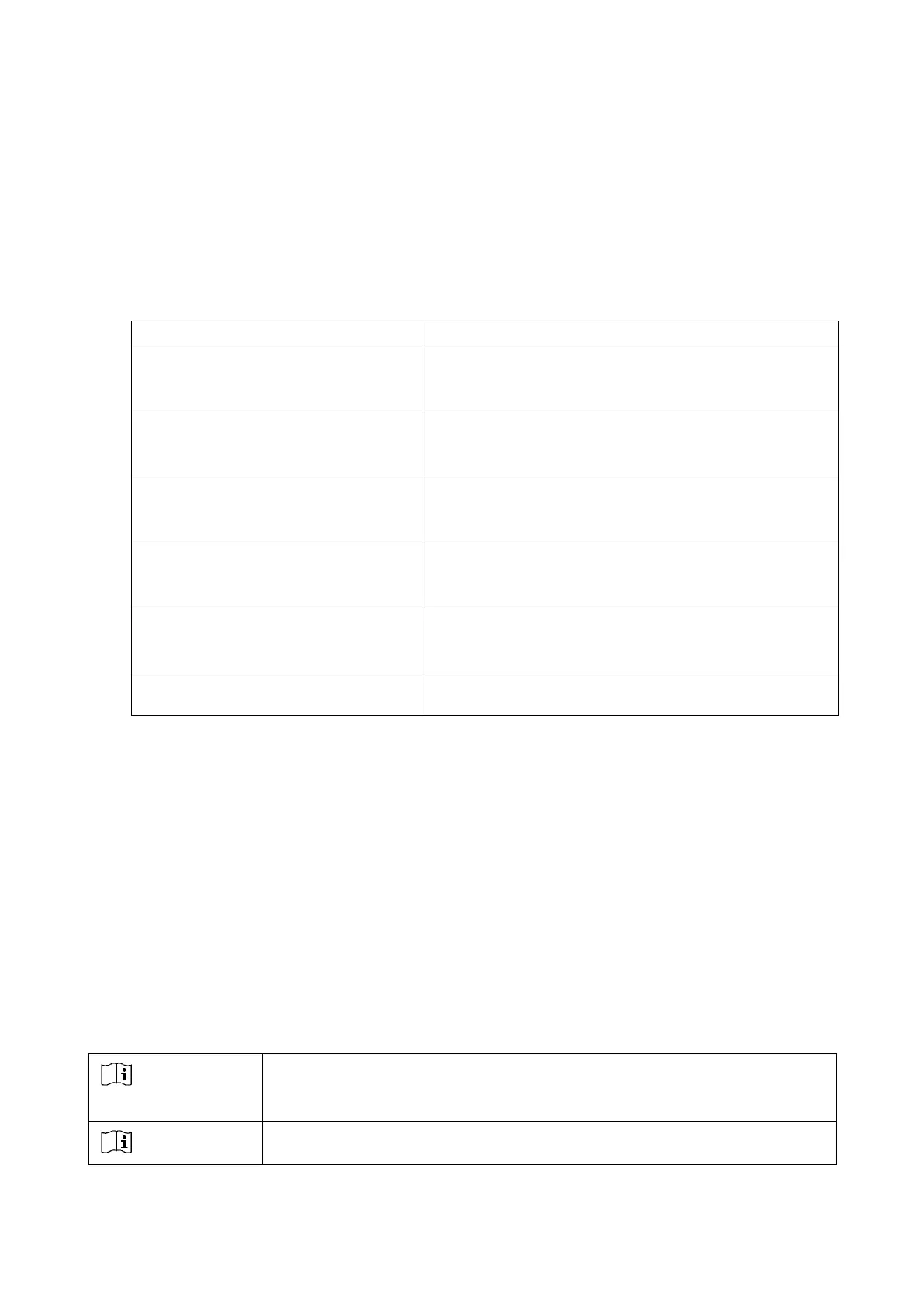
Symptom Action
The refractor does not start even though
the power is turned on.
• Confirm that the power cord is connected to a wall outlet.
• Confirm that the system table is turned on.
The display and presented chart
disappear suddenly.
• The PDR-7000 goes into power saving mode.
Press any key to restore the display.
None of the keys on the control box
function.
• Any abnormalities occurs. Turn the main switch of the
system table off and then turn it on again.
Does not feed printer paper.
• Replace the printer paper.
• Confirm that the Printer parameter is not set to Off.
Does not print the result.
• Check that the printer paper is set with the correct side
up.
Incorrect responses from the touchscreen
panel are received.
• Calibrate the touch-screen panel (see page 47).
If the symptom cannot be corrected with the above actions, contact your authorized
distributor.
5.2 Replacing Fuses
When the PDR-7000 does not normally turn on, the fuses may be blown.
Replace them with the spare fuses provided.
When the PDR-7000 is connected to the system table, the junction box is in the
system table. Replace the fuses of the system table according to the system table
operator’s manual.
Be sure to turn off and disconnect the power cord from the outlet
before replacing the fuses. Otherwise, it may result in fire or electric
shock. If the fuses often blows, contact your authorized distributor.



 To Next Page