PDR-7000 Operation Manual
4.5.12 Maddox test (horizontal phoria)
Use: To detect horizontal phoria
Chart: Fixation
Auxiliary lens: Horizontal maddox rod to the right eye, rotary prism to the left eye
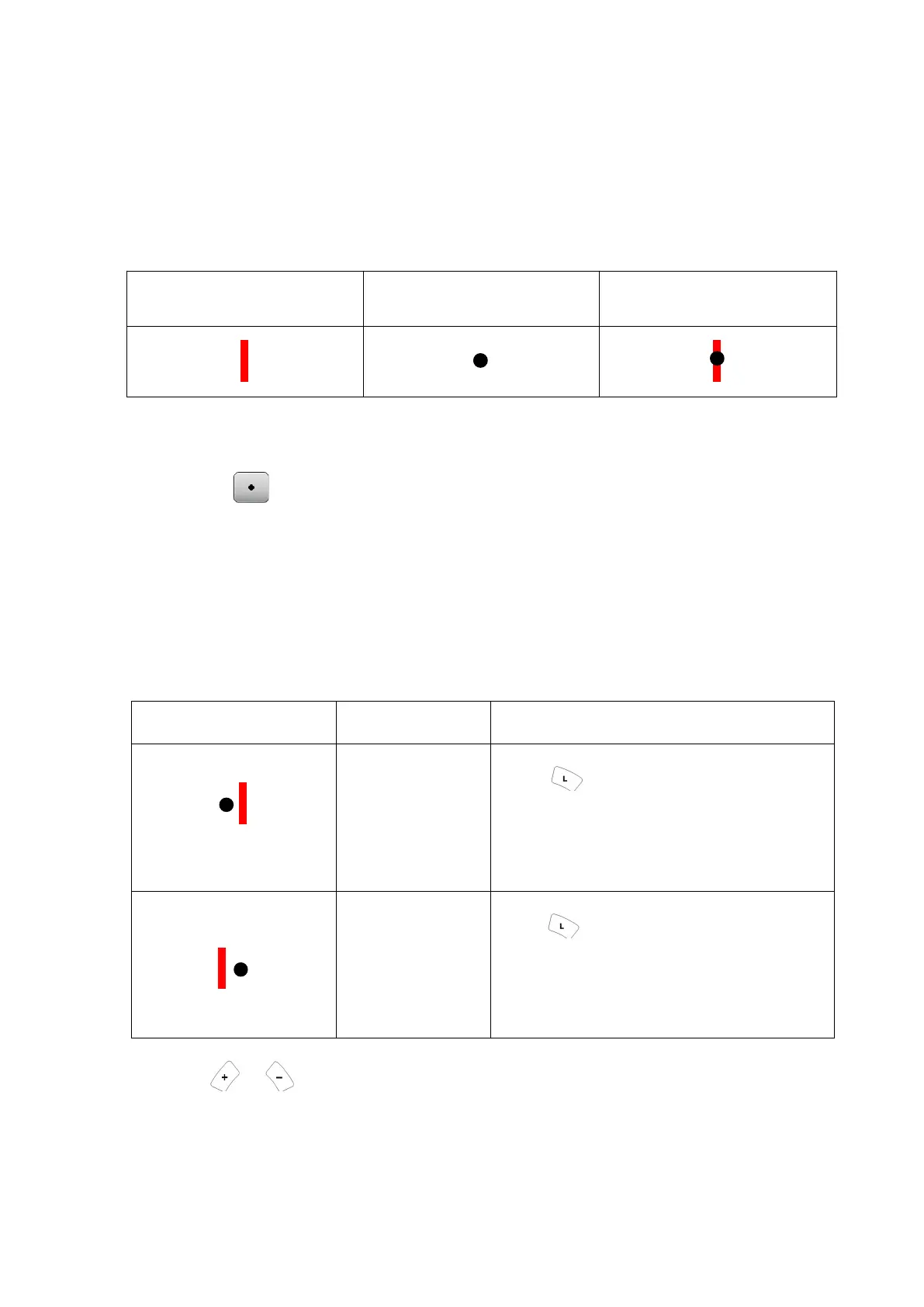
Ideal appearance:
1. Present the fixation chart.
Press
The horizontal maddox rod is placed in the right measuring window.
The base in/out prism powers can be entered.
2. Ask the patient “Is the white spot shifted to the left or right? Or, it is overlaid on
the red bar?”
When the spot is shifted to the left or right, correct it as follows:
Appearance of chart Phoria Correction
1) The white spot is at the
left of the red bar.
Esophoria
Press Turn the dial clockwise to
add the BO prism power until the spot is
overlaid on the bar.
2) The white spot is at the
right of the red bar.
Exophoria
Press Turn the dial
counterclockwise to add the BI prism power
until the spot is overlaid on the bar.
Use or instead of the dial for fine adjustment.
- 80 -



 To Next Page