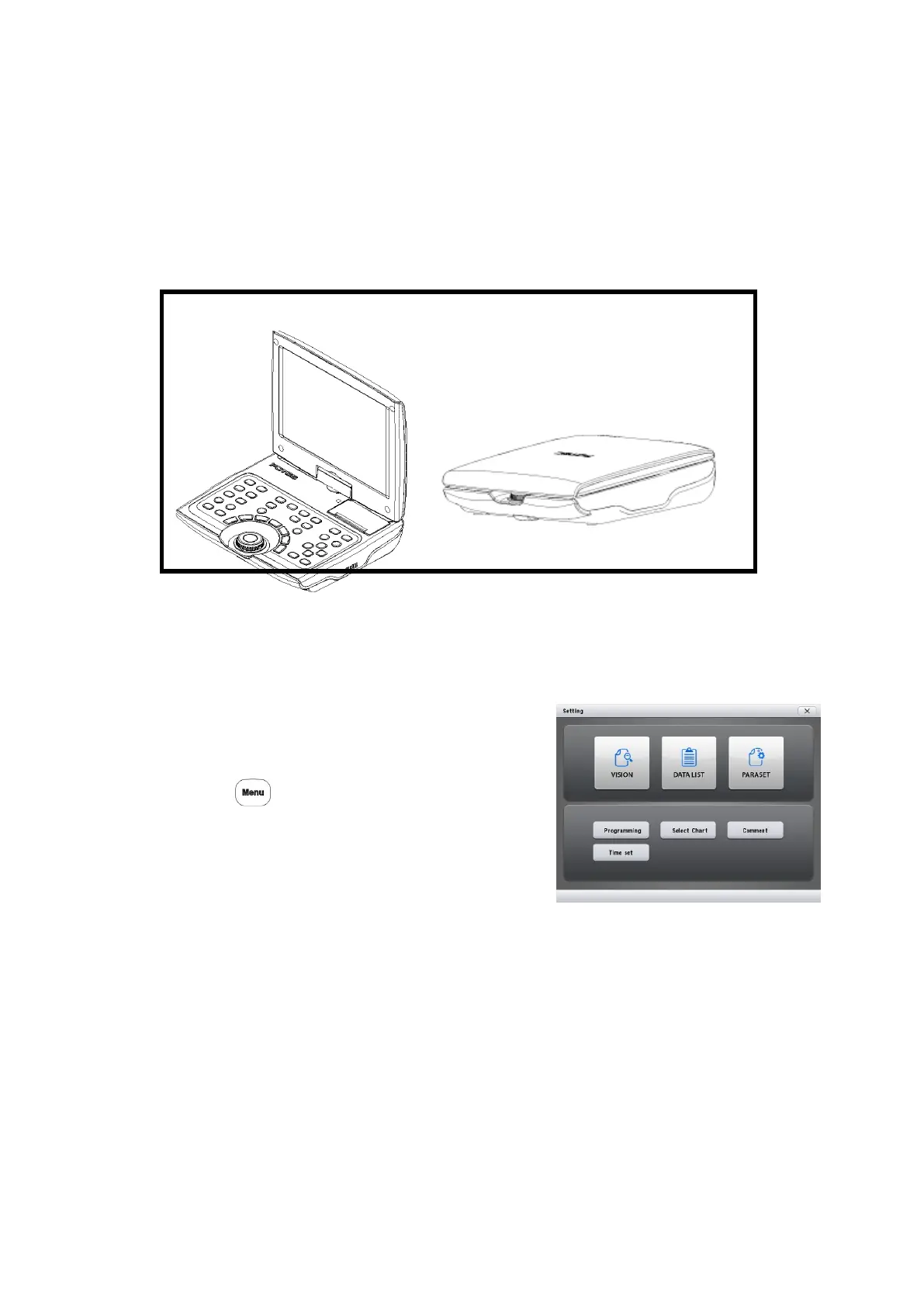
PDR-7000 Operation Manual
3.1 Vision Test Screens Presented to Patient
PDR-7000’s display provides Touch-Screen Function with broad 10.4” display
PDR-7000 provides TILT and SWIVEL Functions
Instead of the normal measurement screen, it is possible to show images like near
vision chart, schematic section of eye, refraction status patterns, ideal visions.
1. Call up the Main Menu screen.
Press
2. Press [Vision] on the screen.
3. Select a desired screen with the buttons at
the button of the screen
- 38 -



 To Next Page