PDR-7000 Operation Manual
2.6 Chart Presentation
2.6.1 Chart selection
Pressing a desired chart button at the right of the screen presents the corres-
ponding chart. The selected chart is displayed at the center of the screen.
2.6.2 Visual acuity chart mask
functions
Press any mask key on the control box to use the mask
functions.
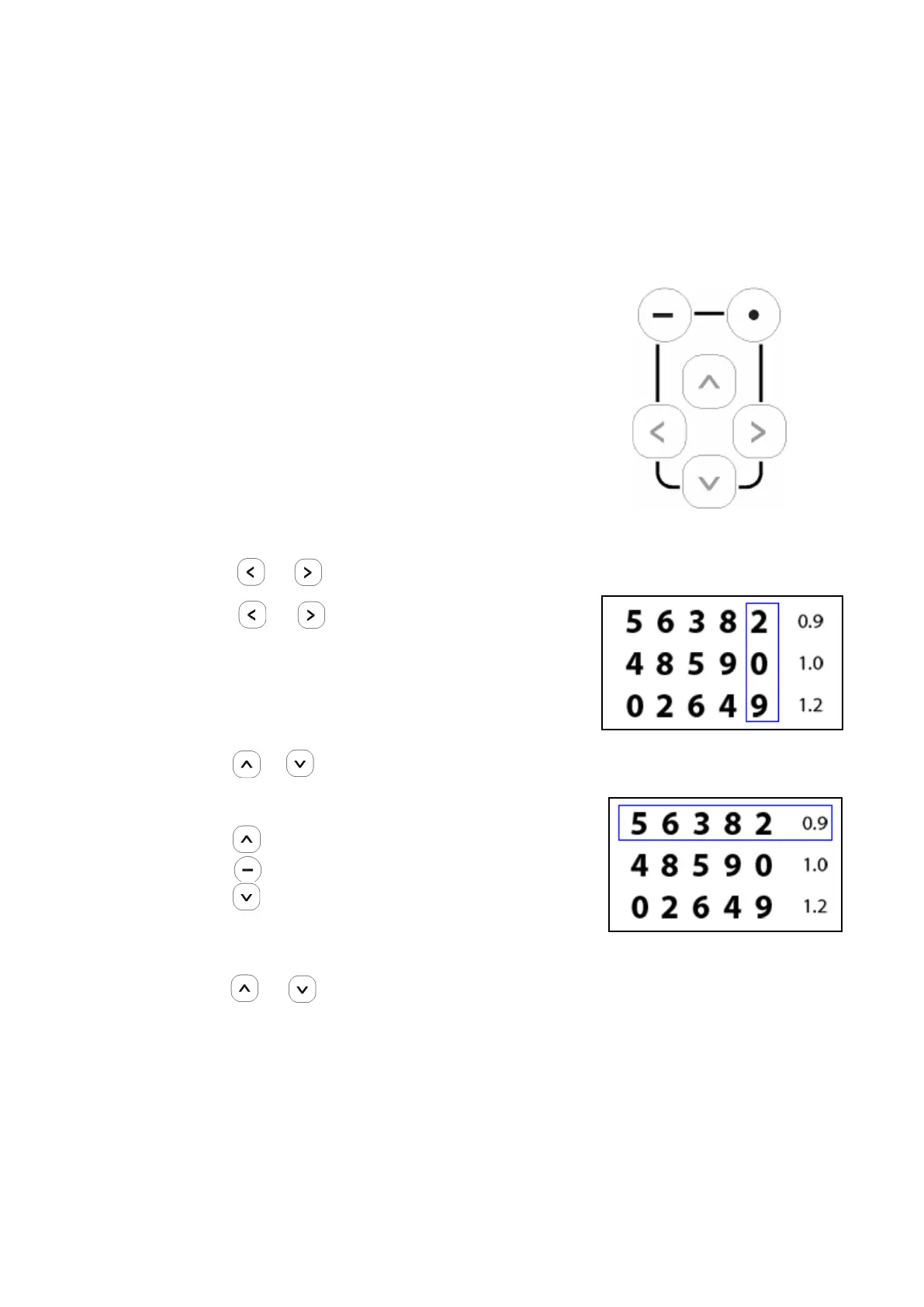
○ How to isolate a vertical line
Press or
When the vertical line is isolated:
Press or The isolation moves to the left
or right. (when the same key is pressed again to
continue moving an isolation located at one end of
the chart, short beeps are audible and the isolation
moves to the opposite end of the chart.)
Press or The isolation moves up or down.
○ How to isolate a horizontal line
Press The top line is isolated.
Press The middle line is isolated.
Press The bottom line is isolated.
When the horizontal line is isolated:
- Press or The isolation moves up or down.
- 34 -



 To Next Page