PDR-7000 Operation Manual
3.11 Entering Comments
It is possible to print comments such as shop name together with the measured
data. Up to 24 characters can be entered in a line. Two lines are available for a
total of 48 characters.
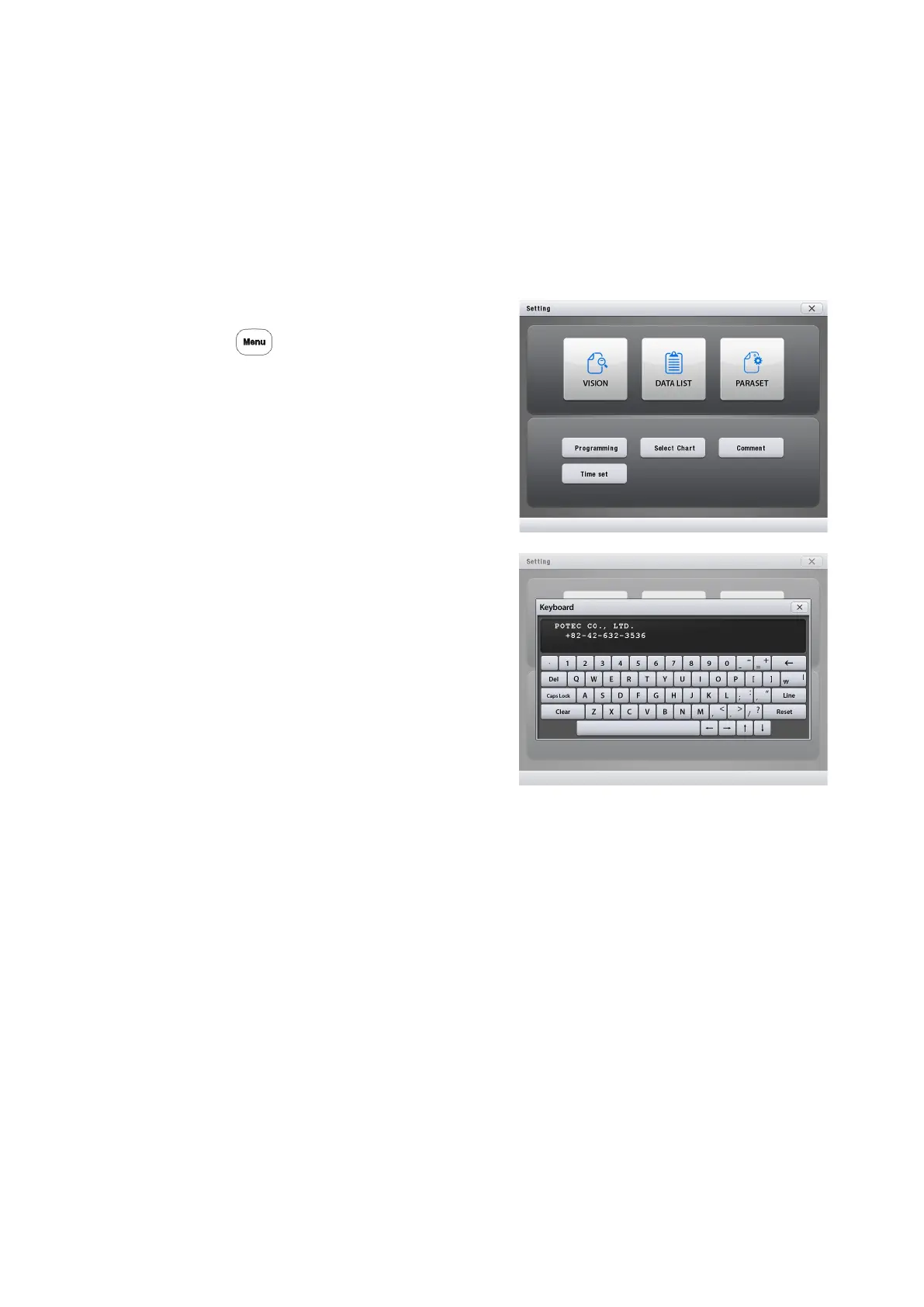
1. Display the Comments screen.
Call up the Main Menu screen.
Press
Press [Comments].
The Comments screen appears.
2. Press a line on the black box to
revise comments.
3. Press a desired character button.
The character is entered and the cursor is moved to the next.
4. Repeat Steps 2 and 3 to revise comments.
[CLEAR]: clear all comments in the box.
[RESET]: change back comments into that of the factory initialization.
5. Press the [X] Button.
[X]: save comments entered to CB(control box) and close the window.
- 48 -



 To Next Page