EasyManua.ls Logo

Printronix P4280 - Nvram Error; Out of Forms

Printronix P4280
298 pages
Print Icon
To Next Page IconTo Next Page
To Previous Page IconTo Previous Page
Loading...
623Optional Equipment
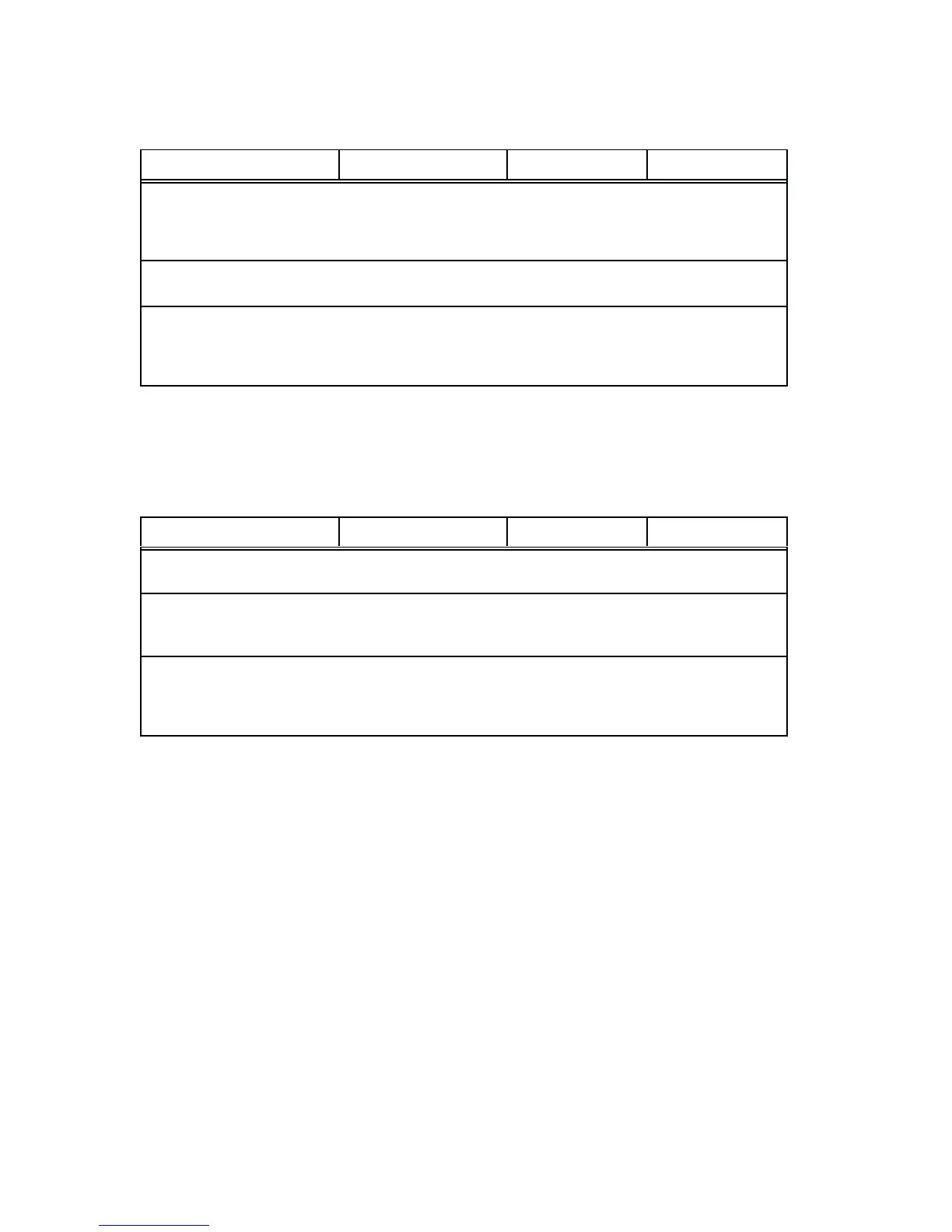
NVRAM ERROR
Instruction Indication Yes No
1. Set power switch to O
(OFF). Wait 5 seconds.
Set power switch to 1
(ON).
NVRAM ERROR
message.
Step 2. Return printer to
normal operation.
2. Press the
ENABLE/HOLD switch.
NVRAM ERROR
message.
Step 3. Return printer to
normal operation.
4. Set power switch to O
(OFF). Wait 5 seconds.
Set power switch to 1
(ON).
NVRAM ERROR
message.
Replace the
NOVRAM chip on
the CCB PCBA.
Return printer to
normal operation.
OUT OF FORMS
Instruction Indication Yes No
1. Load paper. Press
ENABLE/HOLD twice.
Step 2.
2. Run a diagnostic
selftest (page 630).
OUT OF FORMS
message.
Replace paper
detector switch
assembly.
Return printer to
normal operation.
3. Check for inoperative
mech driver PCBA.
OUT OF FORMS
message.
If there is no
apparent jam,
replace the mech
driver PCBA.
Return printer to
normal operation.

Table of Contents

Other manuals for Printronix P4280

Related product manuals