2–8 Scheduled Maintenance
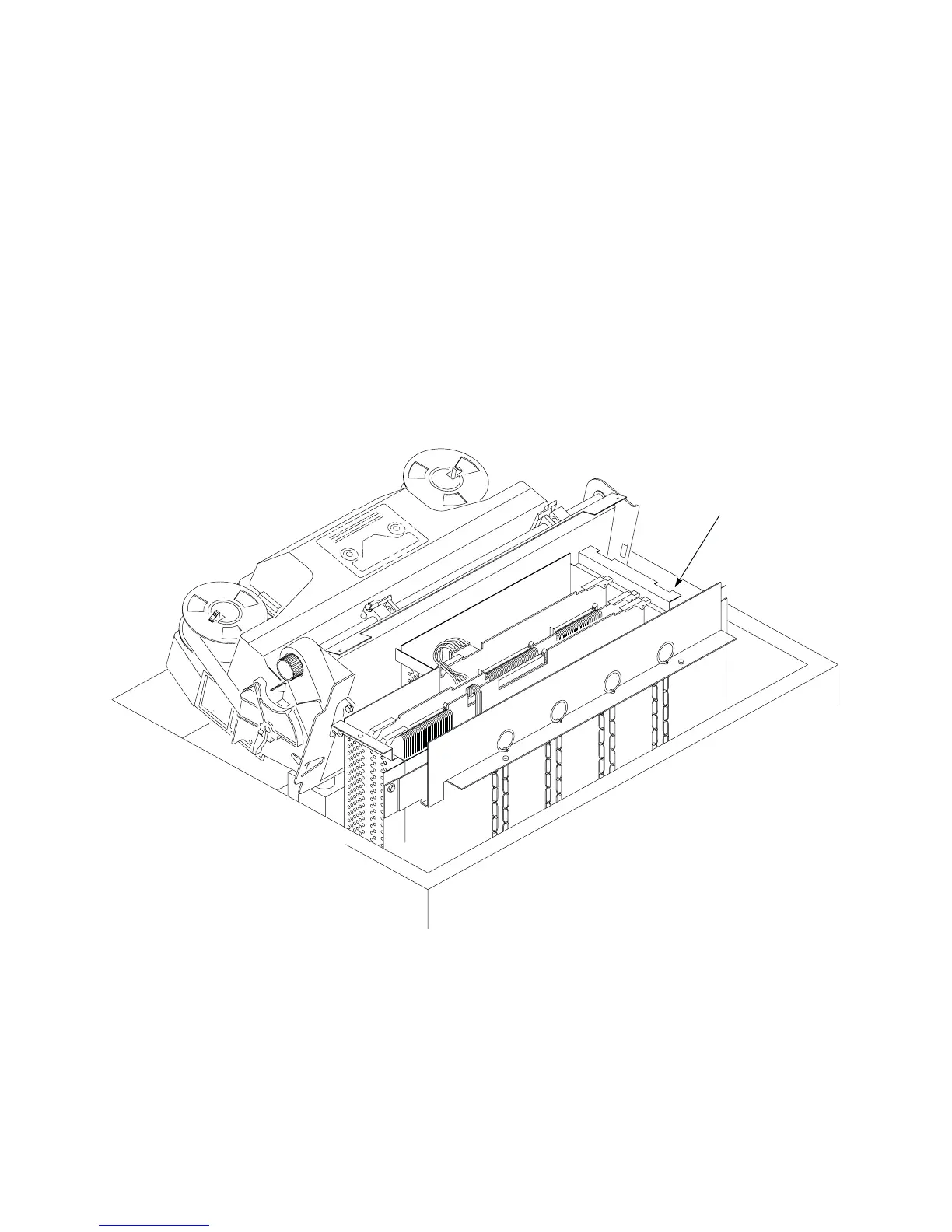
Cleaning the Card Cage Fan Assembly (Figure 2–3)
1. Open the printer cover.
2. Remove the paper guide assembly (page 5–42).
3. Vacuum the card cage fan assembly and surrounding areas to remove
paper particles, dust, and lint.
4. Install the paper guide assembly (page 5–42).
5. Close the printer cover.
6. Connect the ac power cord to the printer.
Card Cage
Fan Assembly
Figure 2–3. Cleaning the Card Cage Fan Assembly













 To Next Page