10.6.9 Settings in the "System" menu" (SYSTEM menu)
P
Menu
SystemSystem
Menu
SettingsSettings
P
SubmenuSubmenu
UnitUnit
Submenu
Change head?Change head?
Submenu
InfoInfo
Submenu
Diaphragm Aktiv.Diaphragm Aktiv.
Continuous
display
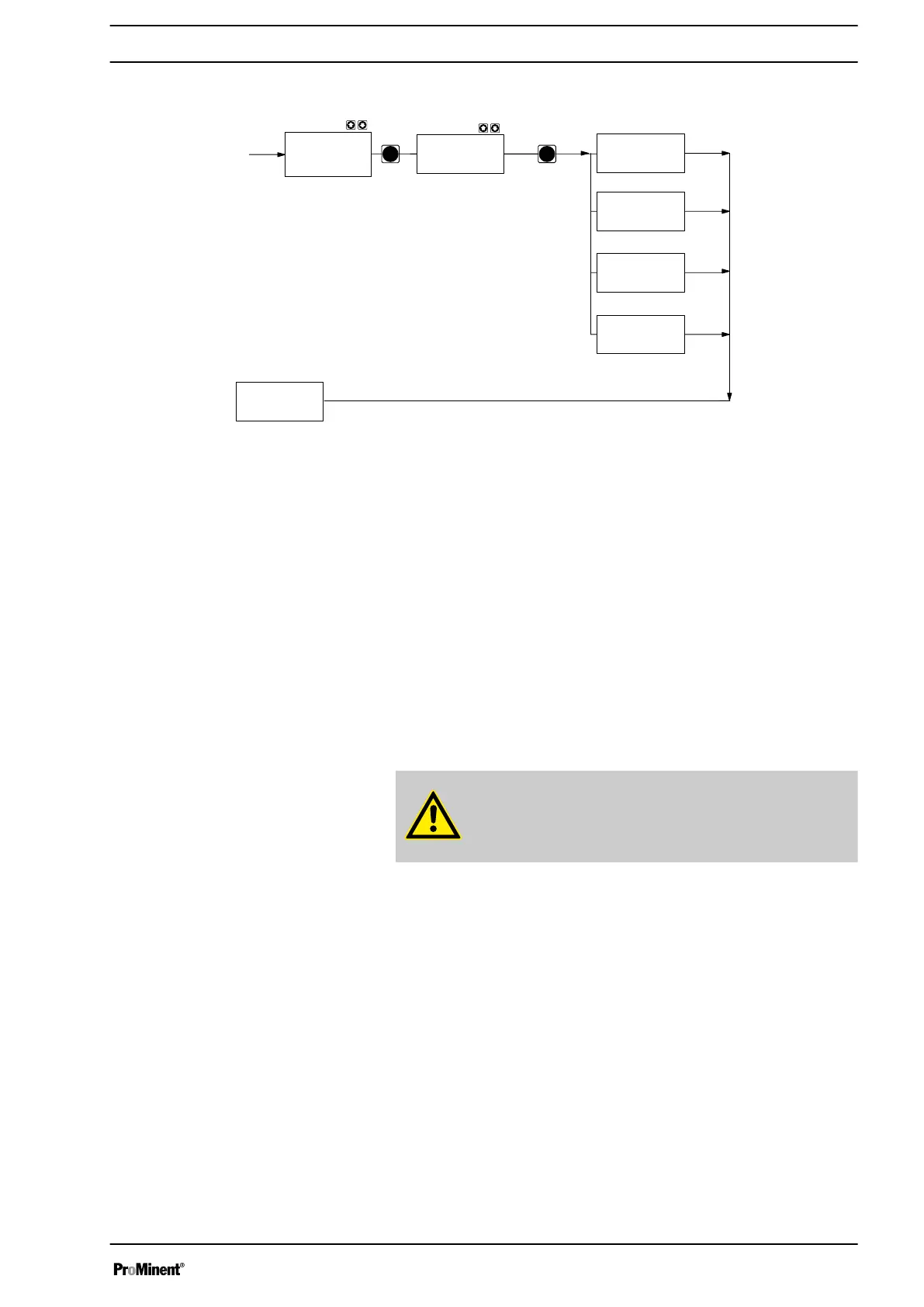
The "System" menu branches into the following sub-menus:
n Unit
n Diaphragm active
n Info
n Change head?
10.6.9.1 Settings in the sub-menu ″Units″
In the
‘Units’
sub-menu, you can select whether the pump uses litres or
gallons (US).
10.6.9.2 Settings in the ″Diaphragm active″ sub-menu
In the
‘Diaphragm active’
sub-menu you can select whether the pump
generates a warning or error alert upon a diaphragm rupture.
CAUTION!
The diaphragm rupture sensor must first be activated in the
operating menu, in order that it can be detected by the pump.
10.6.9.3 "Info" sub-menu
In the "Info" sub-menu you can read off the following identification num‐
bers:
n Identity code ID
n Serial number SN
n Software control SW
n Hardware control HW
n Software drive AS
n Hardware drive AH
n Name module-option (e.g. proTIME)
n Software option OS
n Hardware option OH
Set up
67







 To Next Page