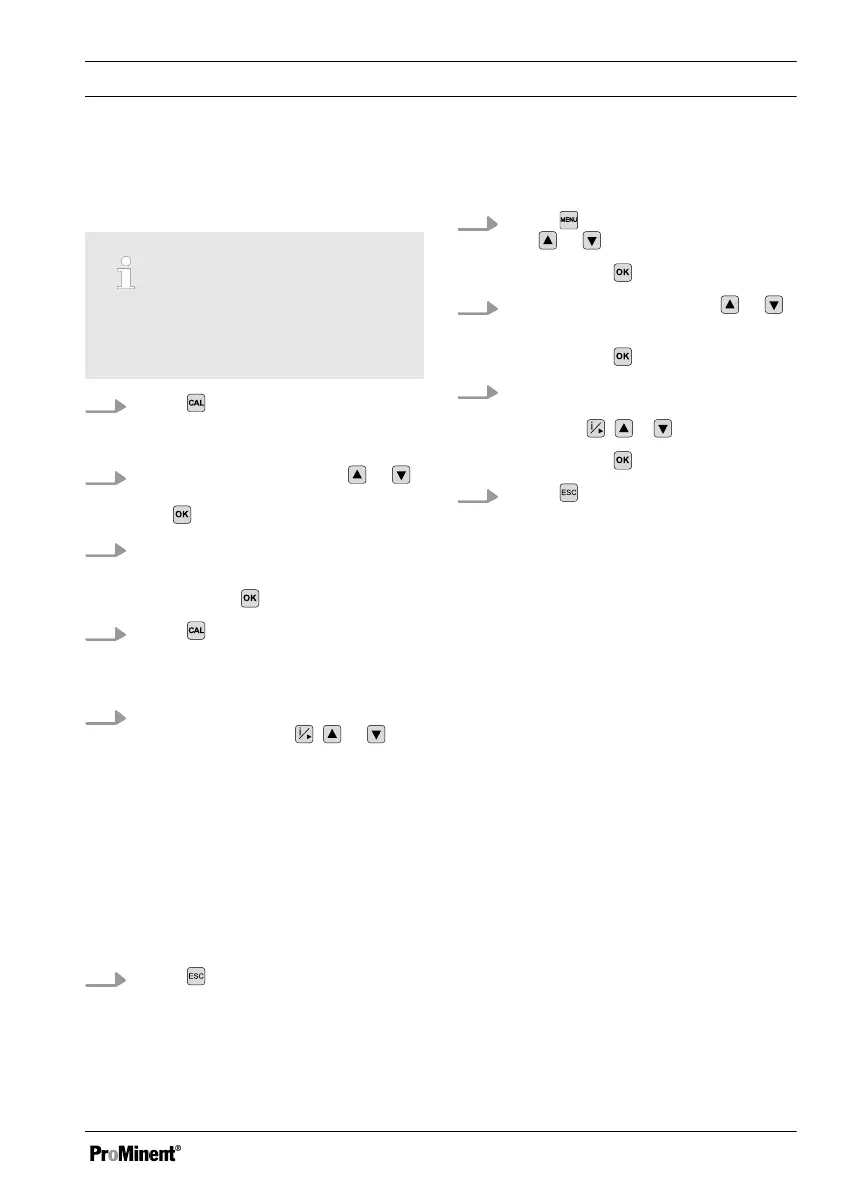
Calibration compared with a reference
measurement (e.g. manual measuring
device)
Temperature coefficient of the
measuring solution
The temperature coefficient of the
measuring solution has to be known.
1.
Press , leaving the sensor in the
application in which the sensor is
fitted.
2.
Move the cursor using the or
key to
[CELLCONST]
and confirm
with .
3. Enter the temperature coefficient of
the measuring solution.
Confirm with .
4.
Press
.
ð
The conductivity value meas‐
ured is displayed.
5. Now enter the conductivity value
displayed using the
, or
keys, in accordance with the refer‐
ence value measured.
ð
If calibration has been com‐
pleted successfully, the con‐
troller stores the determined
values for the cell constant and
the error checks relating to the
measured value are restarted.
The numerical setting range of
the cell constant is not limited.
6.
Press twice to return to the con‐
tinuous display.
Calibration by entering a precisely known
cell constant
1.
Press and move the cursor using
the
or key to
[INPUT]
Confirm with .
2.
Move the cursor using the or
key to
[CELLC]
.
Confirm with .
3. Now adjust the precisely known or
previously determined cell constant
using the
, or keys.
Confirm with
.
4.
Press twice to return to the con‐
tinuous display.
Operating menus
59















 To Next Page