10.2
[STOP/START]
key
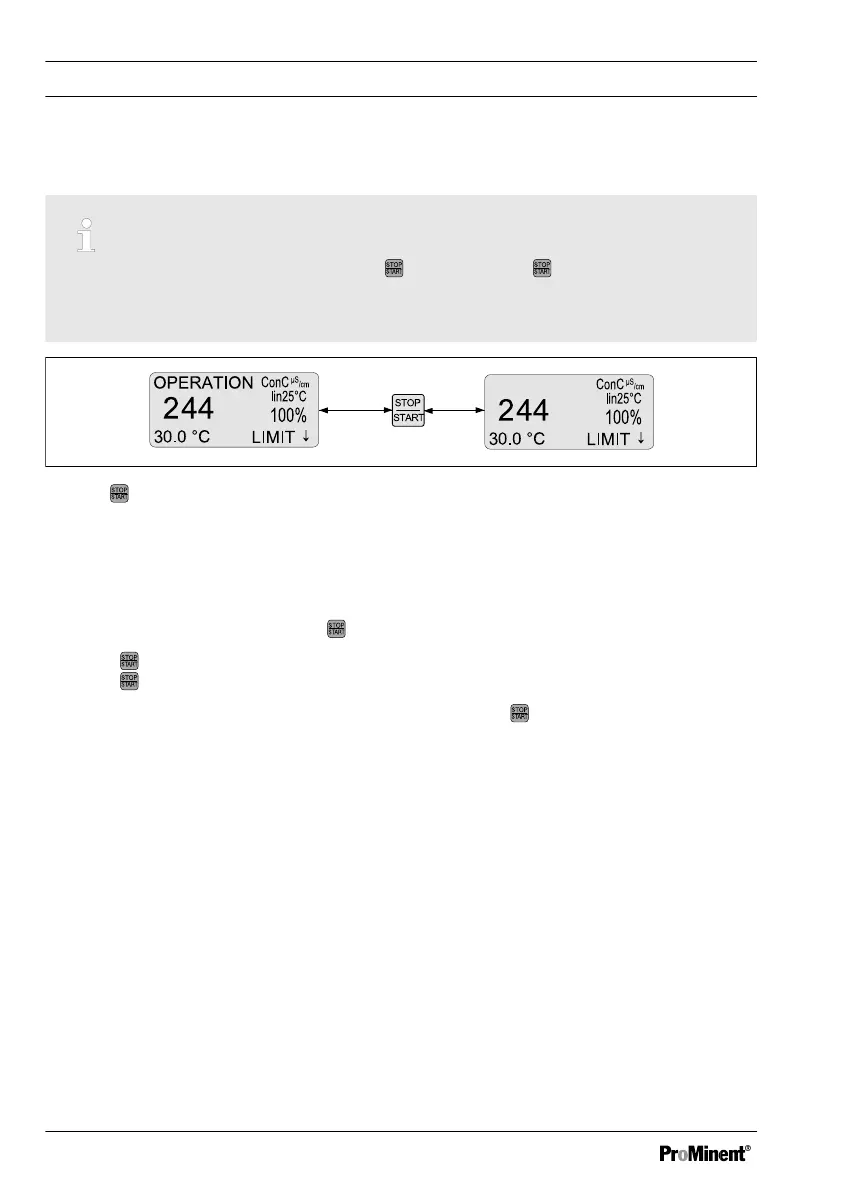
Control is started / stopped by pressing . You can press regardless of the menu
currently displayed. However the [STOP] state is only shown in the continuous dis‐
play.
Fig. 30: key
When the controller is first switched on, it is in
[STOP]
state.
In the event of defined error conditions, the controller switched to
[STOP]
state. The con‐
trol is then off (= 0 % control variable).
To differentiate the operating status
[STOP]
, caused by an error, from the operating
status
[STOP]
, caused by pressing ,
[ERROR STOP]
is displayed instead of
[STOP]
.
Pressing therefore causes the operating status
[ERROR STOP]
to become
[STOP]
.
Pressing
once more causes the controller to start up again.
In
[STOP]
status, start the controller manually by pressing .
Controller [STOP] means:
n Control is stopped
n The P-relay functioning as a limit value relay and as a PWM relay are switched to a
de-energised state
n The P-relay acting as an alarm relay is activated (no alarm)
The controller restarting causes the following:
n If a
[STOP]
status existed, the you have to manually start the controller after
switching on again.
n Error detection starts afresh, all existing errors are deleted
Control parameters and functions
80















 To Next Page