Diagnostics and Troubleshooting MVI56E-MCMR ♦ ControlLogix Platform
User Manual Modbus Communication Module with Reduced Data Block
Page 128 of 223 ProSoft Technology, Inc.
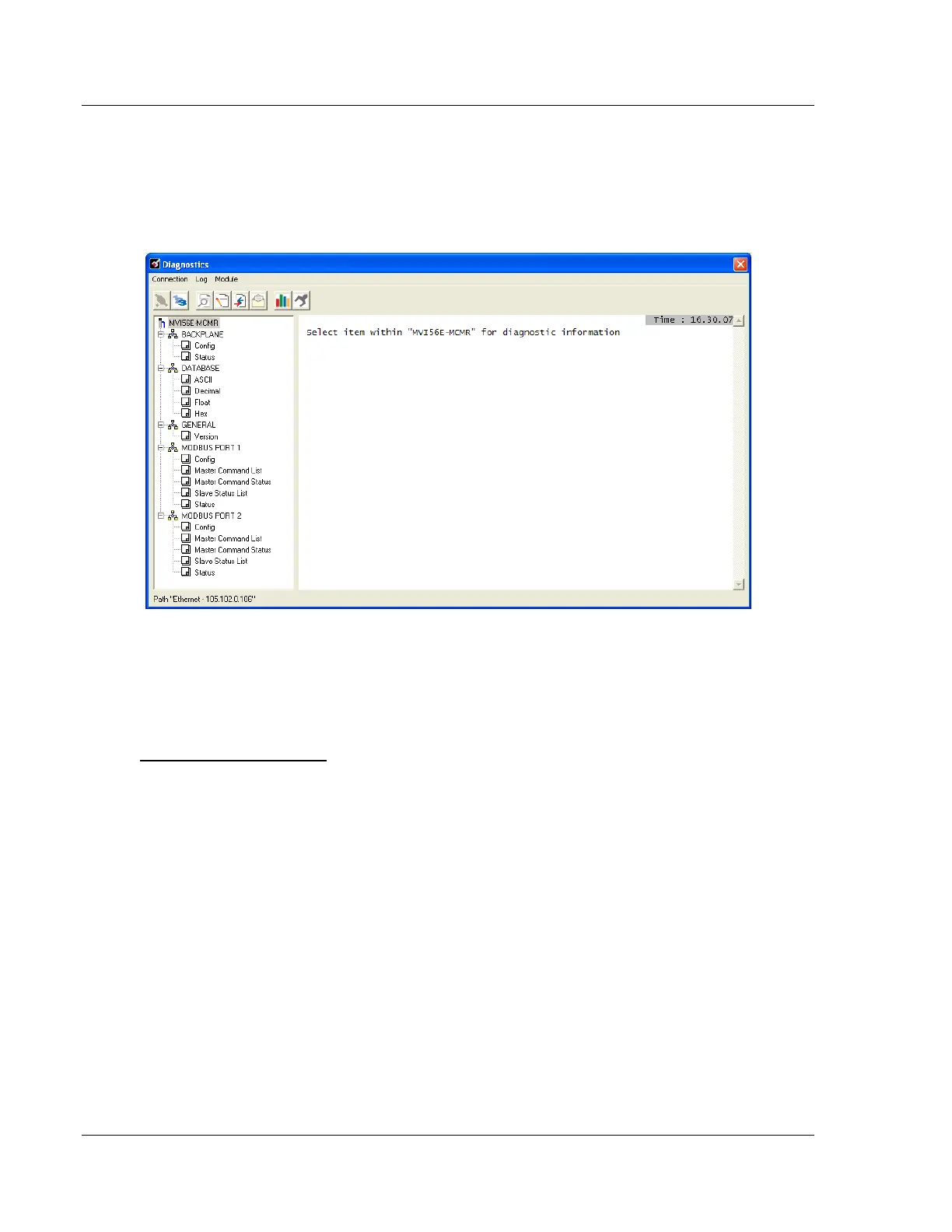
5.2.2 The Diagnostics Menu
The Diagnostics menu for this module is arranged as a tree structure, with the
Main Menu at the top of the tree, and one or more sub-menus for each menu
command. The first menu you see when you connect to the module is the Main
menu.
5.2.3 Monitoring Backplane Information
Use the BACKPLANE menu to view the backplane status information for the
MVI56E-MCMR module.
Backplane Configuration
Click Config to view current backplane configuration settings, including
Read Start
Read Count
Write Start
Write Count
Error Status Pointer
The settings on this menu correspond with the [BACKPLANE CONFIGURATION]
section of the module configuration file.



 To Next Page