MVI56E-MCMR ♦ ControlLogix Platform Configuring the MVI56E-MCMR Module
Modbus Communication Module with Reduced Data Block User Manual
ProSoft Technology, Inc. Page 47 of 223
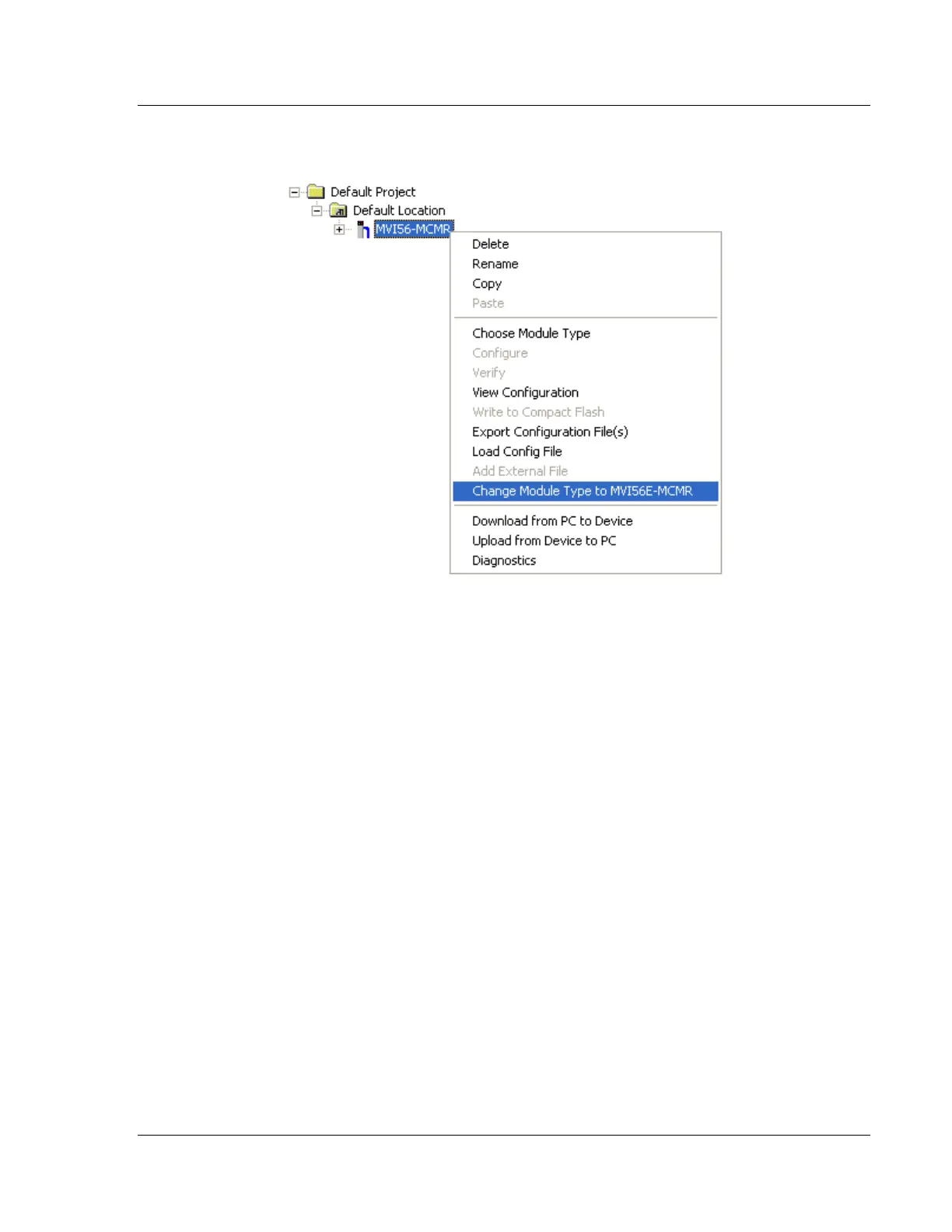
1 In ProSoft Configuration Builder's tree view, click the MODULE icon and right-
click to open a shortcut menu.
2 On the shortcut menu, select CHANGE MODULE TYPE TO MVI56E-MCMR.



 To Next Page