13
4.10 Ethernet 10/100 Network Interface
The communicaon between the Protégé® System and the Protégé® SE Integrated System
Controller uses a 10/100 Ethernet network operang the TCP/IP protocol suite. The IP address of
the Protégé® SE Integrated System Controller can be congured using the LCD Keypad
Terminal. The default IP address is set to a stac IP address of 192.168.1.2 with a subnet mask of
255.255.255.0. These IP address sengs are commonly used for internal networks.
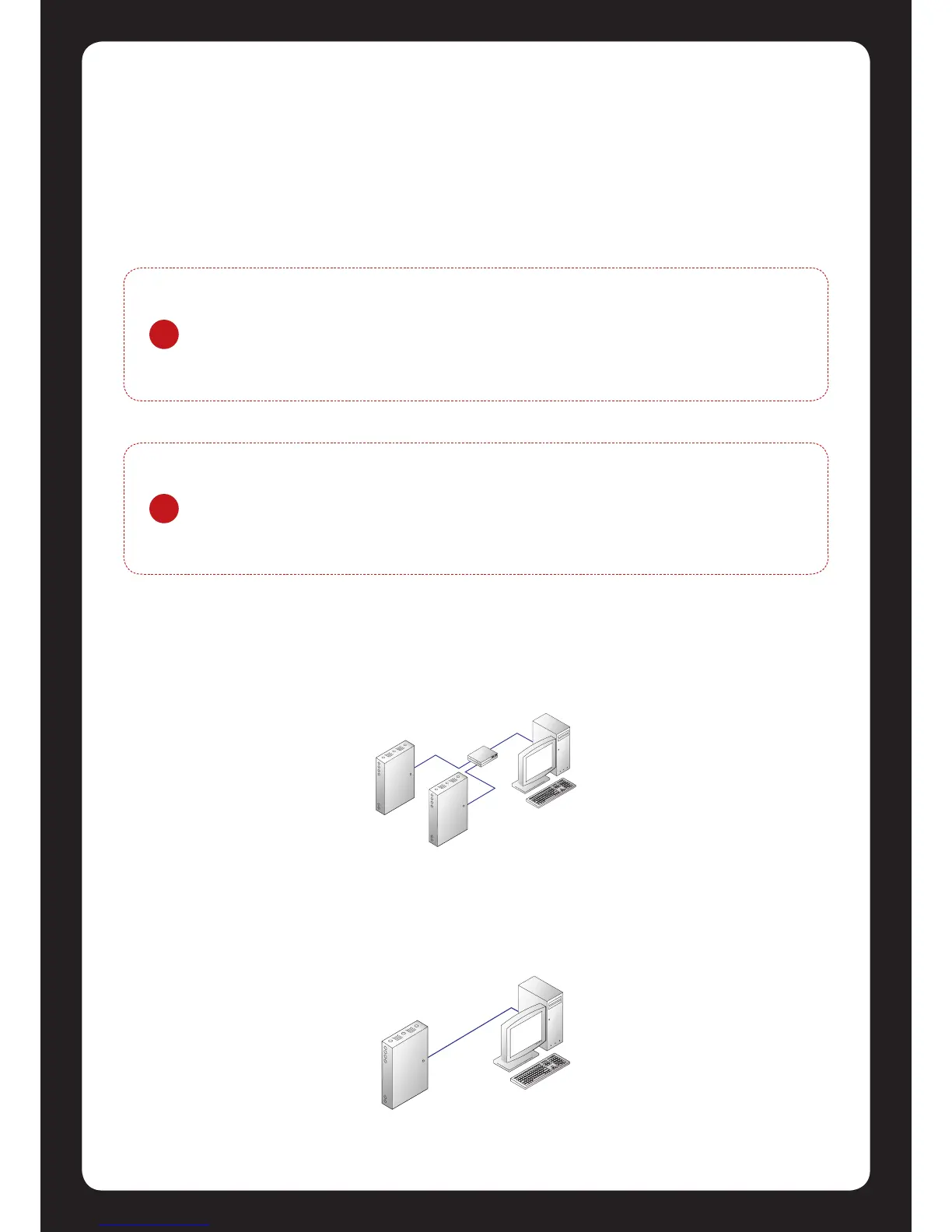
When installing an Ethernet connecon the Protégé® SE Integrated System Controller should be
interfaced using a standard segment (<100m in length) and should be connected to a suitable
Ethernet hub or switch.
Temporary direct connecons can be used for onsite programming by connecng directly to the
computer Ethernet port.
?
Installing the Protégé® SE Integrated System Controller on an acve network
requires knowledge of the conguraon and structure for the network. Always
consult the network or system administrator and ask them to provide you with a
xed IP address that can be assigned to the Protégé® SE Integrated System
Controller.
!
When the IP address has previously been set and is not known you are able to set
conguraon DIP switch 3 (Secon 8.0) which on power up of the Protégé® SE
Integrated System Controller will congure the IP address to 192.168.111.222 this
will allow access to the conguraon ulity to change or review the programmed
IP Address.
Figure 14 - Ethernet 10/100 Switch Hub Connecon
Figure 15 - Ethernet 10/100 Direct Connecon



 To Next Page