24
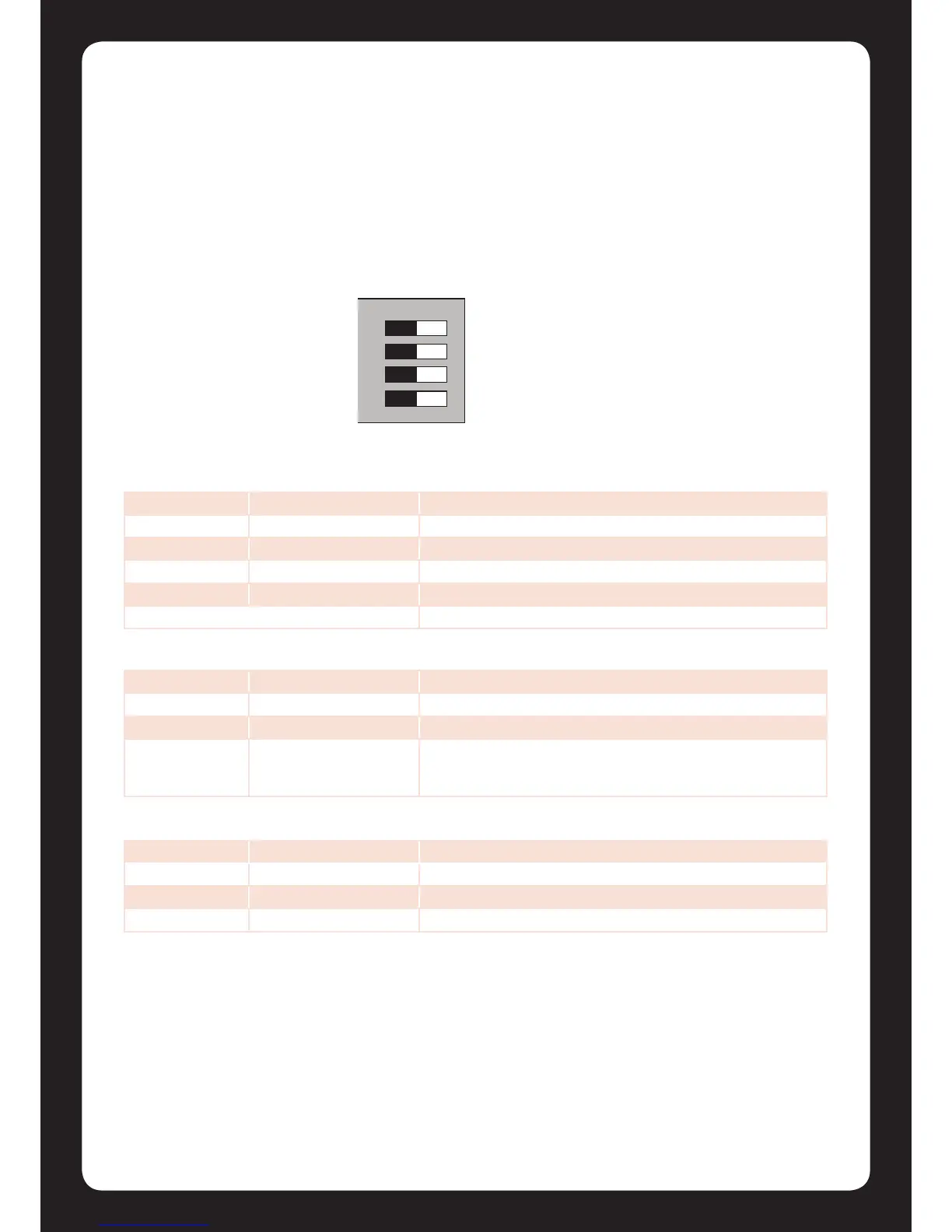
Figure 25 - Conguraon Switch
8.0 Hardware Conguraon
8.1 Conguraon Switch
The Protégé® SE Integrated System Controller uses a 4 way dual in line dip switch located in the
centre of the PCB board. This switch is used to congure the boot up and power on sengs for the
Protégé® SE Integrated System Controller. Each of the switch posions performs a dierent
funcon. For normal operaon all of the switches should be in the o posion.
Switch Switch Funcon
1 2 Power Up Boot Mode
OFF OFF Normal Operaon
ON OFF BOOT Loader
OFF ON BIOS Ulity
ON ON Reserved Do Not Set
Switch Switch Funcon
3 - IP Address Conguraon
OFF - Programmed IP Conguraon
ON - IP Will be set to 192.168.111.222 while this switch remains on.
Allows the connecon and review of the programmed IP address
or the modicaon to another seng.
Switch Switch Funcon
4 - System Default
OFF - Normal Operaon
ON - Factory Default Protégé® SE Integrated System Controller



 To Next Page