OPTALIGN smart RS5 BT handbook
72
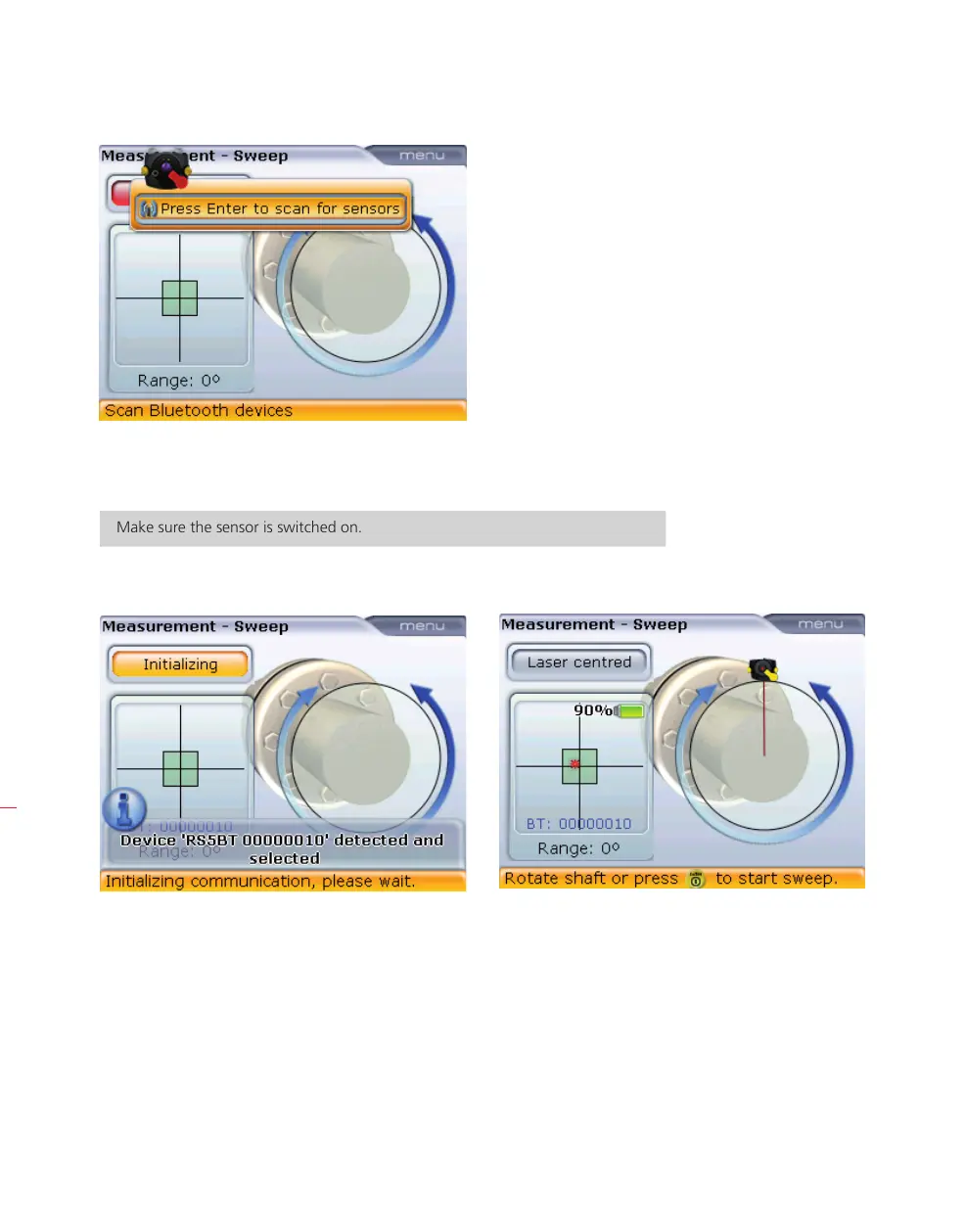
5. With the item ‘Press Enter to scan for sensors highlighted, press e to scan for
sensors within the neighbourhood.
Make sure the sensor is switched on.
Once detected, the sensor is selected automatically.
6. If the laser beam has been correctly adjusted [as shown above right], you may
proceed with measurement as described in section 5.10.



 To Next Page