Pict.
13
-
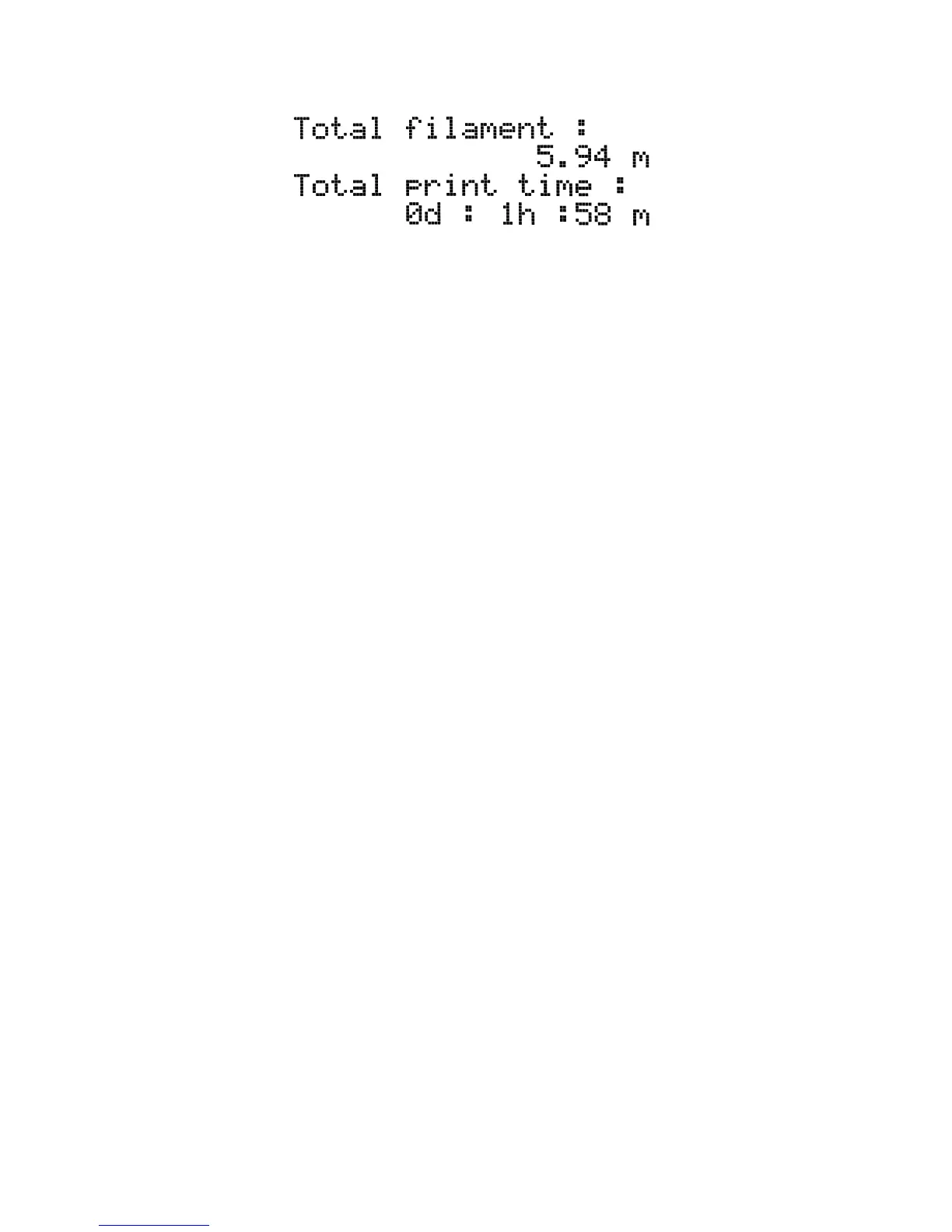
Print
statistics
7.2.2 Silent vs. Hi-power mode
The printer offers two settings for motor power consumption. Silent uses less current and
makes the printer quieter, but less powerful. Hi-power is great for very large (over 200 gram)
prints and for freshly assembled kits before you fine tune everything. If you experience lost
steps (shifted layers) or if you’re manually adjusting speed of printing to more than 100%,
use Hi-power mode.
7.2.3 Factory reset
The factory reset is used when troubleshooting the printer and resetting it to the factory
state.
Entering the factory reset menu:
1. Press and release the reset button (marked X and positioned under the control
knob on the LCD panel)
2. Press and hold the control knob until you hear a beep
3. Release the control knob
Options:
● Language option resets the language preference.
● Statistics will erase all the recorded print time and material from the memory.
● Shipping prep which resets only the printer language selection. All the calibration
data including the Live adjust Z remain intact. Even though the calibration data are
still present and functional, the printer will prompt user once to run the Calibrate Z
function. This light factory reset is mainly used for resetting of assembled printers
before shipping out of the factory, and users are expected to select their language
and run Calibrate Z after unpacking.
● All data which resets everything including all calibration data and whole EEPROM is
cleaned. After this reset, user is expected to go through the calibration flow again,
except setting the probe height.
If you experience random glitches after firmware update or after printer upgrade, use the All
data option.
27



 To Next Page