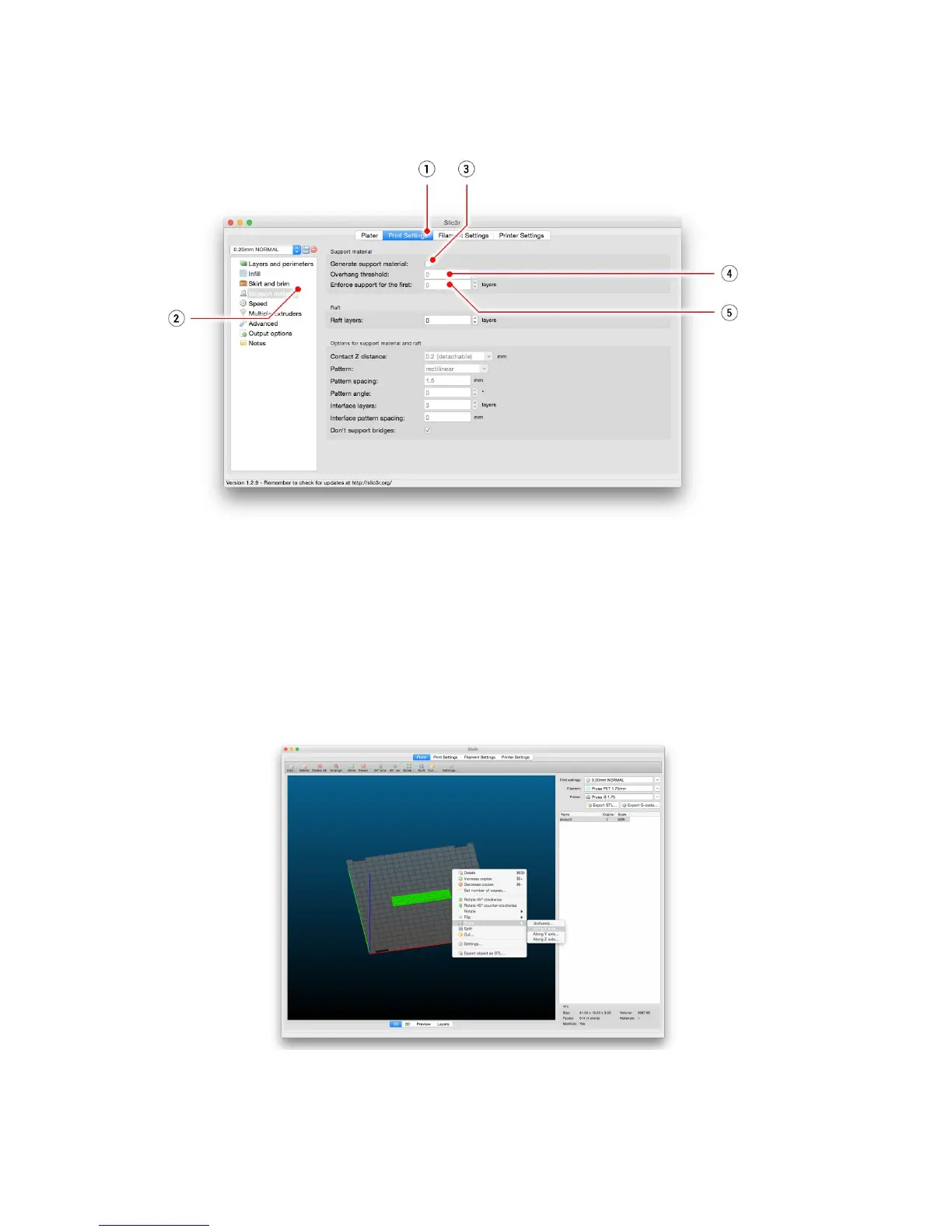
Enforce
support
option (5) is used mostly with small models or models with small base to
prevent the object from breaking or tearing out from the bed.
Pict.
26
-
Print
with
support
menu
10.6.2 Large object printing
Another special printing case is when printing objects larger than the heatbed. First option is
to resize the object to a printable size. Right-click on an object in Slic3r opens a menu with
the Scale
…
option, then you choose Uniformly
, if you want to scale down the model evenly;
or you can alter the size of a model along the one of the axes: Along
X,
Y,
Z
axis
…
Pict.
27
-
Size
change
of
a
printed
object
44



 To Next Page