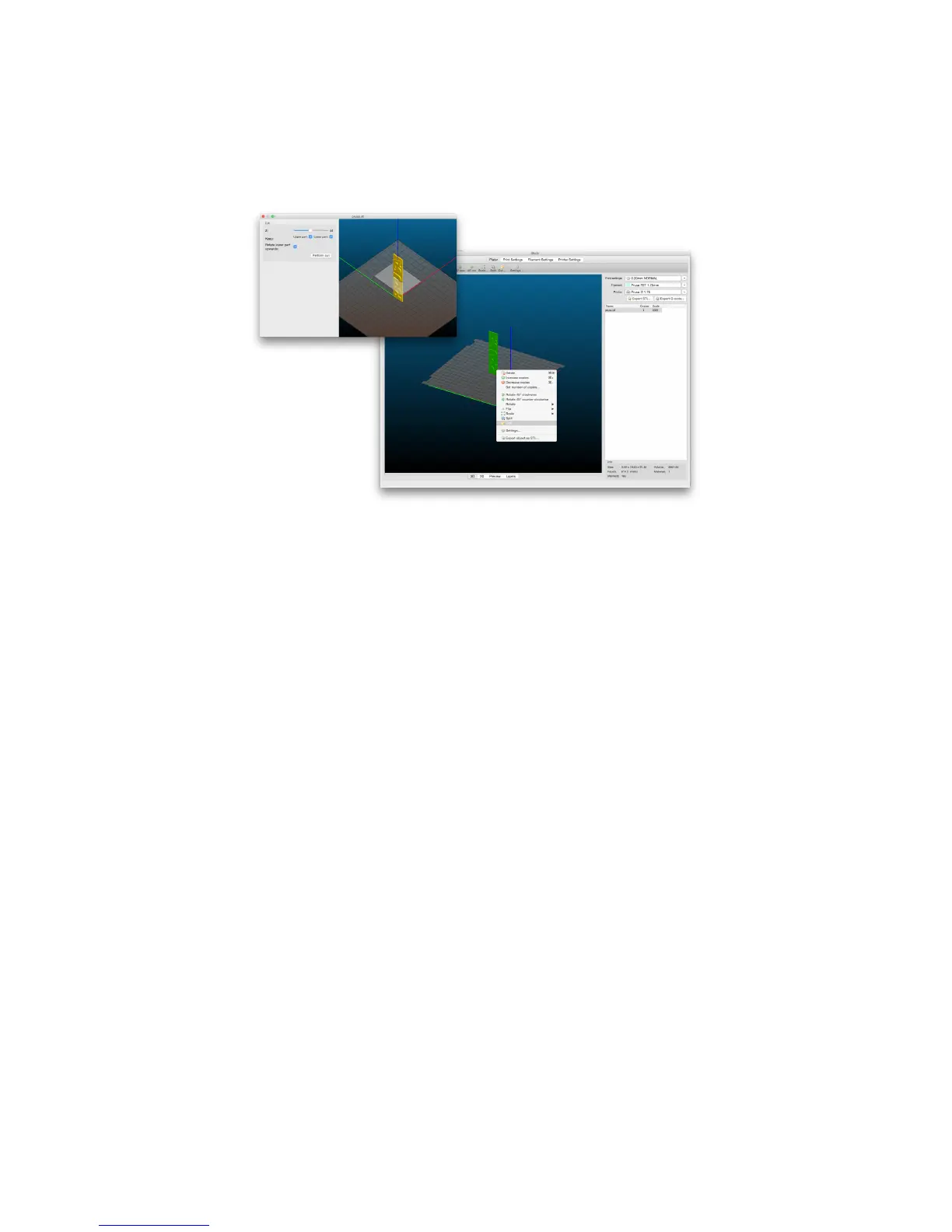
If you need to print an object that doesn’t fit the printer, you have to cut the object using
Slic3r. Right-click and choose the Cut
…
option in menu. You can cut the object horizontally -
if you need to perform a cut in a different axis, use the Flip...
option in the same menu.
Pict.
28
-
Cutting
the
object
with
the
Cut
option
45



 To Next Page