Page 17
Chapter 3 Operating the Controller
Safety Precaution
The device contains Li-ion rechargeable batteries that are potentially
hazardous, and may pose a fire-risk when mishandled or subject to
temperatures beyond the specified maximum.
Never attempt to operate, recharge or subject the device to temperature
beyond 60 degree Celsius or below -20 degree Celsius (-4 - 140 degree
Fahrenheit).
Never submerge the controller in liquid.
Always power-down device, disconnect charger or any external power
source and unplug sensor connector before performing any servicing to the
Flow Pulse Handheld or the Flow Pulse.
Charging the Controller
A charger is supplied for charging the battery on the handheld. Other
chargers may be used, but the power rating must be within 12-18 VDC and
fused @ 2A max.
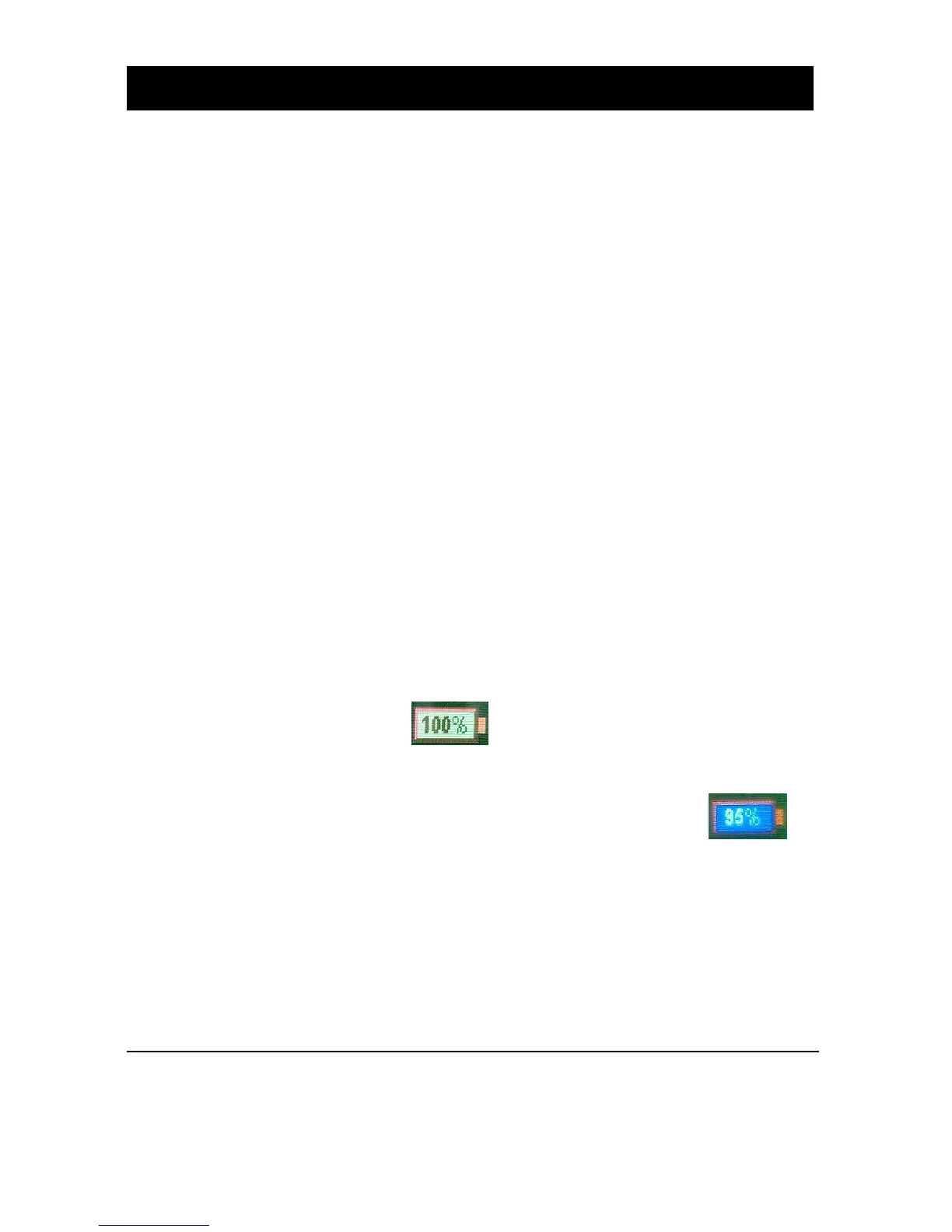
The battery indicator icon provides indication of the available
charge on the Flow Pulse Handheld.
During charging, the battery icon will have a blue background to
indicate that the charger is present.
During charging, the charge LED lights up with red when the battery
contains approximately 90% charge or less, and turns green when the battery
has more than 90% charge. When the battery level falls to 0%, the Flow
Pulse Handheld will be automatically powered-down. This is to avoid
over-discharging the battery, which may damage the batteries.



 To Next Page