Page 21
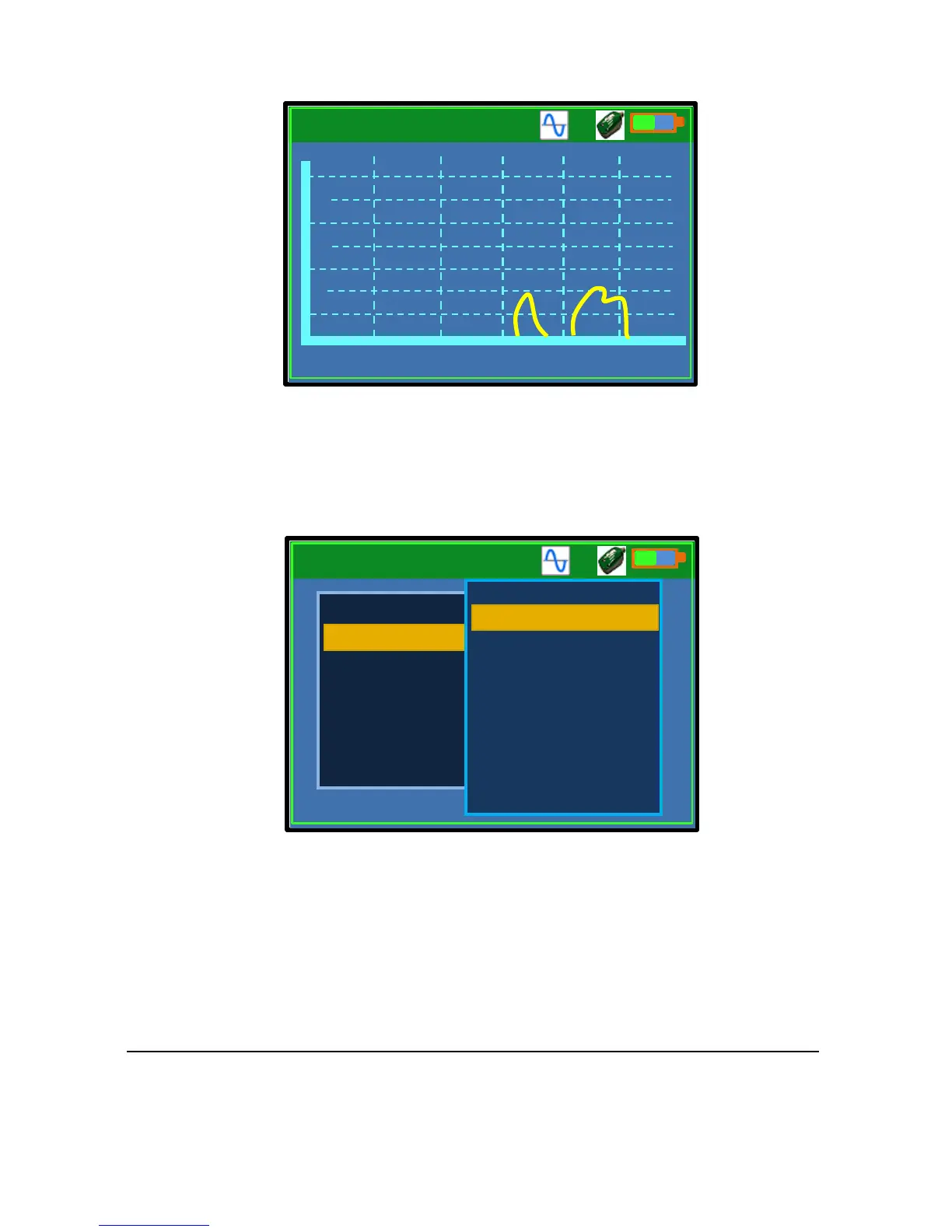
Record Window
The Record window shows the recently reported flow. Only the most recent
300 flow readings are displayed. The ‘Flow’ axis on the chart is in units of
the set volumetric flow rate, which is litres per second by default.
Settings 1 – Flow Pulse
The “Settings-1” – Flow Pulse window allows setting or changing Flow
Pulse parameters. Please refer to the Flow Pulse instruction manual for
detailed description of the individual items.
The menu can be navigated by using the up/down arrow keys and
confirming with Enter, or directly choosing the menu item by pressing the
associated number key.



 To Next Page