Page 19
Flow Window
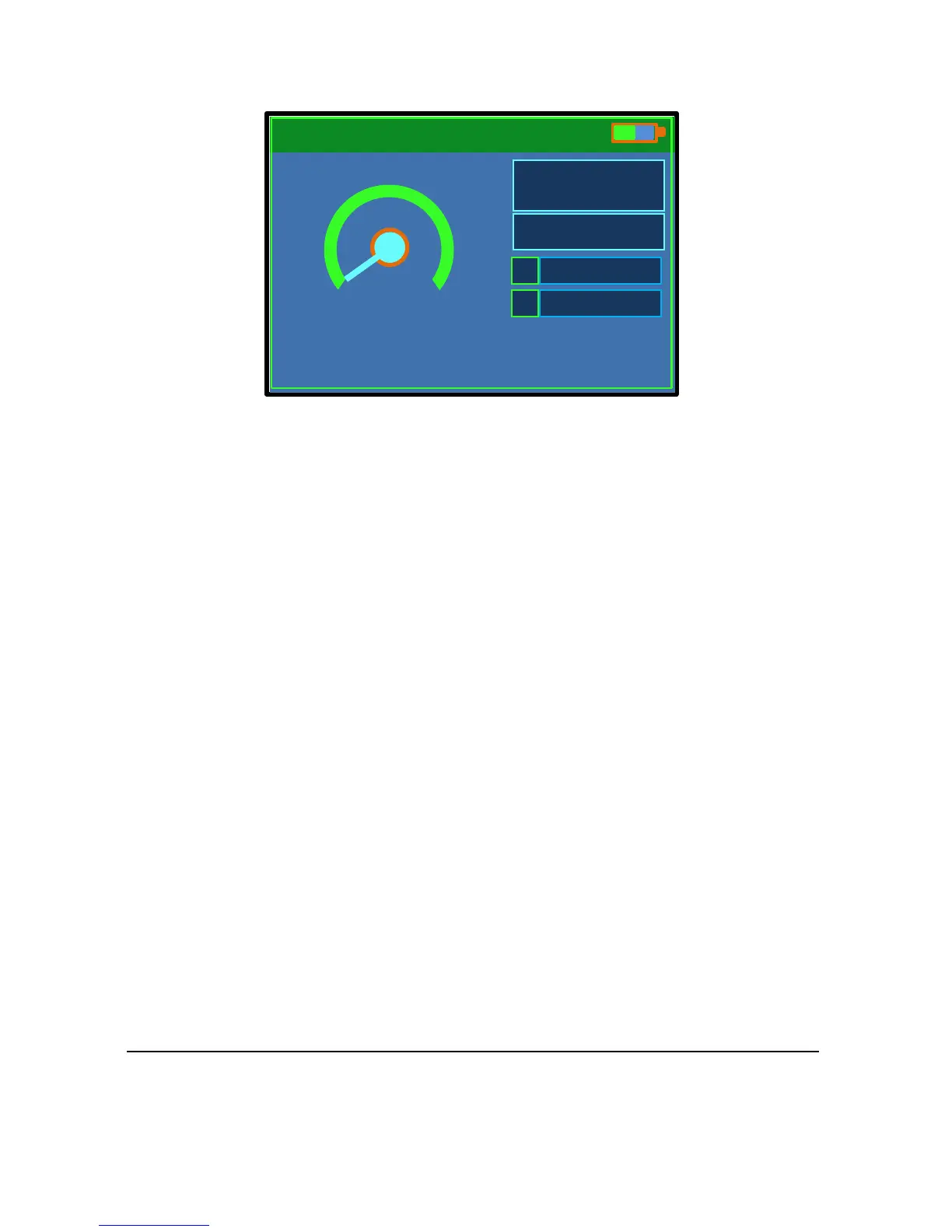
The main window is the Flow window. This page displays both the flow
velocity and the associated flow rate. The expected mA output on the
Flow Pulse and the name of site for data logging are also shown.
The units of flow rate can be changed in Setting1 Flow Pulse Setup
(F3 shortcut key).
The ‘S’ bar shows the strength of flow signal received on the sensor. A high
value will indicate a suitable application.
The ‘C’ bar shows the expected stability of the flow reading from the sensor.
A high value will indicate better measurement stability and is associated
with increased repeatability.
Press cancel key repeatedly at any stage to return to this window.



 To Next Page