Page 34
To specifically generate a parameter file for the sensor, press the F2 key to
start a data logging session. This will generate a csv parameter file within
the site folder.
When using Sleep/Wake logging, no new parameter file is generated upon
waking.
Parameter files should be renamed while retaining the file extension (csv or
fpr).
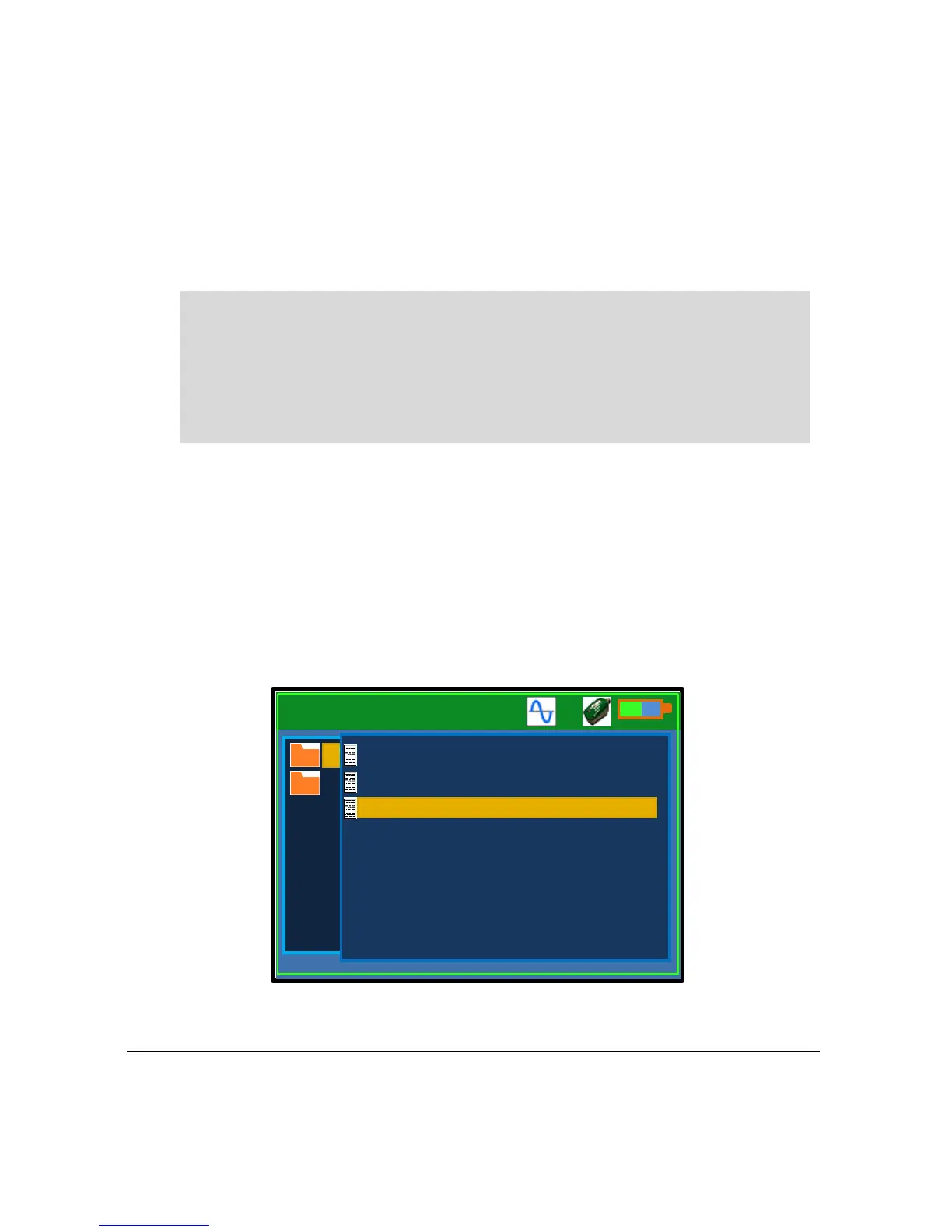
Loading a Parameter File onto Flow Pulse
A parameter file previously saved from a Flow Pulse, or transferred from
a computer, can be loaded back onto a Flow Pulse. The parameter file
must be in the fpr or csv format. If in doubt, connect to a computer and
open the csv parameter file in Excel or any text editor to confirm. Press F4
to Settings-2 menu and select “Tools”. Choose option “Load FPR to FPlse”
to load an fpr parameter file, or “Load CSV to FPlse” to load a csv
parameter file.
Important Information
Care should be taken while renaming csv files to avoid confusion between
parameter csv file and log files converted into csv, as both would have the
same csv extension.



 To Next Page