Page 27
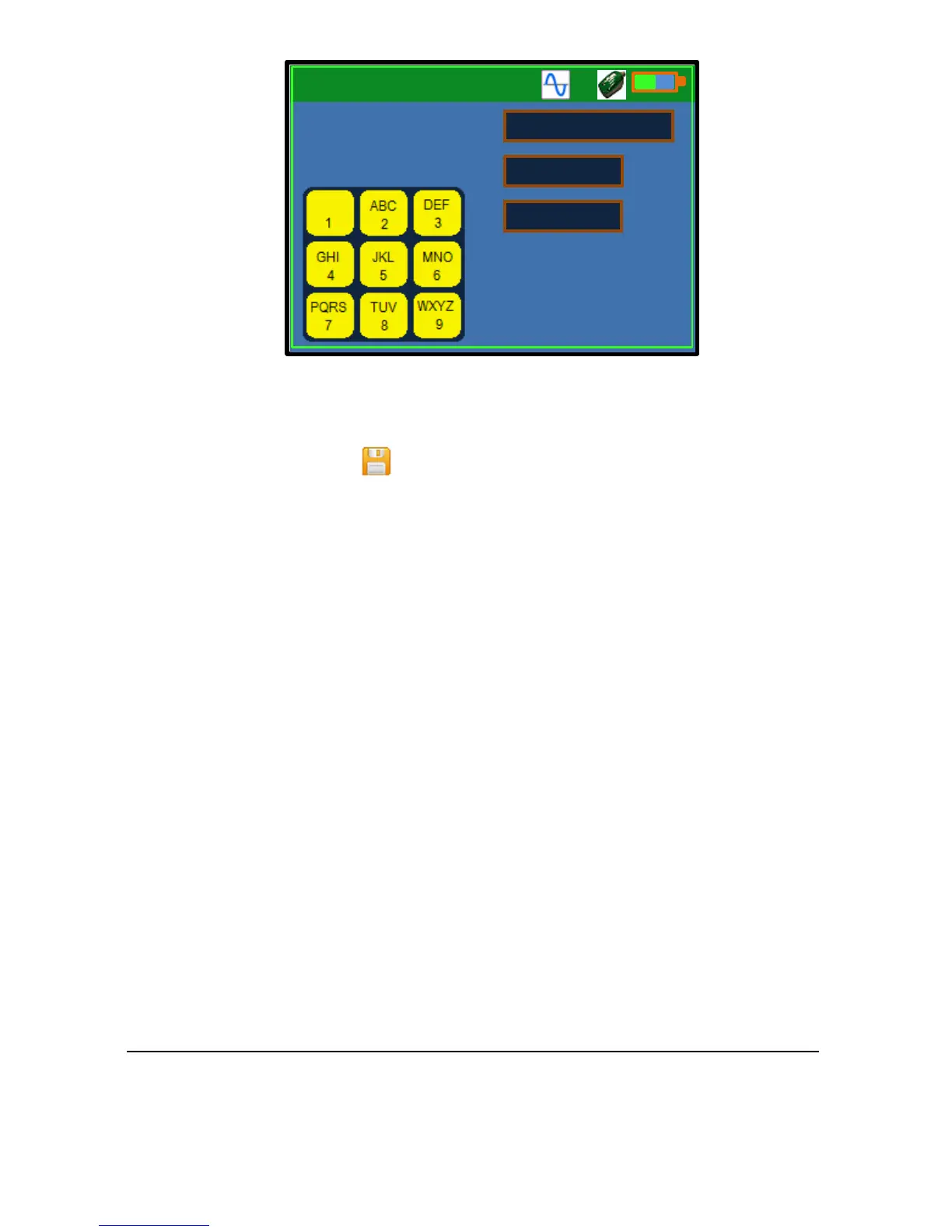
The site name determines the folder in which the log files will be stored,
allowing organisation of log files by site name.
The data logging icon is displayed whenever data logging is in progress.
Pressing the F2 key again will disable the function.
All log files are named in Flow Pulse-dd-mm-yy-hh-mm. flg format by
default, the date and time corresponding to the start of data logging. The log
files can be freely renamed if the. flg extension is retained.
Sleep/Wake Logging
The Sleep/Wake logging function is used for longer term, unattended, data
logging. This feature is setup via the Setting-2 Data Logger menu:
1) Change site name if required.
2) Check logging interval, default is 4 seconds between logs.
3) Check the file interval, default is 1 day before a new log file is created.
This is set to ensure that the number of log files and file-size are kept
relatively small. A new file is always created when logging is started or
restarted.
4) Set the “Sleep Time”. This is the time duration in which both the
controller and the sensor will be put into low-power or power off mode
to reduce power consumption. This is set in units of second.



 To Next Page