10. Press [Finish] to return to menu.
11. Press the Sleep/Wake button to exit.
How to Remove the Base (Meter)
Remove the Base:
• Removes the PSD from service.
• Prepares the base for removal by saving data on USB key.
To remove the meter:
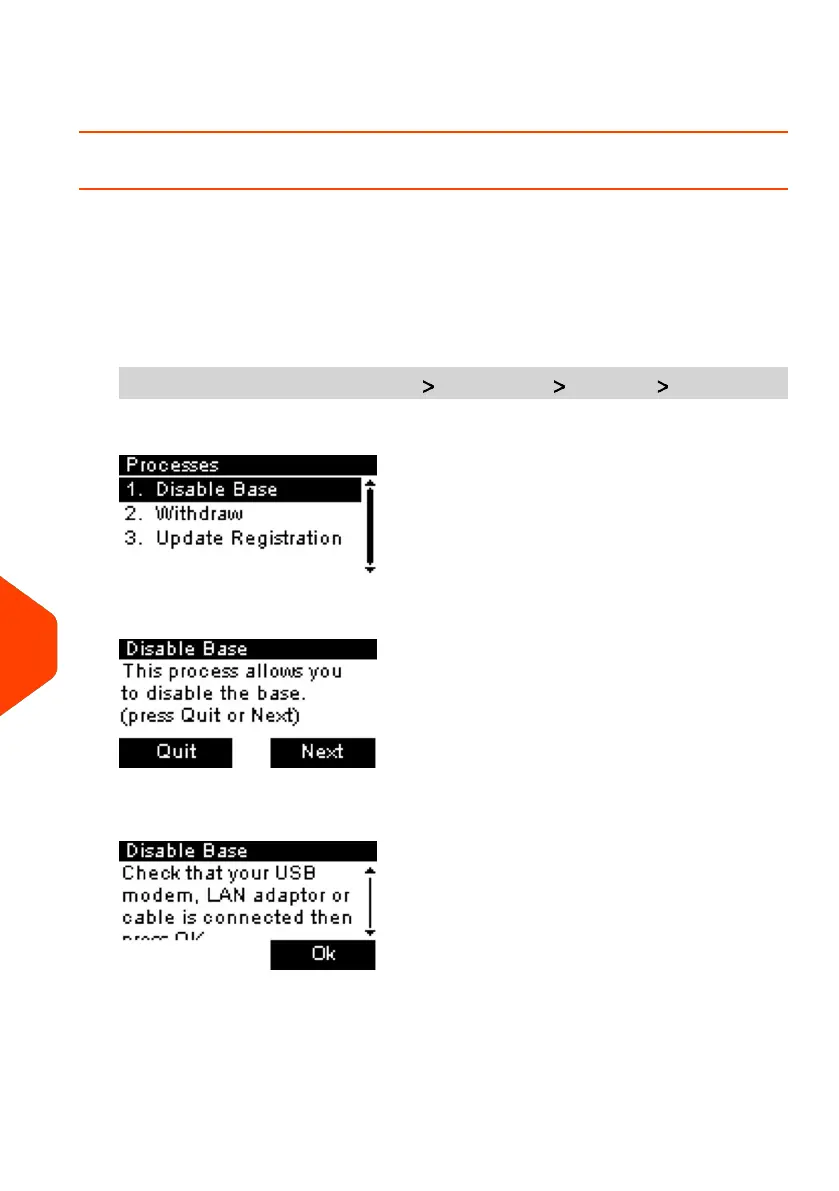
1. As supervisor (see How to Log in as Supervisor on page 180):
From the main menu, select the path: Maintenance Processes Disable Base
The Remove Base screen is displayed.
2. Insert a USB key and press [OK] or press Next step to save your data on Online
services.
248
| Page 248 | Jan-27-2023 01:28 |
12
Maintenance


 To Next Page
 Loading...