980 DP Video Generator - User Guide Rev. A4
Page 145 July 14, 2014
Enables or disables Gamma. Used with the entry field
below.
Enables you to set the Gamma once the Gamma check
box above is enabled (checked). The allowable ranges of
values is 0.1 to 10.0.
Pedestal
Not used for HDMI
Enables or disables the Pedestal. Used with the entry field
below. Pedestal is only supported on NTSC format types.
Enables you to set the Pedestal once the Pedestal check
box above is enabled (checked). The allowable ranges of
values is 0 IRE to 100 IRE.
Analog Cal. Mode
Not used for HDMI
Sets the analog calibration mode. Determines how the
generator tests and calibrates its analog video outputs. The
following are the selections:
Interpolate
Measure Interpolate
Measure Set Absolute
Test Levels
Analog Color Order
Not used for HDMI
Sets the mapping of the analog video colors to the video
output connections. Parameter: AVCO. The following are
the selections:
RGB - R to R, G to G, B to B (default)
RBG - R to R, B to G, G to B
GRB - G to R, R to G, B to B
GBR - G to R, B to G, G to B
BRG - B to R, R to G, G to B
BGR - B to R, G to G, R to B
7.3.8 New Format - General Tab (Bottom Panel)
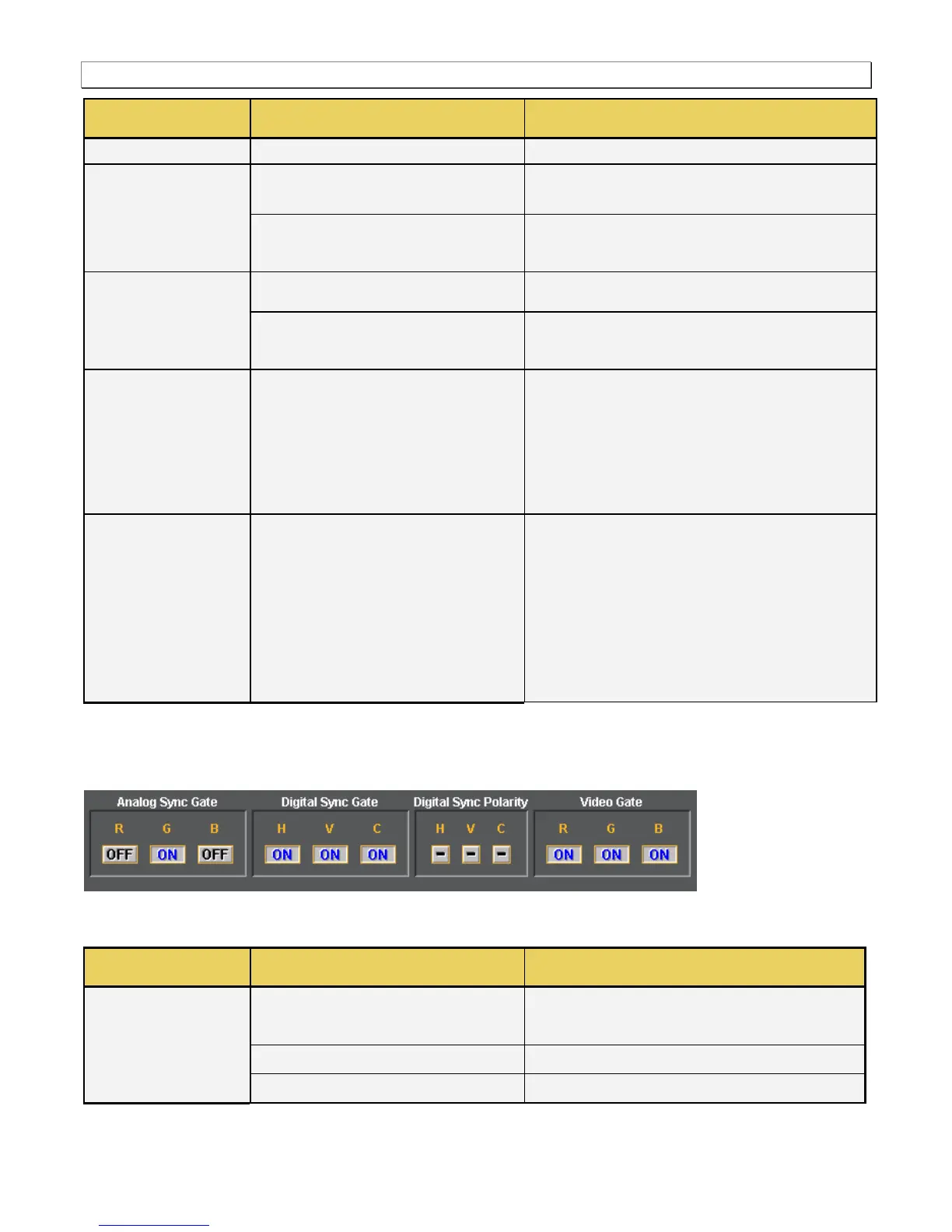
The bottom panel of the General tab in the Format Editor is shown below.
The table below describes the gating functions of the right-side panel of the General tab.
Analog Sync Gate
Not used for HDMI
Enables you to put the analog composite sync on one of
the components when analog composite sync is selected
as the sync type . Multiple selections can be made.
Puts the analog composite sync on the Red component.
Puts the analog composite sync on the Green



 To Next Page