SFC6400A/SFC1450A Synthesized Frequency Upconverter User Interfaces
TM106 – Rev. 1.1 4-21
4. Press and release <ENTER> once. The cursor appears at the lower left corner of the LCD
display.
5. Press and release the Right Arrow Key until the cursor is at the digit to the right of the
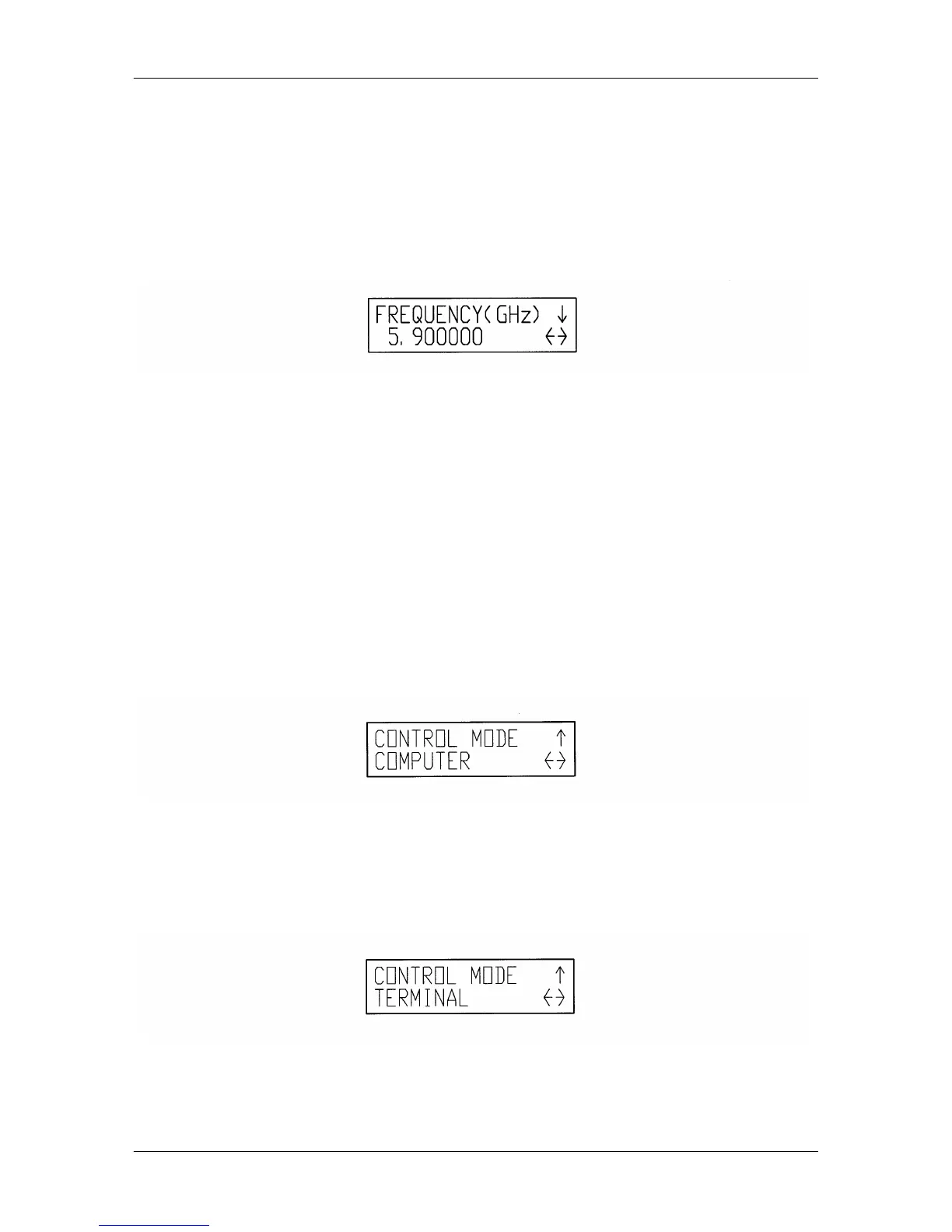
decimal point. Press the Down Arrow Key until the display shows "05.900000". The cursor
is still visible and flashing over the number "9", to the right of the decimal point.
7. Press and release <ENTER> once. The cursor is no longer visible, and the frequency field
now displays "5.900000".
8. Press and release <ENTER> once. The cursor appears at the lower left corner of the LCD
Display.
9. Press and release the Right Arrow Key until the cursor is at the digit to the right of the
decimal point. Press the Up Arrow Key until the display shows "06.000000". The cursor is
still visible and flashing over the number "0", to the right of the decimal point.
10. Press and release <ENTER> once. The cursor is no longer visible, and the frequency field
now displays "6.000000".
4.3.3 Changing Control Mode to 'TERMINAL'
1. Upon powering up, the Boot-Up Screen is shown in the LCD display.
2. Continue pressing and releasing the Left Arrow Key until the SYSTEM Menu is displayed.
3. Press and release the Down Arrow Key. The CONTROL MODE screen is displayed.
4. Press and release <ENTER> once. The cursor appears at the lower left corner of the LCD
Display.
5. Press and release the Up Arrow Key until the bottom field displays "TERMINAL".
6. Press and release <ENTER> once. The cursor is no longer visible, and the selection has
now been changed to "TERMINAL".



 To Next Page