SFC6400A/SFC1450A Synthesized Frequency Upconverter User Interfaces
TM106 – Rev. 1.1 4-31
4.5 Terminal Port User Interface
The Terminal Port allows for complete control and monitoring of all Upconverter parameters and
functions via an RS-232 Serial Interface. Terminal Mode’ can be entered from the front panel by
selecting ‘System’ and then ‘Control Mode’ followed by ‘Terminal.’ The default settings for the
terminal are as follows:
VT100
9600 baud
8 data bits
no parity
1 stop bit
These settings can be changed at the front panel by using the System>Terminal> Menu.
The Terminal Control Mode is Menu-driven and the allowable values for each item number will be
shown. To change an item, type in its number followed by <ENTER>. If the parameter to be
changed requires a numeric value, enter the number followed by <ENTER> If the parameter is non-
numeric, press <SPACE> to cycle through the list of available entries. Note that the items that do
not have ID numbers are Status only and cannot be changed. Unless otherwise indicated, all
terminal Menu items shown below are identical to those described in Section 4.1.6 (LCD Display
Menus) above.
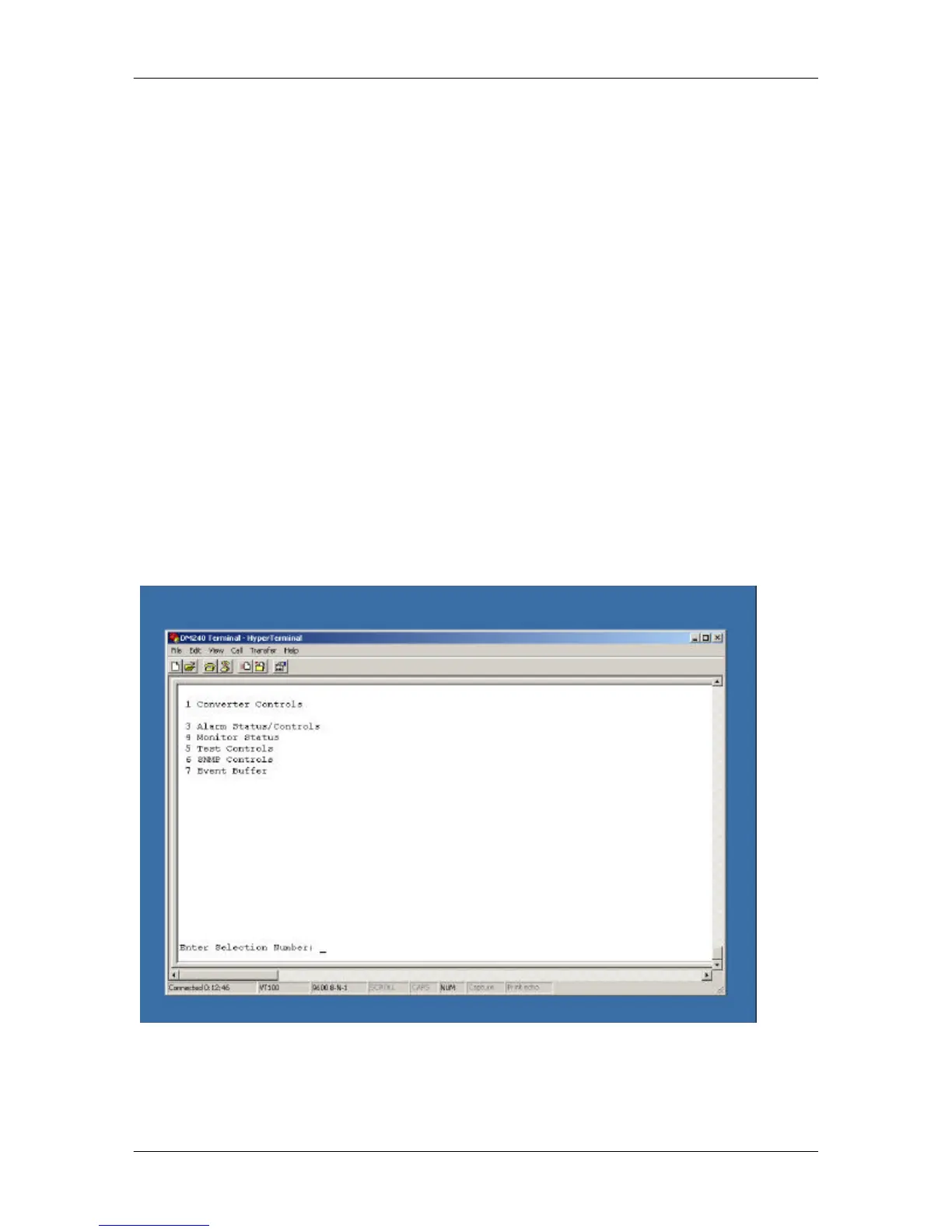
4.5.1 Terminal Main Menu
*Menu is available only for a backup converter.



 To Next Page