User Interfaces SFC6400A/SFC1450A Synthesized Frequency Upconverter
4-46 TM106 – Rev. 1.1
4.6.3 Connecting the Ethernet Cable and Testing the Link
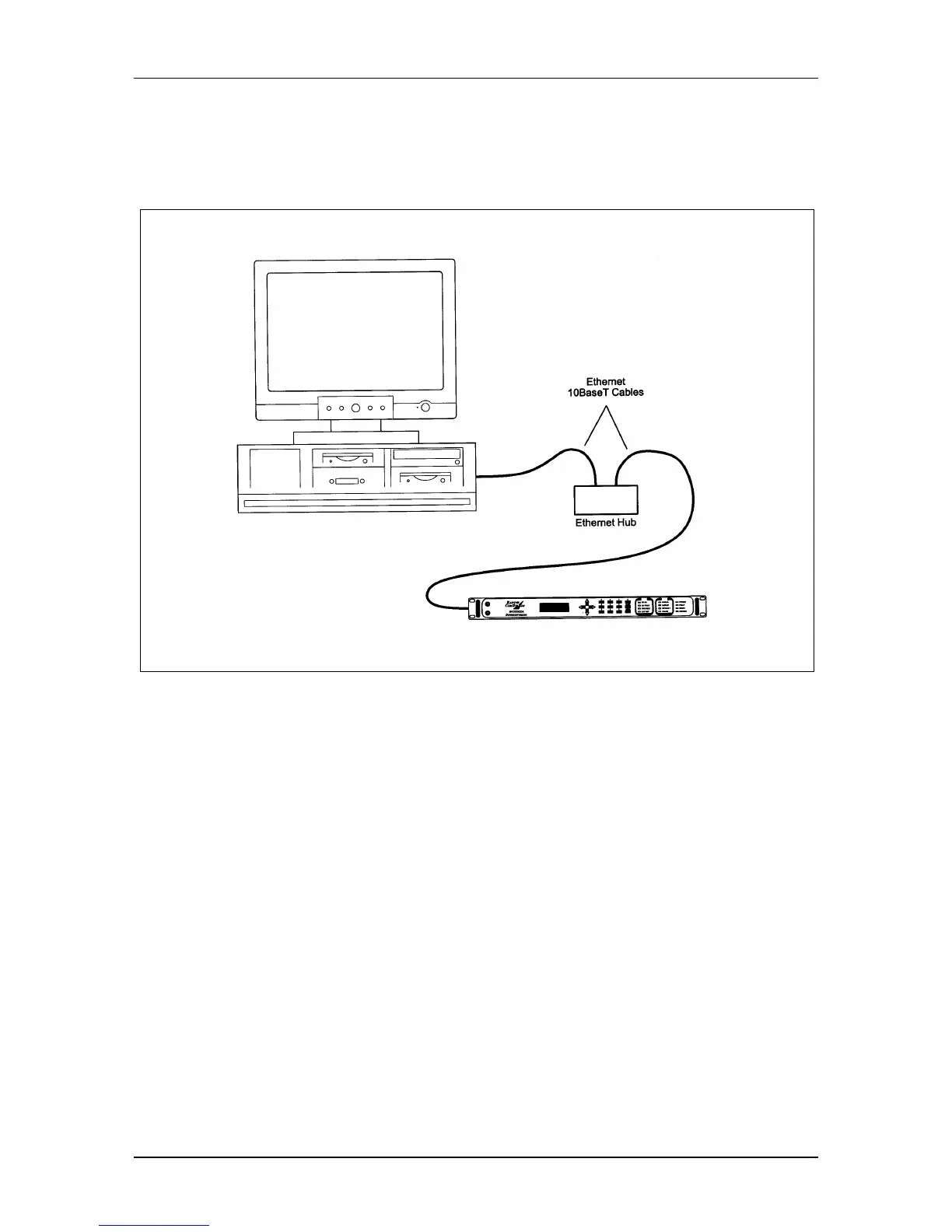
1. Connect the computer to the Upconverter Ethernet port (J9) using the RJ-45 to RJ-45
10BaseT Cables via a hub as shown in Figure 4-3.
Figure 4-3. Ethernet Connection
4.6.3.1 Ping Program
1. PING is an application that uses the ICMP protocol to report if a host is responding. To
check whether the SFC Upconverter is reachable, use the PING program installed on your
computer along with the modem IP Address set in Section 3.2.3.
Example: ping 192.168.0.35
2. If everything is functioning correctly, replies from the modem will appear on the computer
screen along with the time it took to respond. If unsuccessful, verify the following:
a. The cables are secured.
b. The Link Light is illuminated.
c. The IP Address that is used matches the Modem’s IP Address.
d. The Server and Modem are on the same subnet.



 To Next Page