RaiseTouch User Manual Date:03/03/2020
- 12 / 80 -
www.raise3d.com
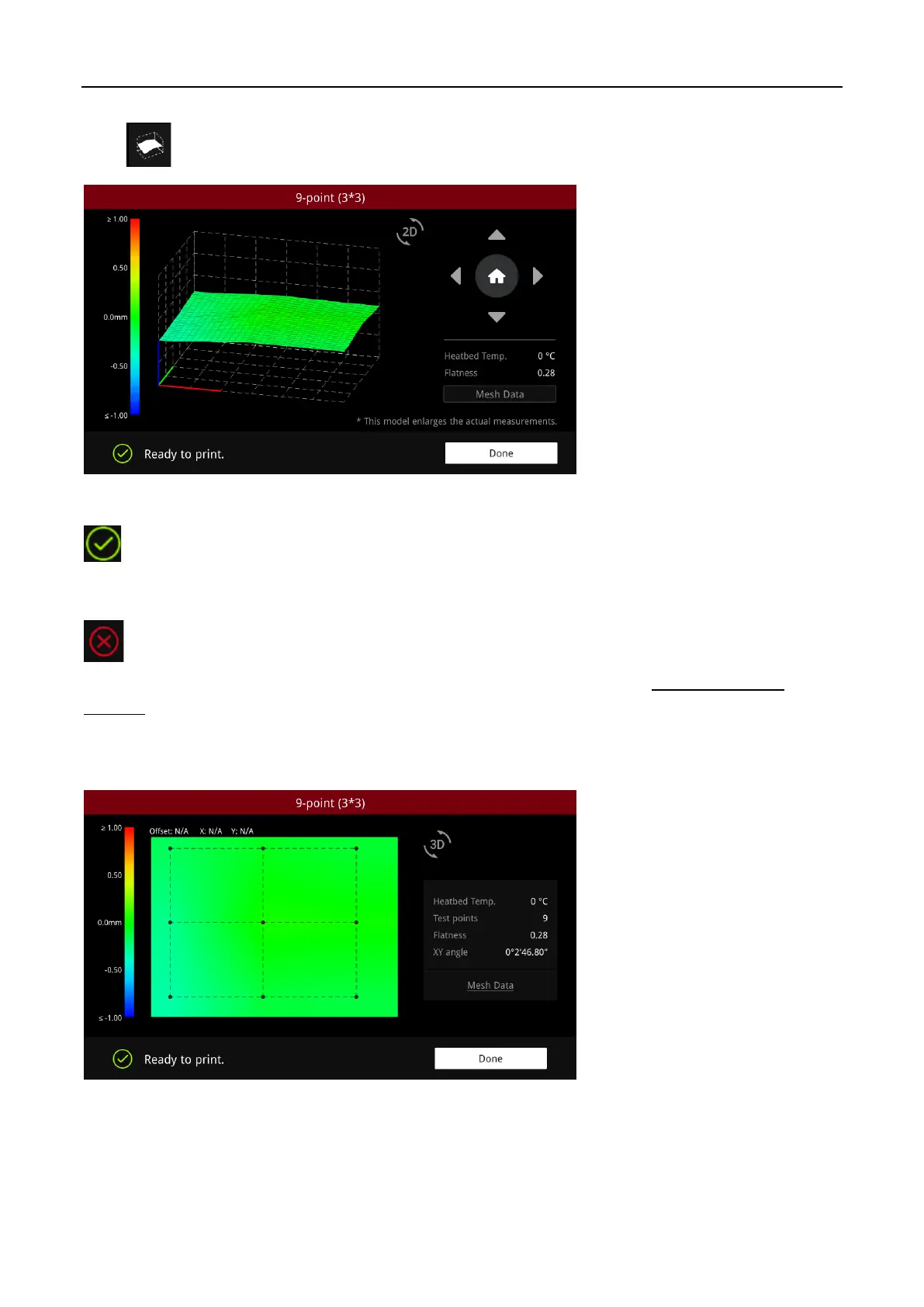
Click to see the levelling results.
Leveling Results (3D)
indicates that the flatness of the heat bed is in the normal range and the printer can print
directly.
indicates that the flatness of the hot bed exceeded the normal range, which is needed to be
manually leveled first. (you can perform manual levelling according to the file
How to Level the
Bed.pdf
)
Click on the “2D” icon to switch to flat view to view levelling results.
Click on the green area coordinates below to show the height difference at the coordinates.
Leveling Results (2D)



 To Next Page