RaiseTouch User Manual Date:03/03/2020
- 65 / 80 -
www.raise3d.com
Raise the Z-axis to a defined position after a print is completed: In this function, when a print is
completed, the Z axis will be raised to the specified position.
Z Probe Offset: Set the probe offset in the z direction.
2.2 Load
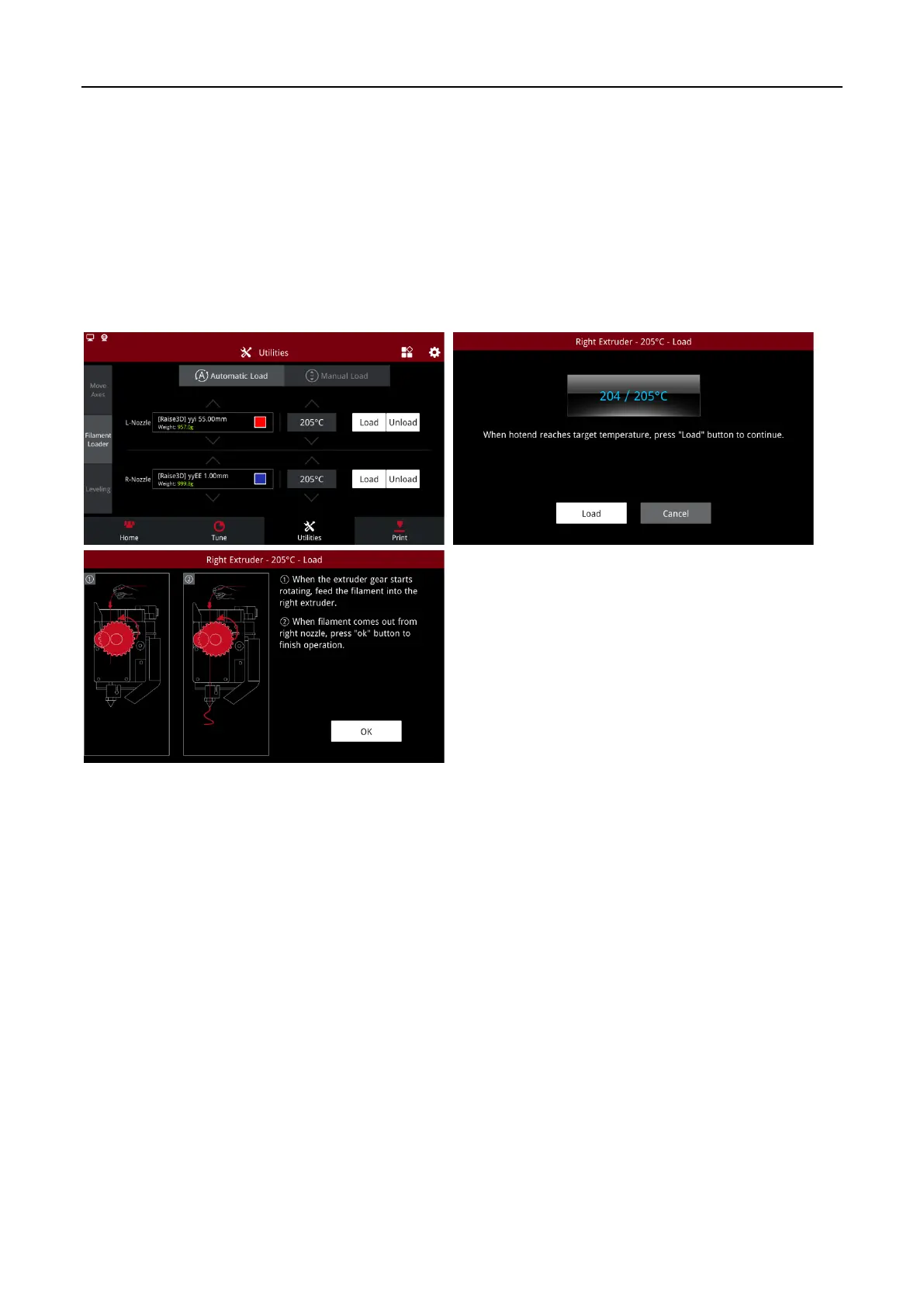
Before you print for the first time, please load the filaments. Taking the left nozzle as an example, click
“Load” on the “Utilities” page. When the target temperature is reached, click “Load”. Click “OK”.
Load



 To Next Page